Specifying the Maximum Use Count per User
Specifying the Default Maximum Use Count
Use the following procedure to specify the default maximum print volume. This setting can be made by
the user administrator.
1. Press the [User Tools/Counter] key.
2. Press [System Settings].
3. Press [Administrator Tools].
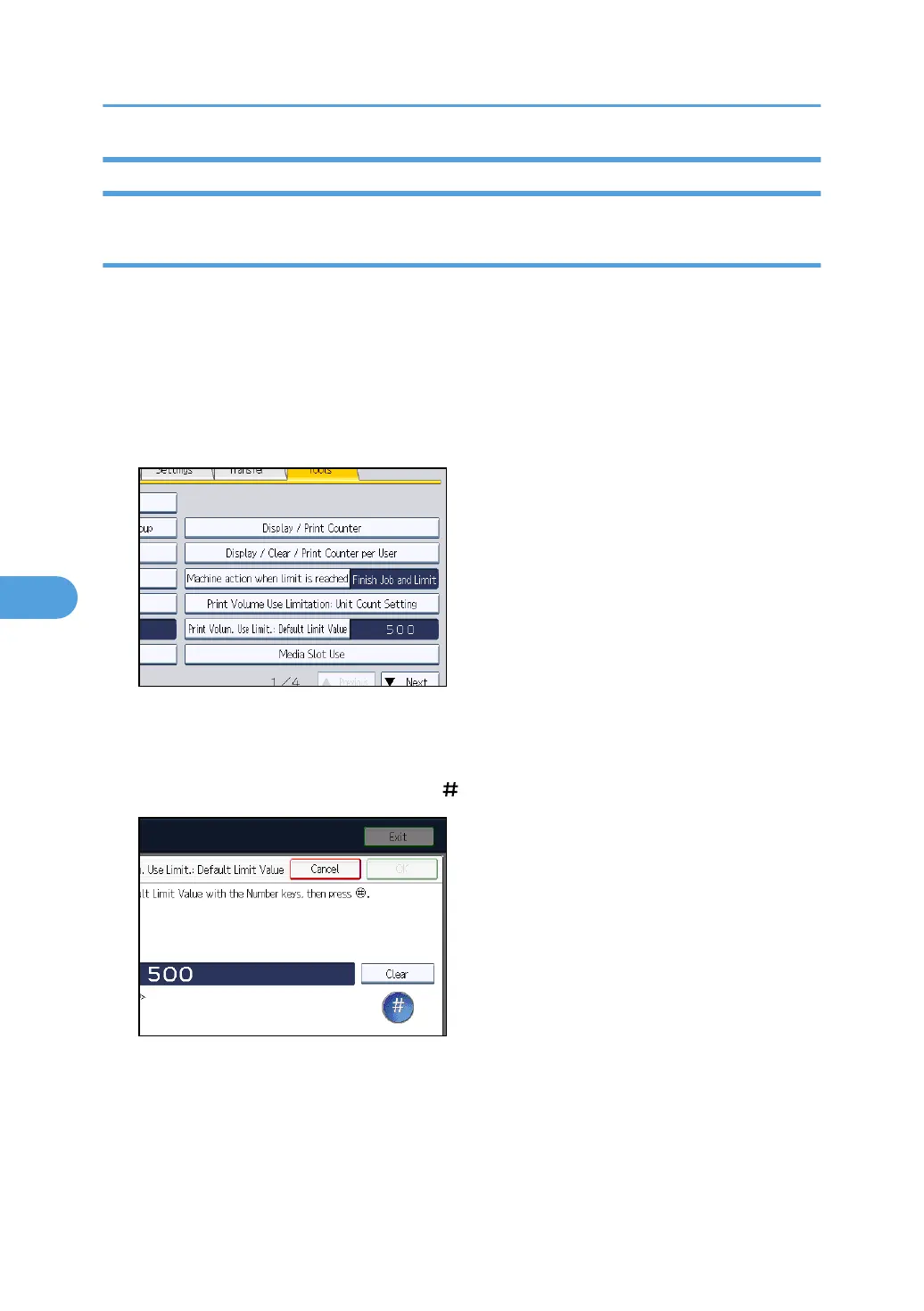
4. Press [Print Volum. Use Limit.: Default Limit Value].
[Print Volum. Use Limit.: Default Limit Value] does not appear if you have selected [Allow Continue
Use] in "Machine action when limit is reached".
5. use the number keys to enter a value between "0" and "999,999" as the maximum
available print volume, and then press [ ].
6. Press [OK].
7. Press the [Login/Logout] key.
8. Press [Yes].
6. Managing Access to the Machine
166



 To Next Page