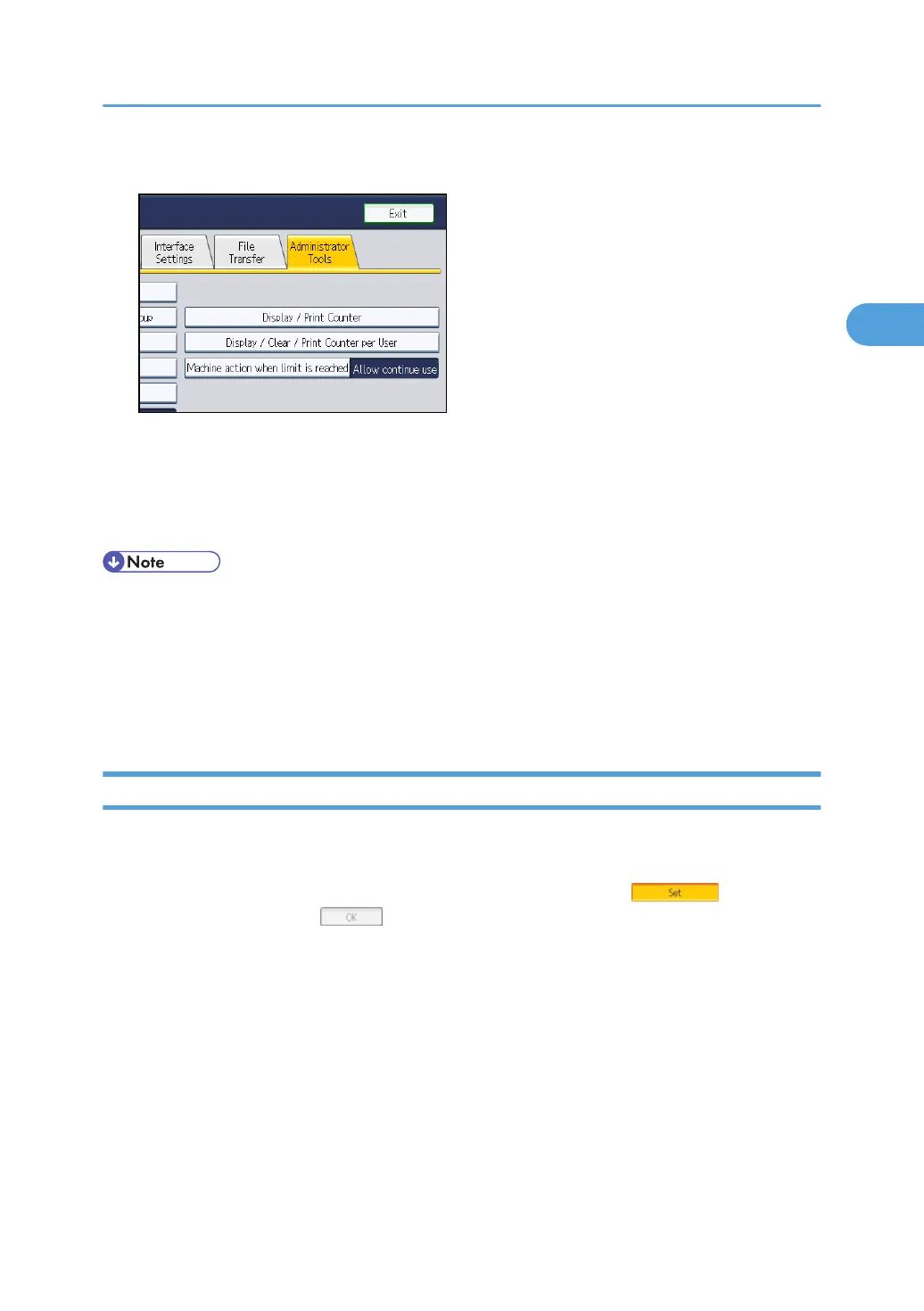
2. Press the [Administrator Tools] tab.
3. Press [Address Book Management].
4. Press [New Program], and then enter necessary information.
You can register the e-mail address in groups.
5. Press [Exit] twice.
• For details about registering the address of a destination folder in the address book, see
"Registering Folders", Network and System Settings Reference.
•
You can register entries in the address book using Web Image Monitor. For details about how to
display Web Image Monitor, see "Monitoring and Configuring the Machine", Network and
System Settings Reference. For details about registering addresses in the address book, see Web
Image Monitor Help.
Scan to Folder Screen
This section describes the screen layout when sending scan files by Scan to Folder.
The function items displayed serve as selector keys. You can select or specify an item by pressing it.
When you select or specify an item on the display panel, it is highlighted like . Keys that
cannot be selected appear like .
Before Sending Files by Scan to Folder
63



 To Next Page