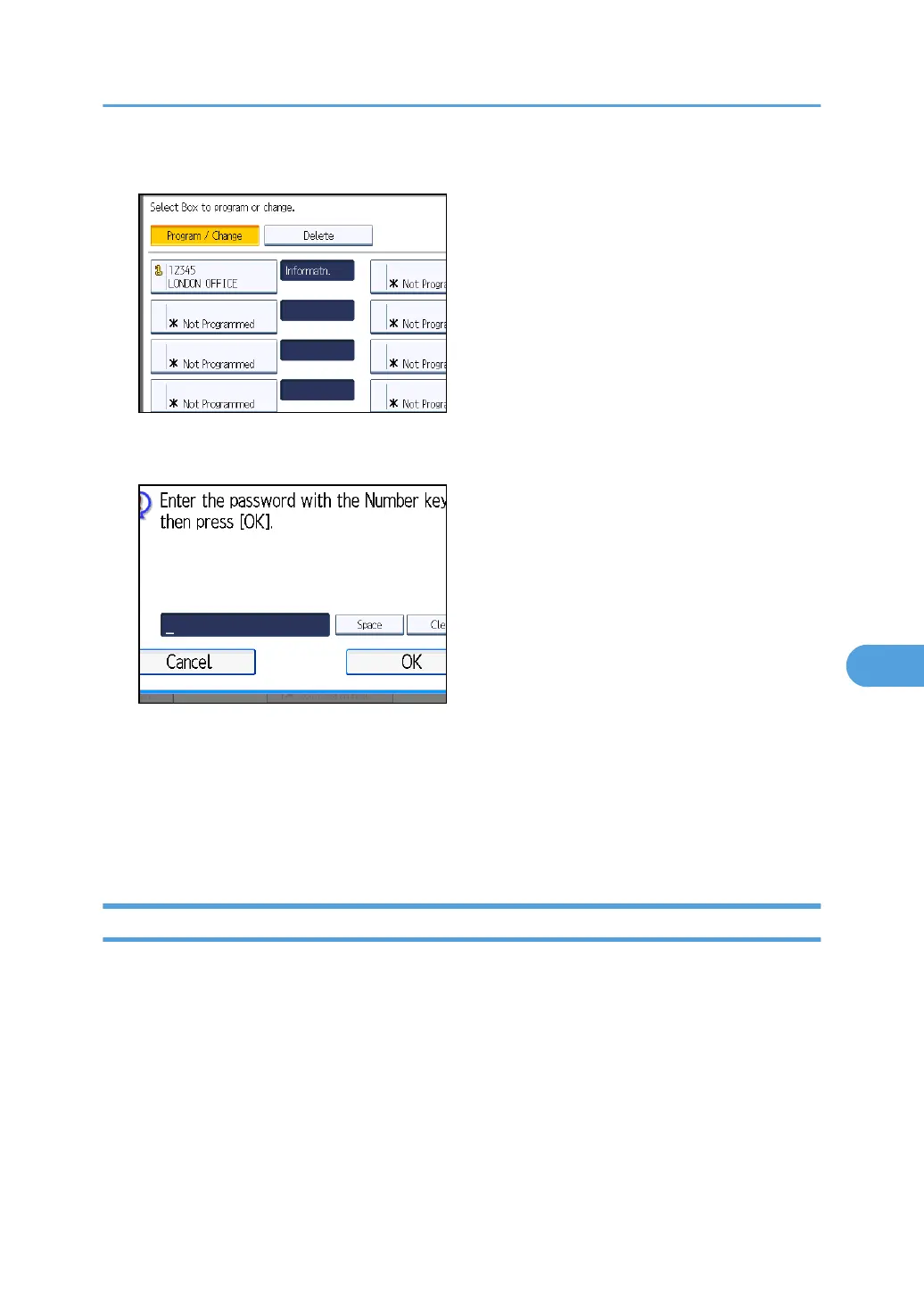
4. Press [Delete], and then select the box you want to delete.
5. If the password is programmed, enter a password using the number keys, and then press
[OK].
If you make a mistake, press [Clear], and then try again.
6. Press [Delete].
To cancel deleting a box, press [Do not Delete]. The display returns to that of step 4.
7. Press [Exit].
8. Press the [User Tools/Counter] key.
Programming/Changing Transfer Boxes
This section describes how to set up a Transfer Box.
This function turns the machine into a fax relay station. Documents sent with a SUB Code that matches
the SUB Code programmed as a Transfer Box are received, and then relayed to a programmed
receiver.
Since documents can be sent to multiple destinations in a single transfer request, you can economize on
call charges when sending to distant destinations.
Box Settings
421



 To Next Page