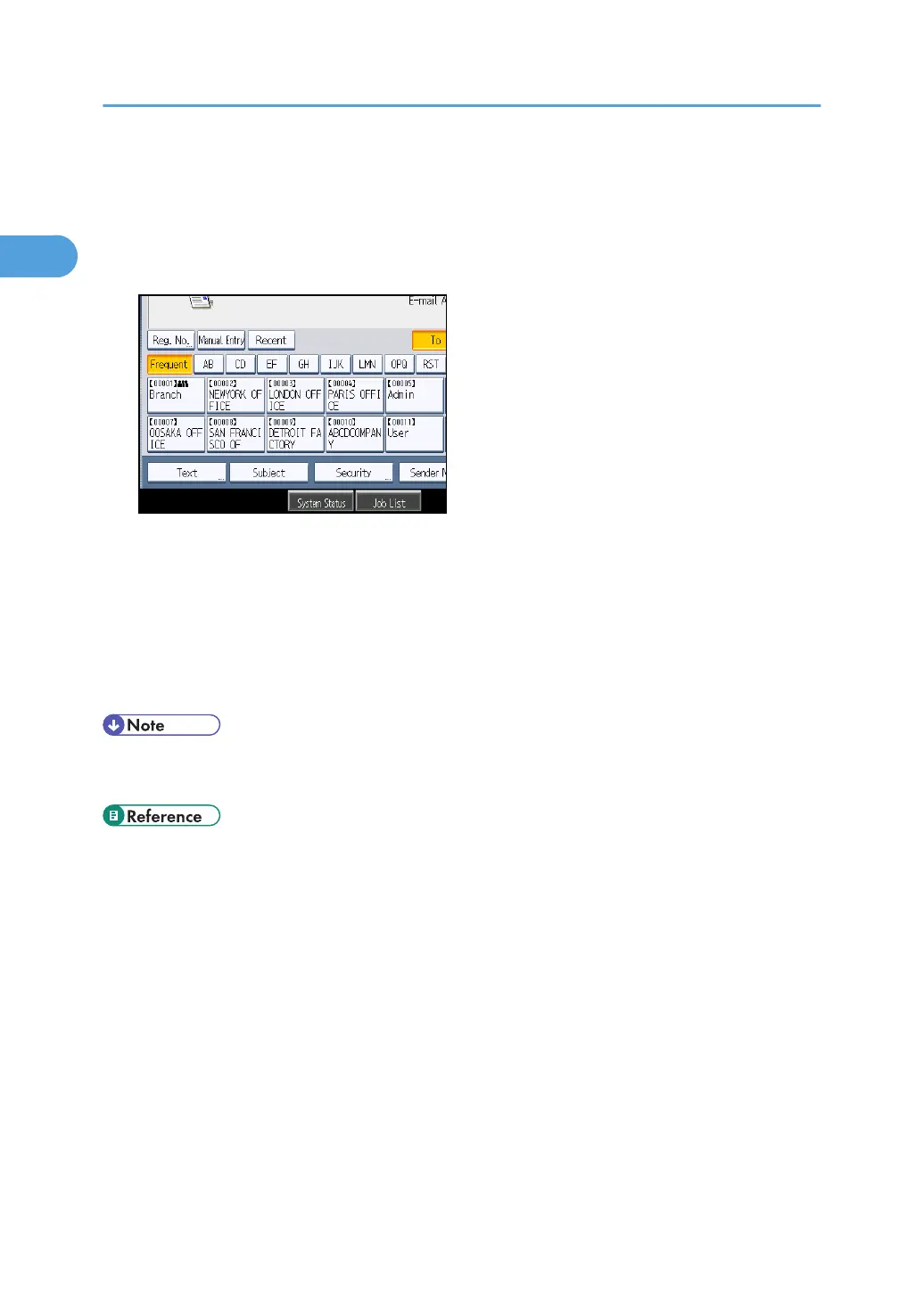
Entering the E-mail Subject
When sending a scan file by e-mail, you can enter a subject line for the e-mail.
1. Press [Subject].
2. Enter the subject.
To enter characters, press [Text Entry].
To enter symbols, press [Symbol Entry].
To add predefined User Text registered on this machine, press [User Text].
For details about entering the text, see "Entering Text", About This Machine.
3. Press [OK].
• If you do not specify the e-mail subject, the settings specified in [Default E-mail Subject] on the
[Send Settings] tab under [Scanner Features] will be applied. For details, see "Send Settings".
• p.205 "Send Settings"
1. Sending Scan Files by E-mail
46



 To Next Page