manufacturer shall not be liable to you for damages or loss of any data produced by using this
function.
About file formats
•
JPEG files
• Exif version 1.0 or later JPEG files are compatible with this function.
• TIFF files
• Following types of TIFF files are compatible with this function: uncompressed TIFF files, or
TIFF files compressed using the MH, MR, or MMR method.
• PDF files
• This function is possible for genuine Adobe PDF files only.
• PDF files whose PDF version is 1.7 (Acrobat 8.0 compatible) or earlier can be printed.
• PDF files created using PDF version 1.5 Crypt Filter functions or more than eight DeviceN
Color Space components cannot be printed.
• PDF files created using PDF version 1.6 watermark note functions, or extended optional
contents cannot be printed.
• AcroForm is a function specific to PDF version 1.7 and is not supported.
• Large PDF files might not be printable using the PDF direct print function.
• If print jobs through PDF direct printing are being canceled, print using the printer driver
from a PDF viewer such as Adobe Reader.
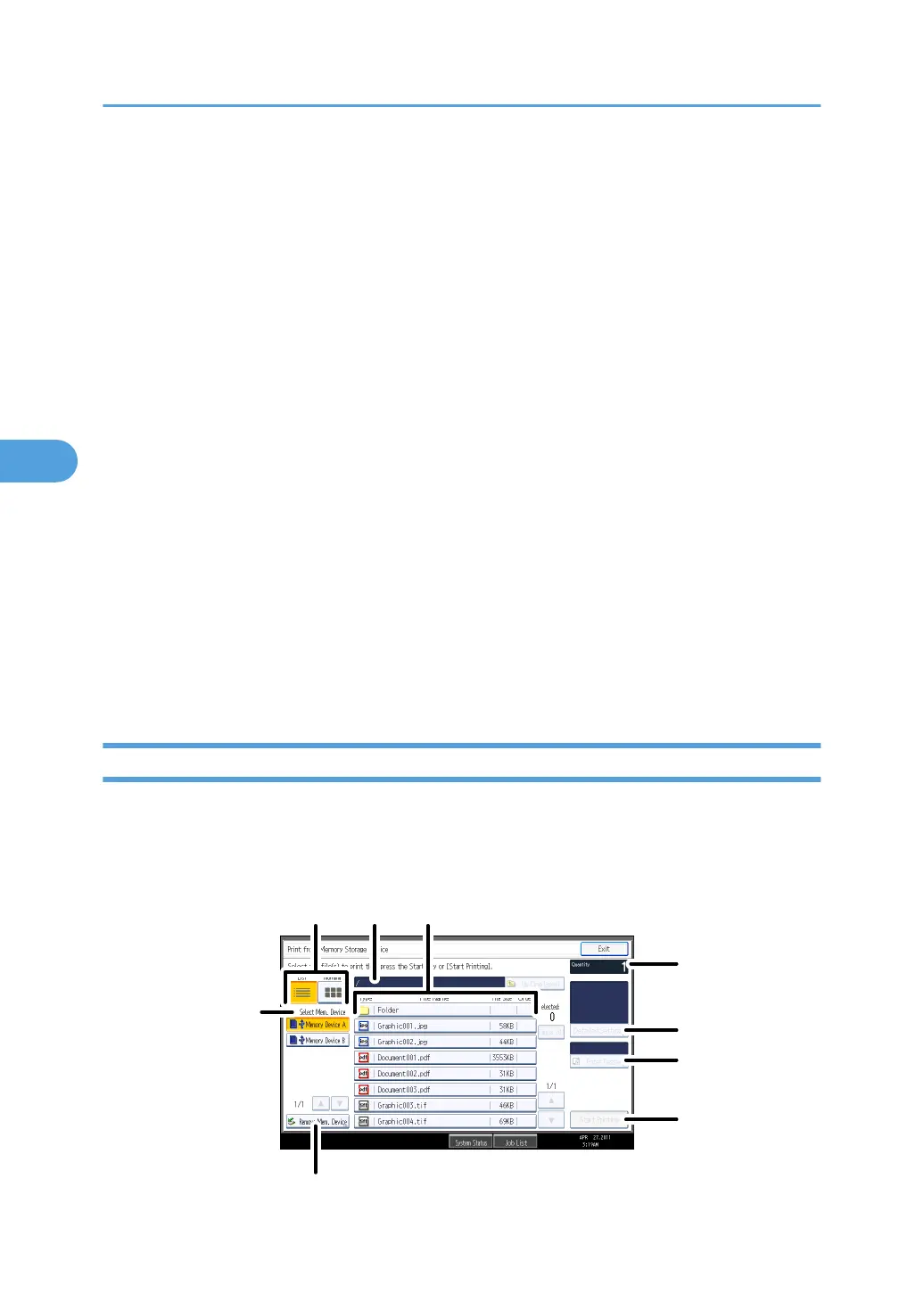
Screen for Direct Printing
This section explains the elements and icons that appear on the screen for direct printing.
To display this screen, press the [Printer] key, and then press [Print from Memory Storage Device].
You can view files either as a list or as thumbnails.
4. Printing Files from an External Memory Device
138



 To Next Page