On Hook Dial
The On Hook Dial function allows you to dial while listening to the tone from the internal speaker.
You can send a fax checking the connection.
• This function is not available for the extra G3 line, Internet Fax, IP-Fax, and transmission to e-mail/
folder destinations.
1. Place the original, and then select the scan settings you require.
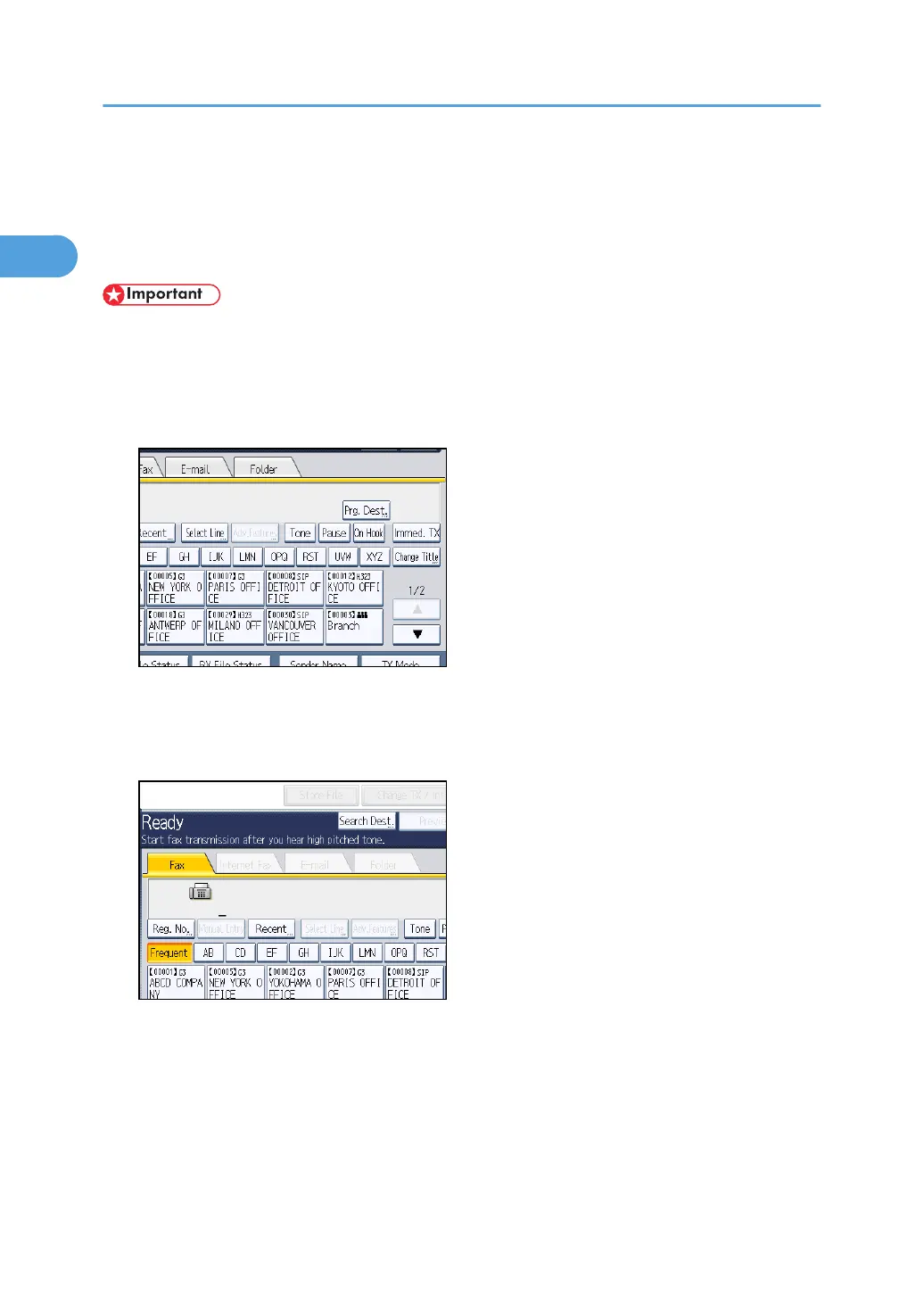
2. Press [On Hook].
You will hear a low tone from the internal speaker.
If you want to cancel this operation, press [On Hook] again.
3. Dial.
The machine immediately dials the destination.
If you make a mistake, press [On Hook] or the [Clear Modes] key, and then try again.
4. When the line is connected and you hear a high-pitched tone, press the [Start] key.
Transmission starts.
If you want to cancel a transmission, press the [Clear/Stop] key, and then remove the originals.
After transmission, the standby display appears.
1. Transmission
146



 To Next Page