Programming an End Receiver
• One end receiver can be registered for each special sender. To register two or more end receivers,
use group destination. However, a maximum of 498 destinations can be specified in a group.
1. Press [Facsimile Features].
2. Press [Reception Settings].
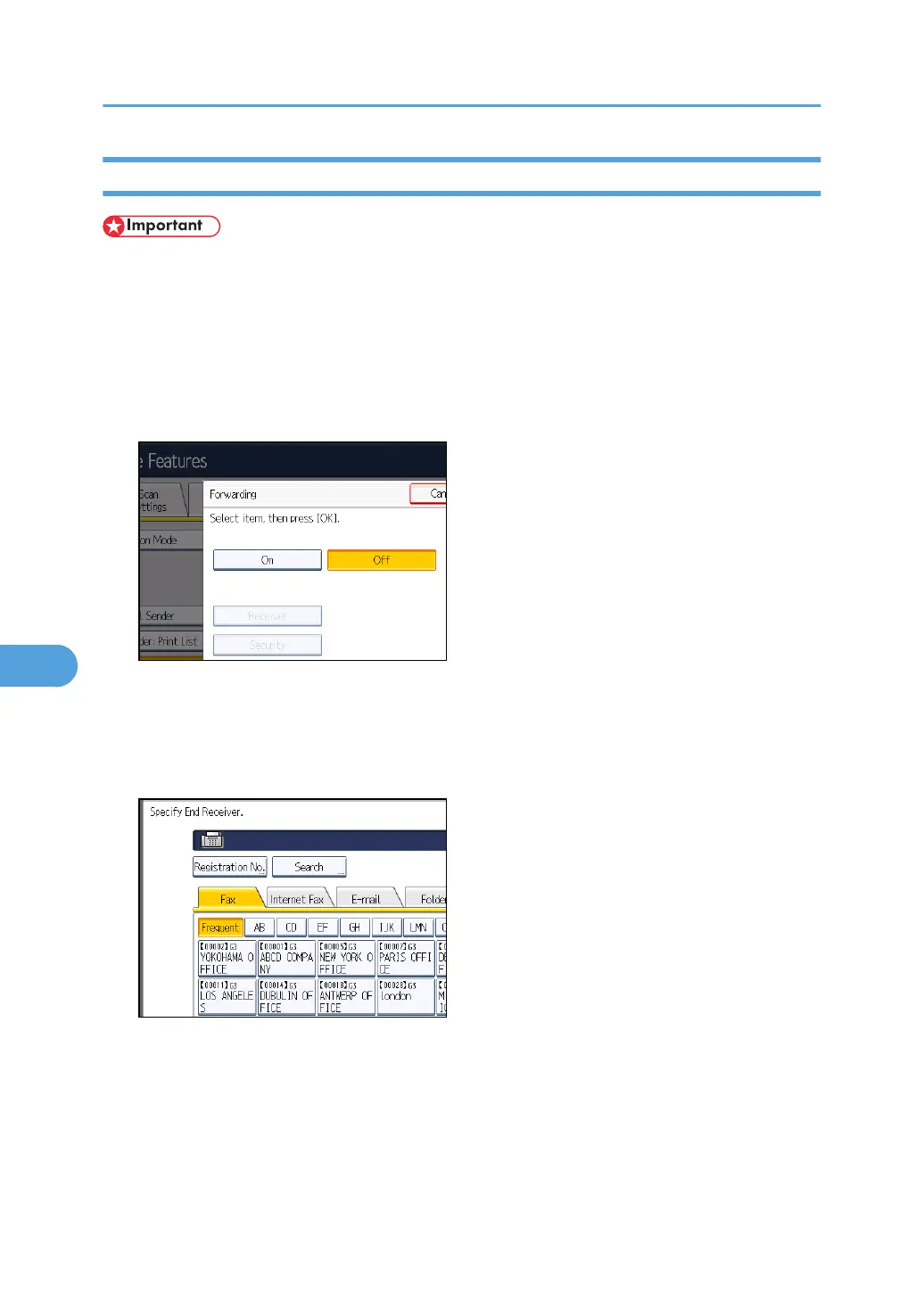
3. Press [Forwarding].
4. Press [On].
If there is an End Receiver already programmed, a receiver name is shown. If you want to change
the receiver, press [Receiver] and proceed to step 5.
To cancel Forwarding, press [Off] and proceed to step 9.
5. Specify an End Receiver using the destination list, and then press [OK].
Press the transmission type tab to switch the destination between fax number, Internet Fax
destination, e-mail address, and folder destination.
IP-Fax destination appears in the fax destination list.
Set an e-mail destination in Address Book Management under Administrator Tools in the System
Settings menu. See “E-mail Destination”, Network and System Settings Reference.
7. Facsimile Features
370



 To Next Page