Resending a File
Machine memory stores documents that could not be successfully transmitted using Memory
Transmission. Use this procedure to resend these documents.
• Set “Store documents in memory that could not be transmitted” to “On” in User Parameter (switch
24, bit 0) in the Facsimile Features menu.
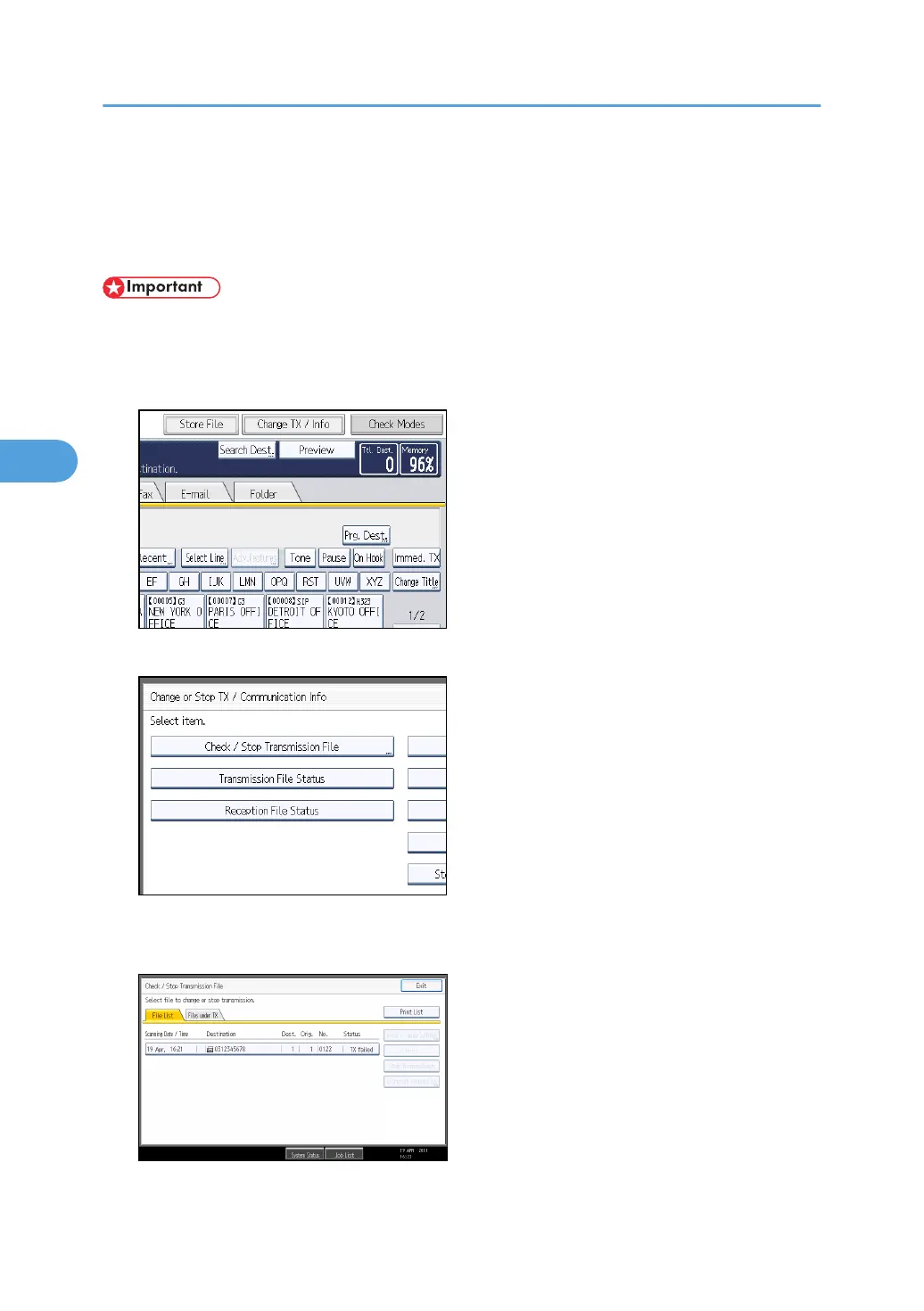
1. Press [Change TX / Info].
2. Press [Check / Stop Transmission File].
3. Select the file you want to resend.
"TX failed" is displayed for files that could not be sent.
4. Changing/Confirming Communication Information
256



 To Next Page