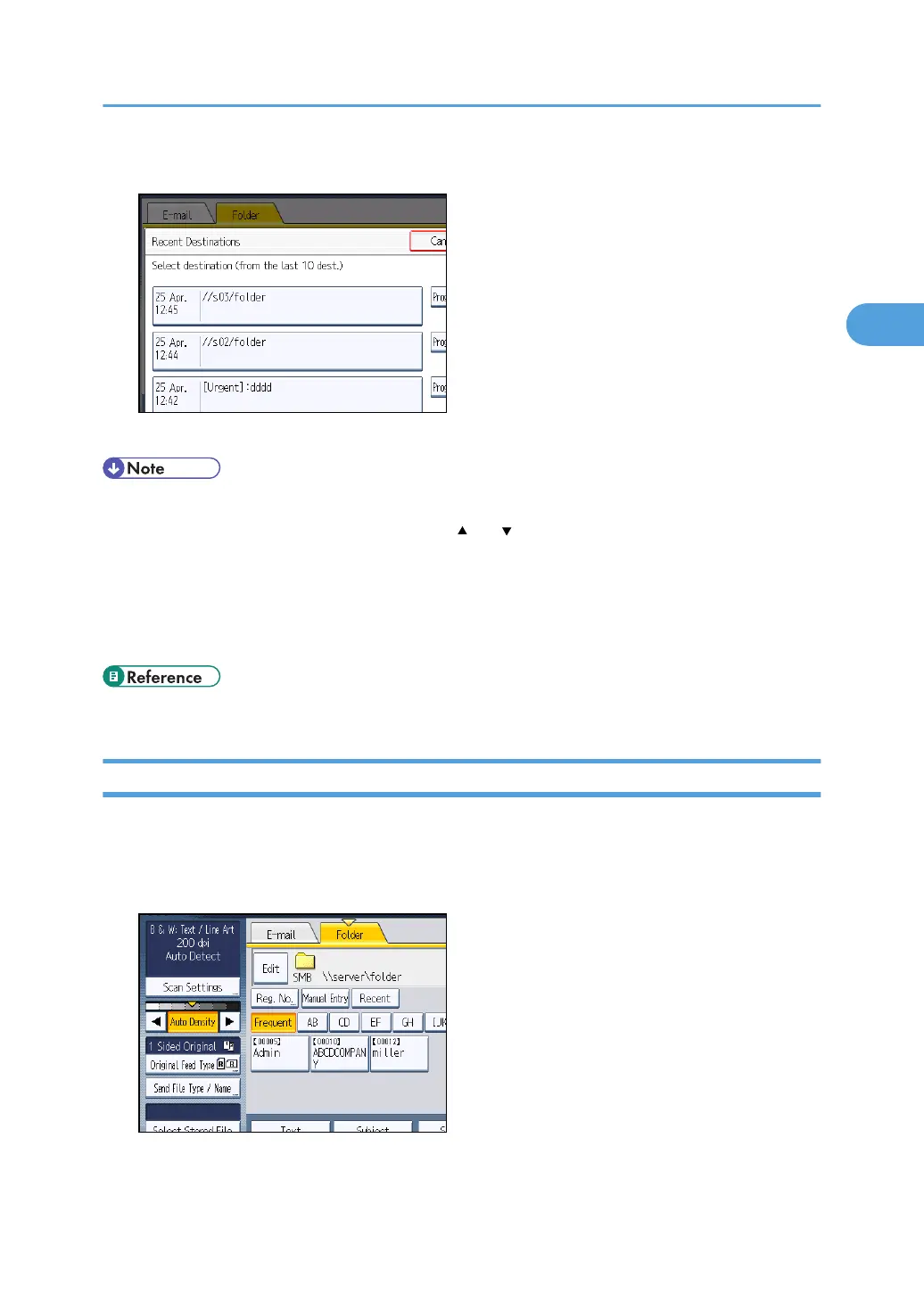
2. Select a destination.
3. Press [OK].
• Depending on the security settings, [Recent] may not be displayed.
•
If there are multiple recent destinations, press [
] or [ ] to scroll through them.
•
The 10 most recent destinations are displayed. Destinations are deleted in chronological order,
oldest first.
• You can register the folder paths of recent destinations to the machine's address book. For details,
see "Registering the Path to a Recent Destination in the Address Book".
• p.84 "Registering the Path to a Recent Destination in the Address Book"
Registering the Path to the Selected Destination in the Address Book
This section explains how to register folder paths you have entered manually or specified by browsing
the network to the machine's address book.
1. In the destination field, display the destination you want to register.
Specifying Scan to Folder Destinations
83



 To Next Page