Entering the E-mail Message
This section explains how to enter the e-mail message.
The message can be created in the following ways:
•
Select the registered e-mail message from the list
• Enter the message directly
• The messages that can be selected from the list must be registered in [System Settings] in advance.
For details, see "File Transfer", Network and System Settings Reference.
• Through Web Image Monitor settings, you can attach a signature that includes sender information,
such as company information, to all e-mail messages. For details about the settings, see Web
Image Monitor Help.
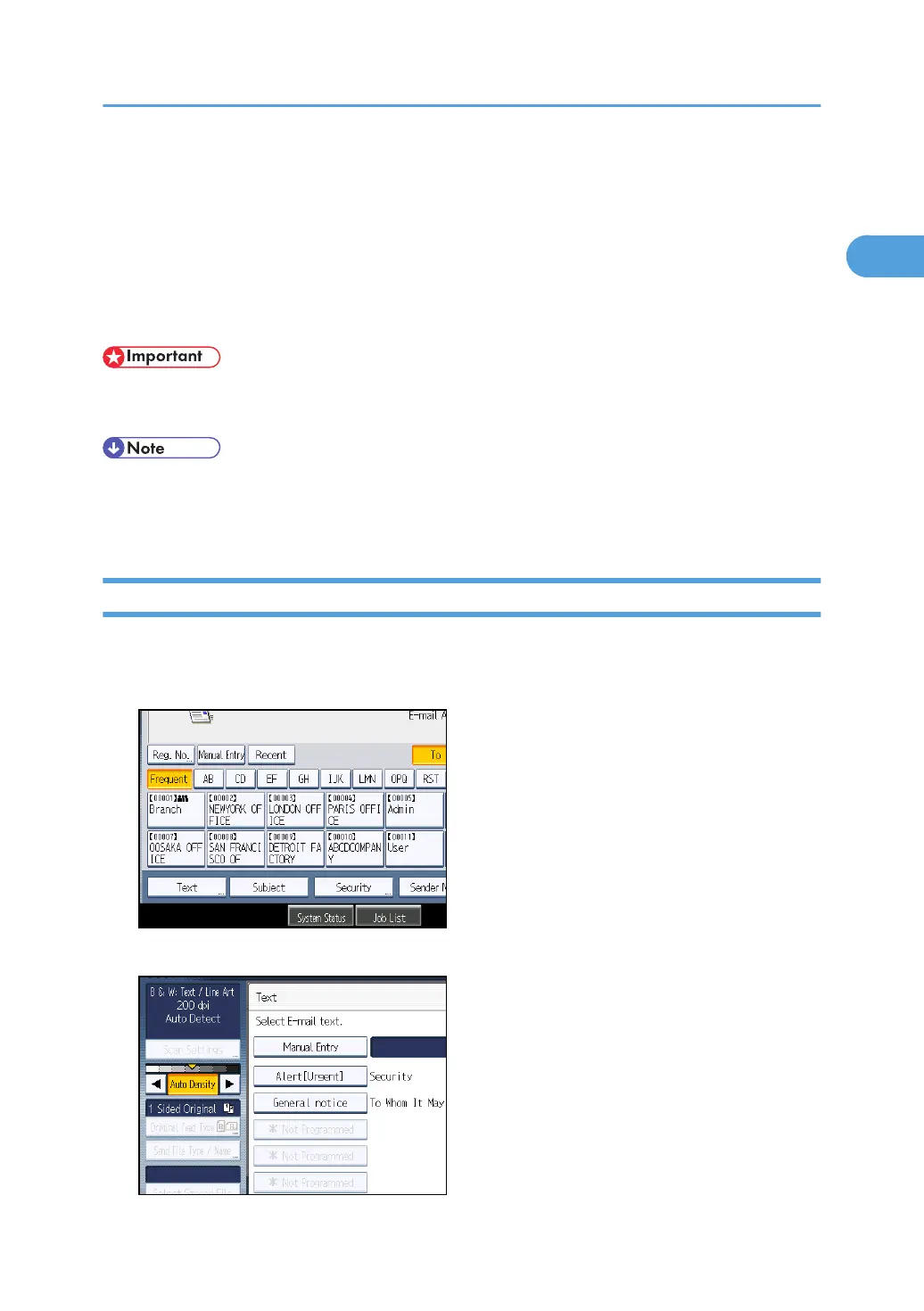
Selecting a Message from the List
You can select a message from the list.
1. Press [Text].
2. Select a message.
Entering the E-mail Message
47



 To Next Page