Divide
This section explains settings for dividing multiple originals by a specified number of pages and then
sending them.
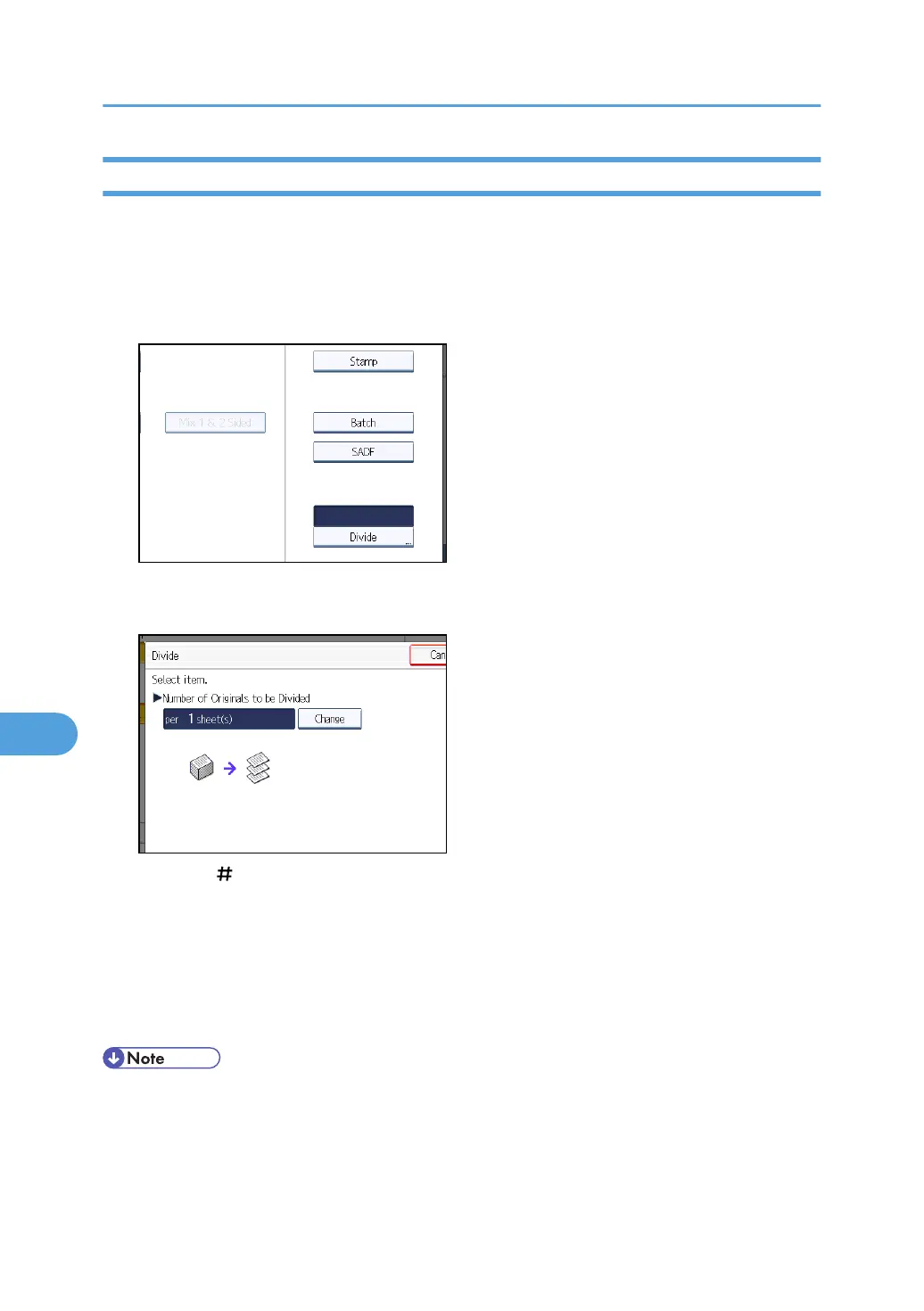
1. Press [Original Feed Type].
2. Press [Divide].
3. Press [Change], and then use the number keys to enter the number of pages you want to
divide the job into sets of.
4. Press the [ ] key.
5. If necessary, press [Division Check].
When you select [Division Check], if the originals were not scanned in order due to a paper jam or
multi-sheet feed, a screen for stopping or continuing scanning appears at the end of the scan.
6. Press [OK] twice.
The current settings are displayed.
• You can select [Divide] and [Mix 1 & 2 Sided] at the same time. However, the function selected
last has priority.
8. Various Scan Settings
180



 To Next Page