Setting an Internet Fax/E-mail Destination as a
BCC
E-mail is sent to all specified Internet Fax or e-mail destinations as bcc.
1. Place the original, and then select the scan settings you require.
2. Specify the sender.
For details, see “Sender Settings”.
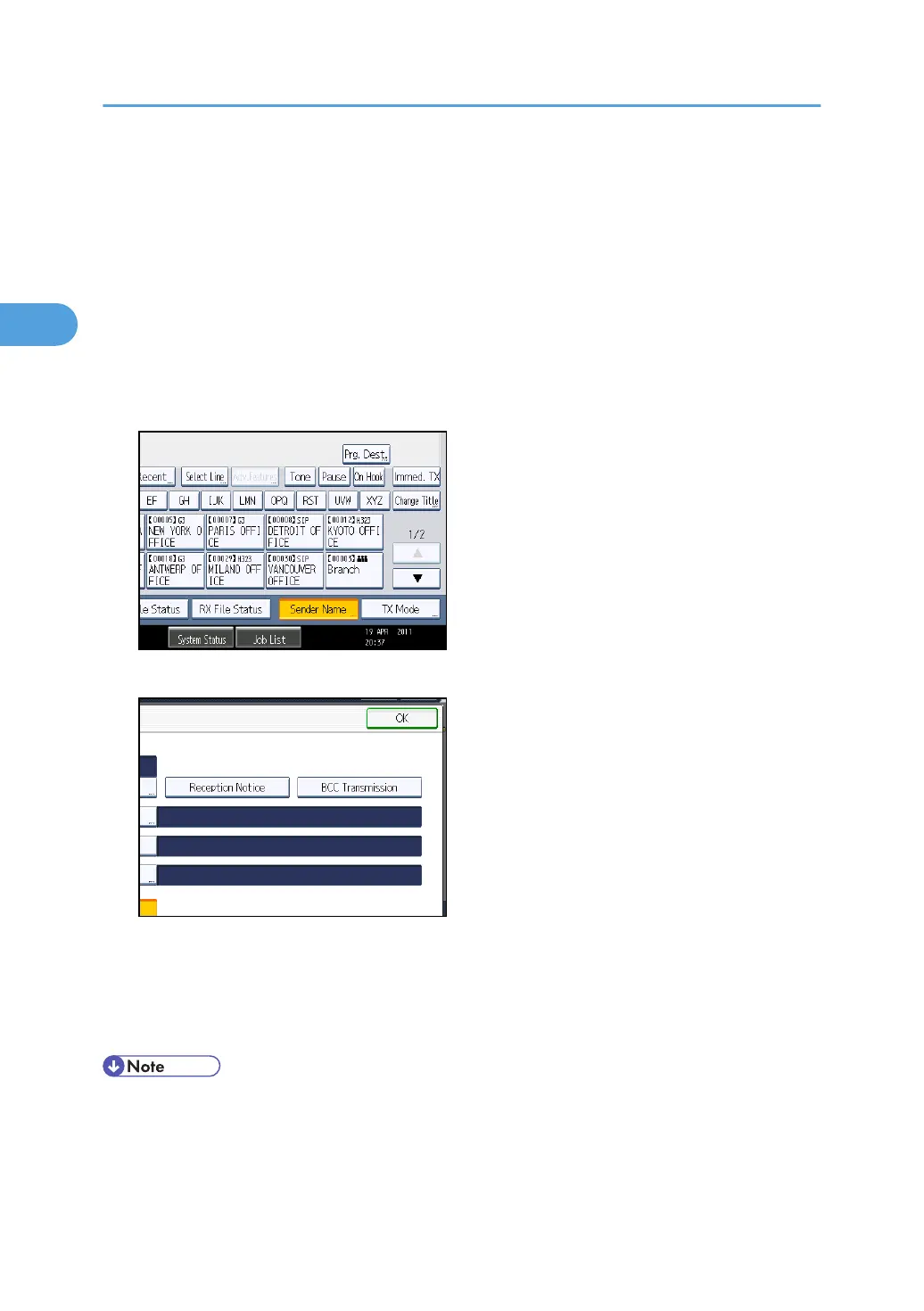
3. Press [TX Mode].
4. Press [BCC Transmission] to highlight it.
5. Press [OK].
The standby display appears.
To check the settings, press [TX Mode].
6. Specify a destination, and then press the [Start] key.
• You can program one of the Quick Operation keys with operations for this function. Using the
Quick Operation Key allows you to omit steps 3 and 5. For details about Quick Operation Key,
see “General Settings”.
2. Other Transmission Features
180



 To Next Page