Changing the Default Functions of the Fax's
Initial Display
You can specify the default values of document transmission function settings.
“Default” refers to the value of a setting on the initial display when the machine is first turned on or when
modes are cleared.
The following procedure allows you to specify the default values only of settings that can be changed
from the initial display.
You can specify default values for the following settings:
Memory Transmission/Immediate Transmission, transmission type, Original Type, Resolution, Scan Size,
Mixed Original Sizes, Auto Density, Manual Density, Original Orientation, Original Settings, Stamp,
Select Line, Send Later, Reception Notice, BCC Transmission, E-mail TX Results, Text, Standard
Message, Auto Reduce, Label Insertion, Closed Network, SUB Code Transmission, SEP Code
Reception, Fax Header Print, TX Status Report, Store File, File Type, Preview before transmission
1. On the initial display, configure a setting with the default value you want to specify.
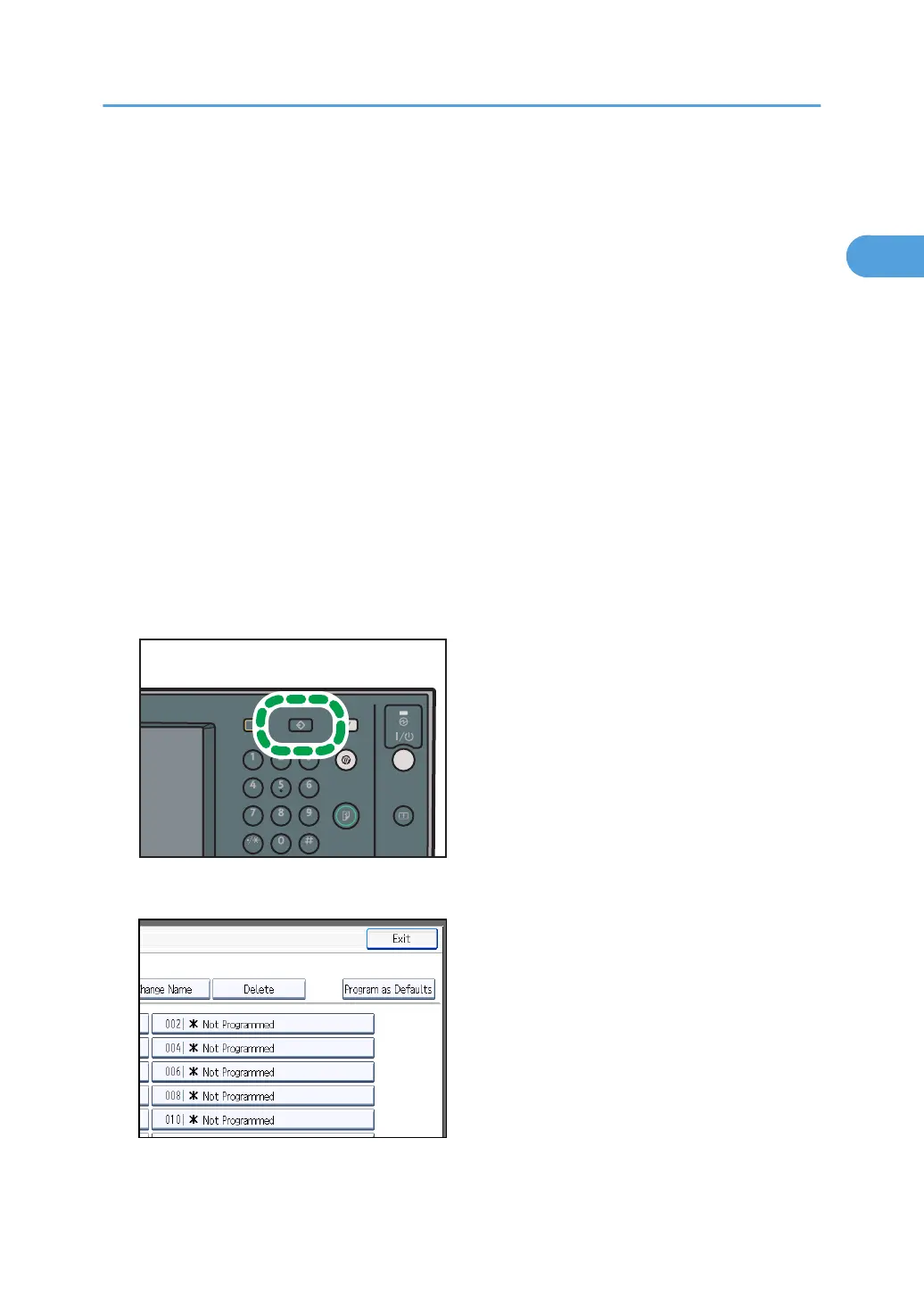
2. Press the [Program] key.
3. Press [Program as Defaults].
4. Press [Program].
Changing the Default Functions of the Fax's Initial Display
171



 To Next Page