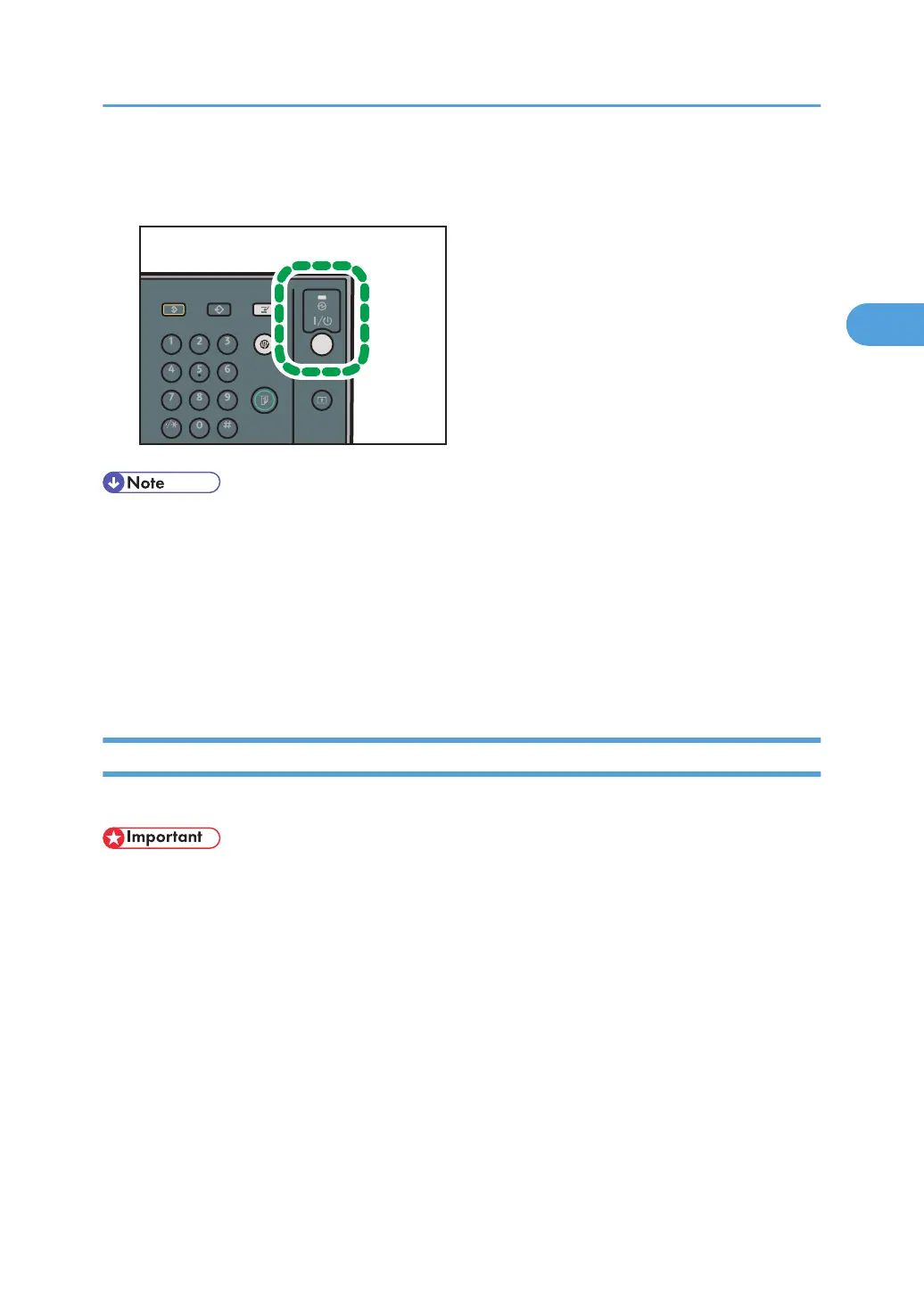
2. Press the operation switch.
The operation switch indicator goes off.
• Even if you press the operation switch, the operation switch indicator does not go out, but blinks in
the following cases:
•
During communication with external equipment.
• When the hard disk is active.
• When the internal cooling fan is active.
• If a file is waiting to be transmitted within the next minute using the “Send Later” facsimile
function.
Turning Off the Main Power
This section explains how to turn off the main power.
• Do not turn off the main power switch when the operation switch indicator is lit or blinking. Doing so
may result in damage to the hard disk or memory.
•
Make sure to turn off the main power switch before pulling out the power plug. Not doing so may
result in damage to the hard disk or memory, leading to malfunctions.
• After turning the machine's power off, wait at least a few seconds before turning it back on. If the
message “Turn main Power Switch off” appears, turn the machine's power off, wait three seconds
or more, and then turn it back on again. Never turn the power back on immediately after turning it
off.
1. Make sure the operation switch indicator is not lit.
2. Open the main power switch cover, and then turn off the main power switch.
The main power indicator goes out.
Turning On/Off the Power
51



 To Next Page