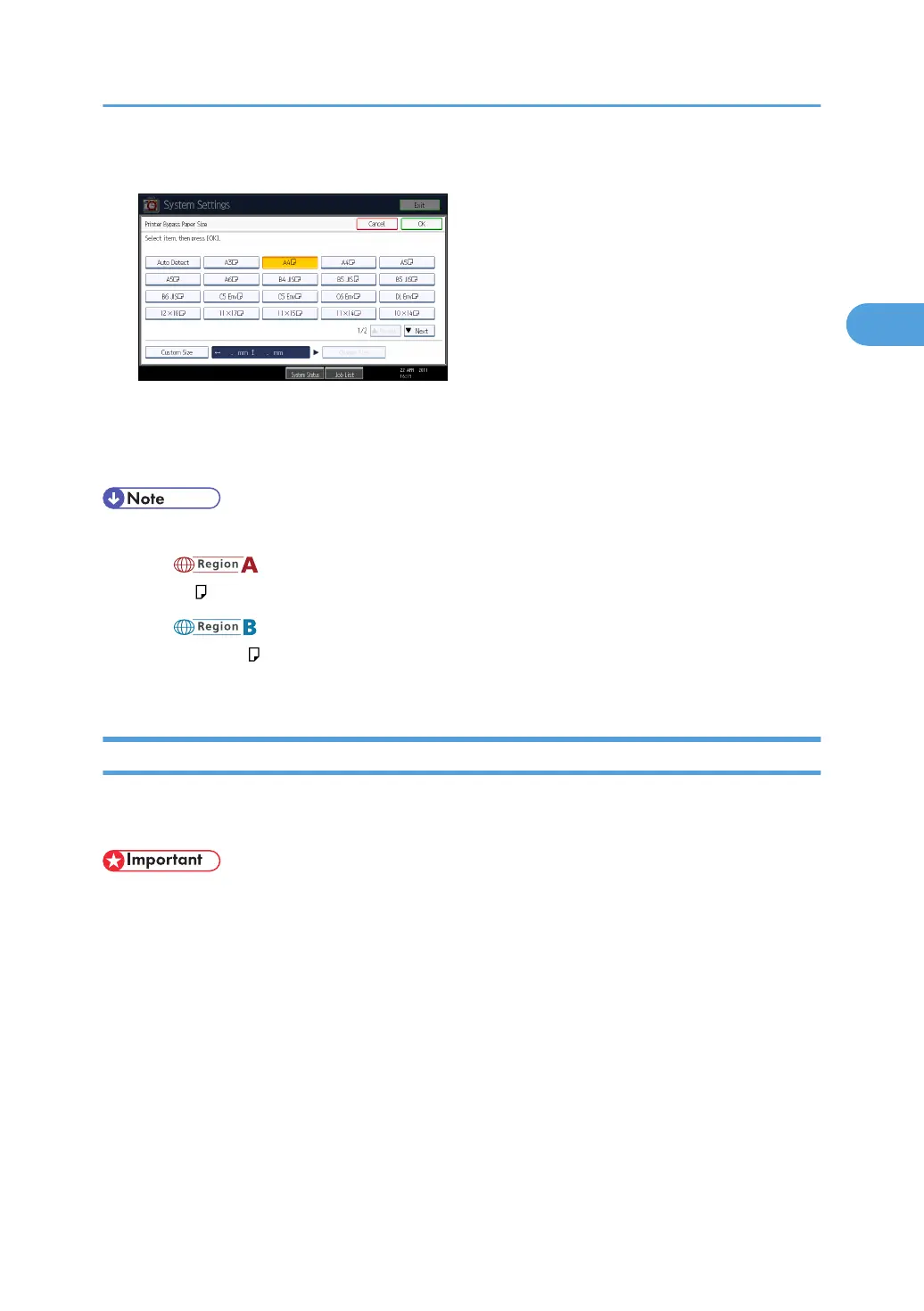
5. Select the paper size.
6. Press [OK].
7. Press the [User Tools/Counter] key.
The initial screen appears.
• The default paper size for the bypass tray is as follows:
• (mainly Europe and Asia)
A4
• (mainly North America)
8
1
/
2
× 11
• For details about setting printer drivers, see the printer driver Help.
Setting Custom Size Paper Using the Control Panel
Follow the procedure below to set the machine using the control panel when loading custom size paper
onto the bypass tray.
• If you select [Machine Setting(s)] in [Bypass Tray] under [Tray Setting Priority] in [System] of [Printer
Features], the settings made using the control panel have priority over the printer driver settings. For
details about [System] settings, see "System".
Setting Paper on the Bypass Tray
57



 To Next Page