• p.51 "Folder Transmission"
•
p.161 "Canceling a Transmission"
• p.389 "Parameter Settings"
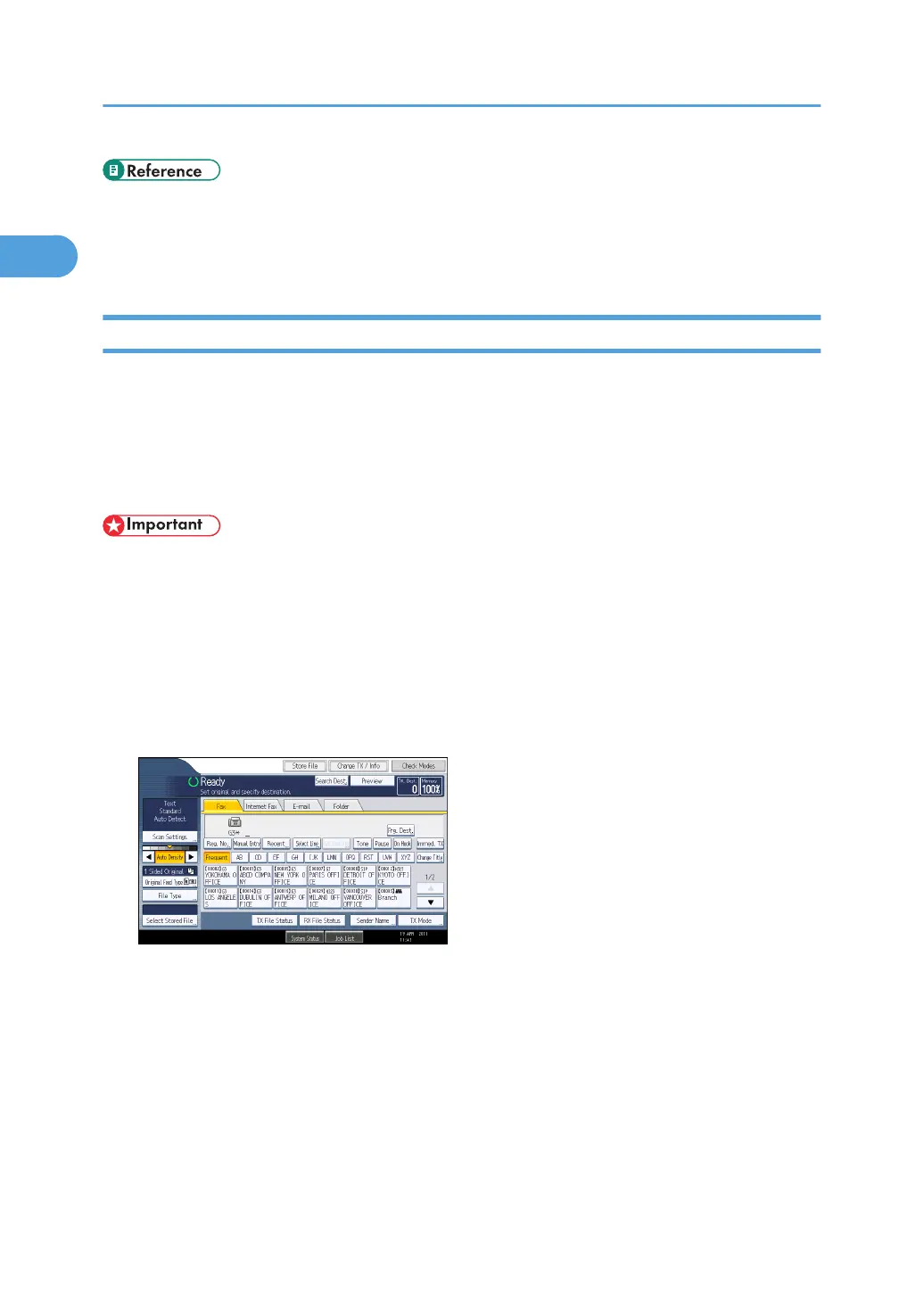
Using the Address Book to Specify Destinations
When destinations are programmed in a destination list, you can specify a destination by selecting a
Destination key from the destination list.
The programmed name appears on Destination key.
Press the transmission type tab to switch the transmission type between fax/IP-Fax, Internet Fax, e-mail,
and folder.
• In the destination list, program destinations in advance. For details about programming
destinations, see “Registering Addresses and Users for Facsimile/Scanner Functions”, Network
and System Settings Reference.
1. Press the transmission type tab to switch the transmission type to fax/IP-Fax, Internet
Fax, e-mail, or folder.
2. Press the title word key where the desired destination is programmed.
For example, if you want to specify “NewYork Office” programmed in “LMN”, press [LMN].
1. Transmission
110



 To Next Page