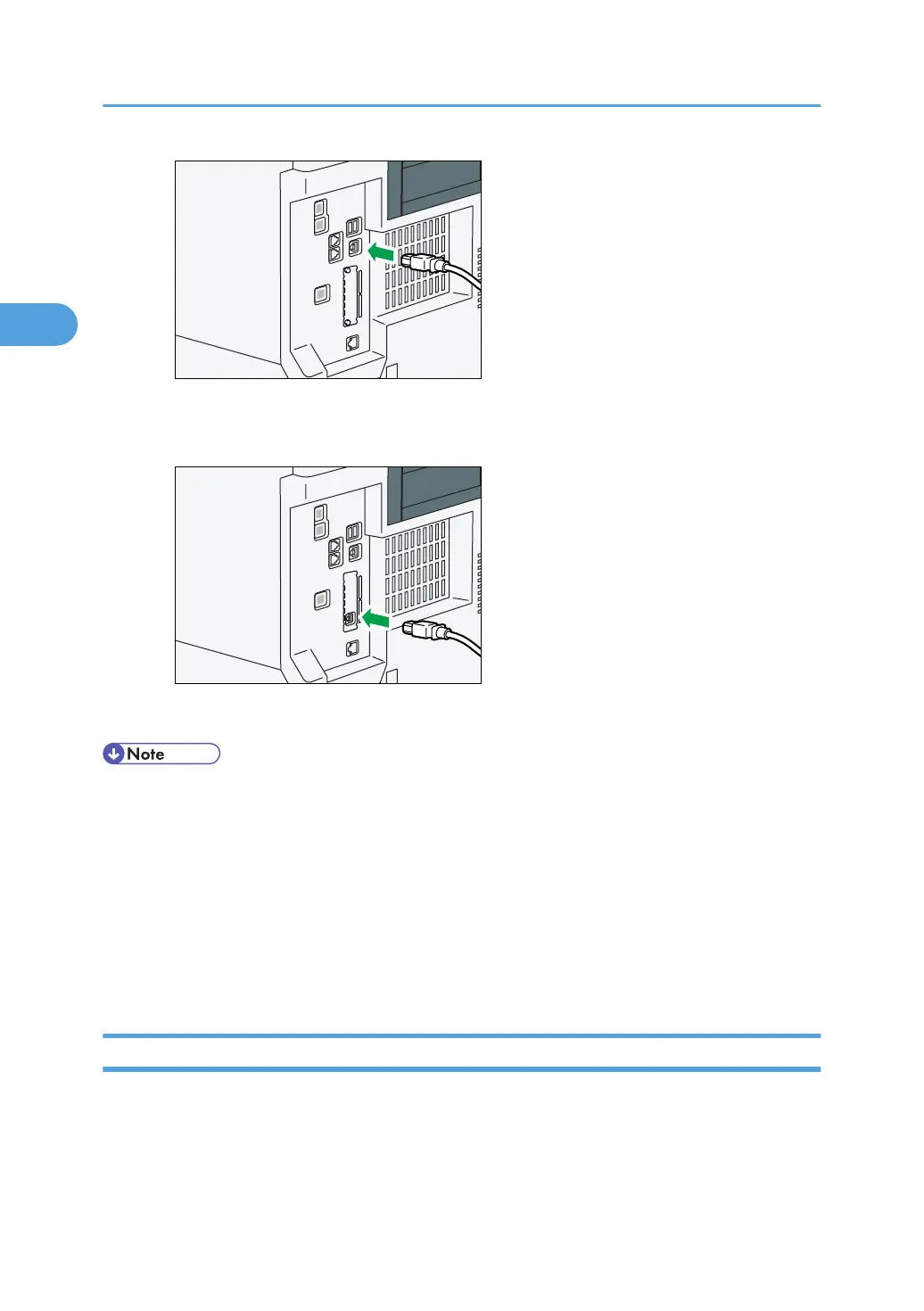
• When connecting the USB interface cable to the USB2.0 (Type B) port on the Gigabit Ethernet
board
2. Connect the other end to the USB2.0 port on the host computer.
• Use the following 5 meter (197 inch) cable which supports USB2.0 (Type B) interface.
•
This machine does not come with a USB interface cable. Make sure you purchase the appropriate
cable for the machine (connector shape) and your computer.
• The USB2.0 interface board is supported by Windows XP/Vista/7, Windows Server 2003/2003
R2/2008/2008 R2, Mac OS X 10.3.3 or higher.
• To use Macintosh, the machine must be equipped with the optional PostScript 3 unit. When
used with Mac OS X 10.3.3 or higher, a transfer speed of USB2.0 is supported.
• For details about installing the printer driver, see "Preparing the Machine", Printer Reference.
Connecting a Device to the Machine's USB Host Interface
This section explains how to connect a device to the machine's USB host interface.
2. Connecting the Machine
76



 To Next Page