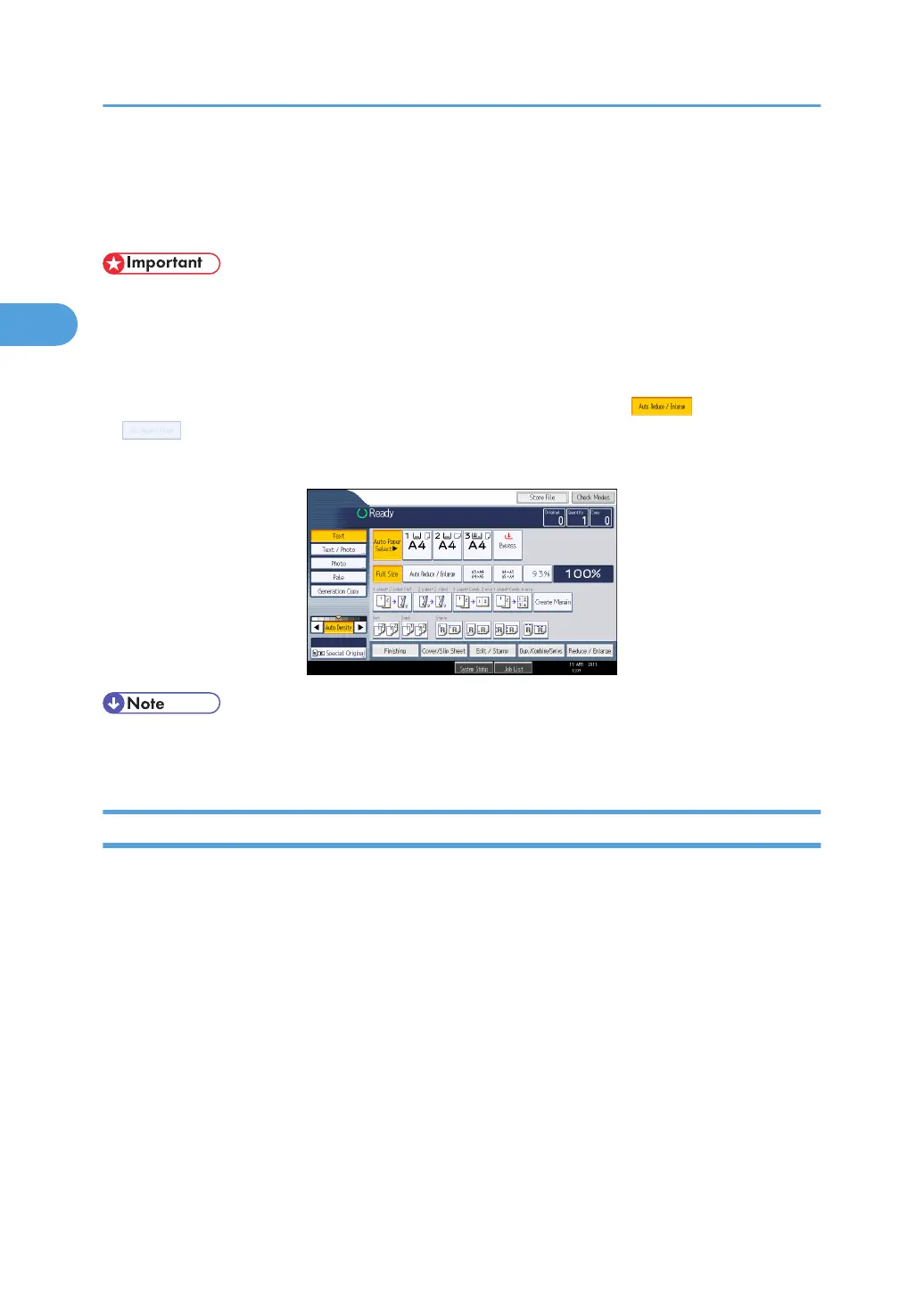
Display Panel
The display panel shows machine status, error messages, and function menus.
• Do not apply strong impact or force to the screen. Or it may be damaged. Maximum force
allowable is approx. 30N (approx. 3 kgf). (N = Newton, kgf = Kilogram force. 1 kgf = 9.8N.)
The function items displayed serve as selector keys. You can select or specify an item by lightly pressing
them.
When you select or specify an item on the display panel, it is highlighted like . Keys appearing
as cannot be used.
The copy display is set as the default screen when the machine is turned on.
• The display panels shown in this manual's illustrations are taken from a machine on which all
options are installed.
Simplified Display
This section explains how to switch to the simplified display.
When you press the [Simplified Display] key, the screen changes from the initial display to the simplified
display.
Letters and keys are displayed at a larger size, making operations easier.
2. Getting Started
40



 To Next Page