E-Mail Functions and Folder Transmission
This section explains e-mail and folder transmission.
E-Mail Functions
There are two methods of sending faxes from this machine using e-mail:
•
Internet Fax Transmission
• E-mail Transmission
To send a fax by Internet Fax, you must specify an Internet Fax destination.
To send a fax by e-mail, you must specify an E-mail destination.
In both transmission methods, the fax data is sent as a graphics file attached to e-mail. The format
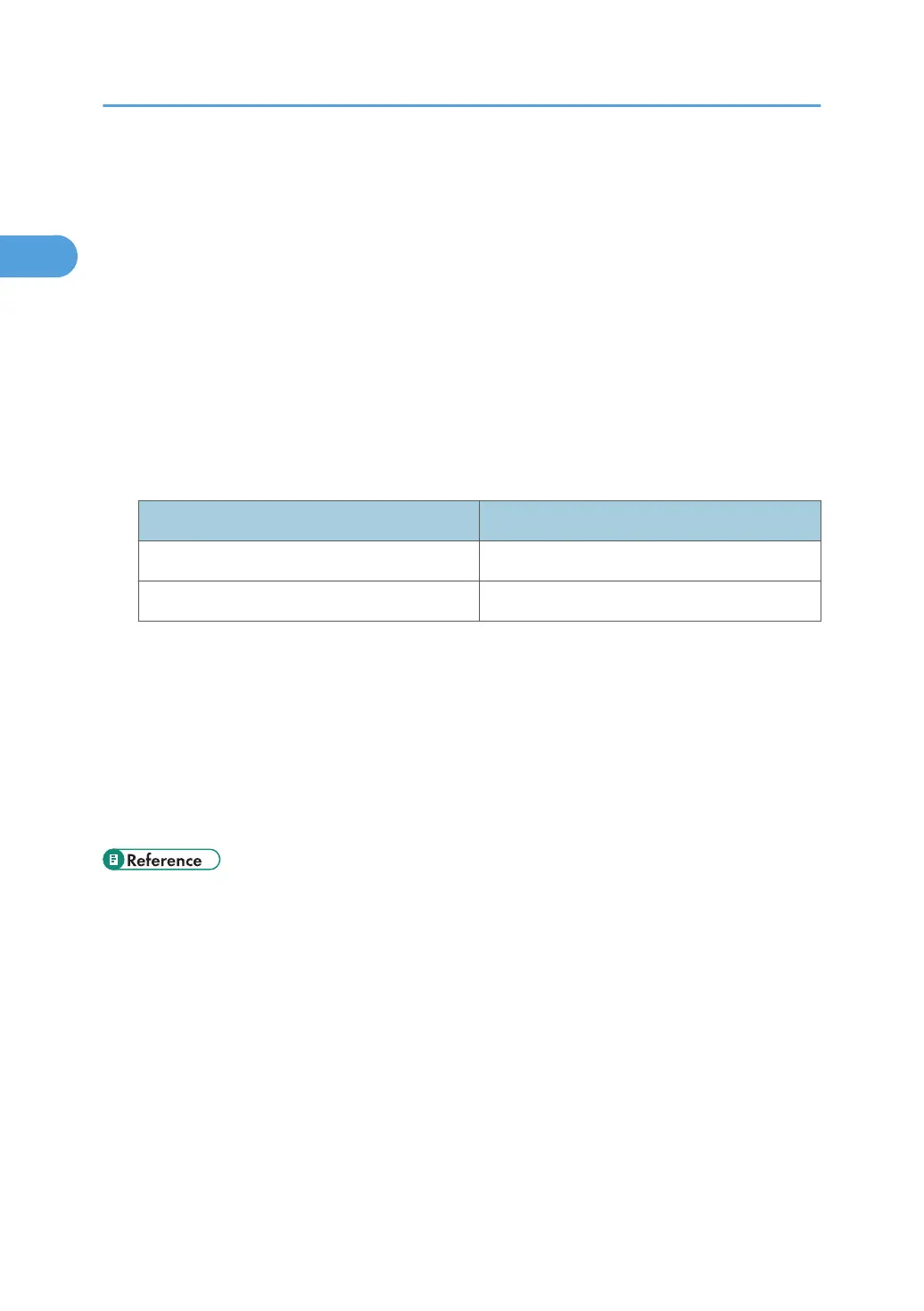
of this graphics file depends on the transmission method, as shown in the table below.
Transmission Method File Format
Internet Fax TIFF-F
E-Mail TIFF or PDF
For details about the E-Mail Transmission, see “Internet Fax Transmission” or “E-mail Transmission”.
Folder Transmission
You can send faxes to network folders that are registered in the Address Book. To do this, select the
path to the folder in the Address Book.
Faxes are sent as graphics in TIFF or PDF format files using the selected protocol (SMB, FTP, or
NCP).
For details about the Folder Transmission, see “Folder Transmission”.
• p.41 "Internet Fax Transmission"
•
p.47 "E-mail Transmission"
• p.51 "Folder Transmission"
1. Transmission
40



 To Next Page