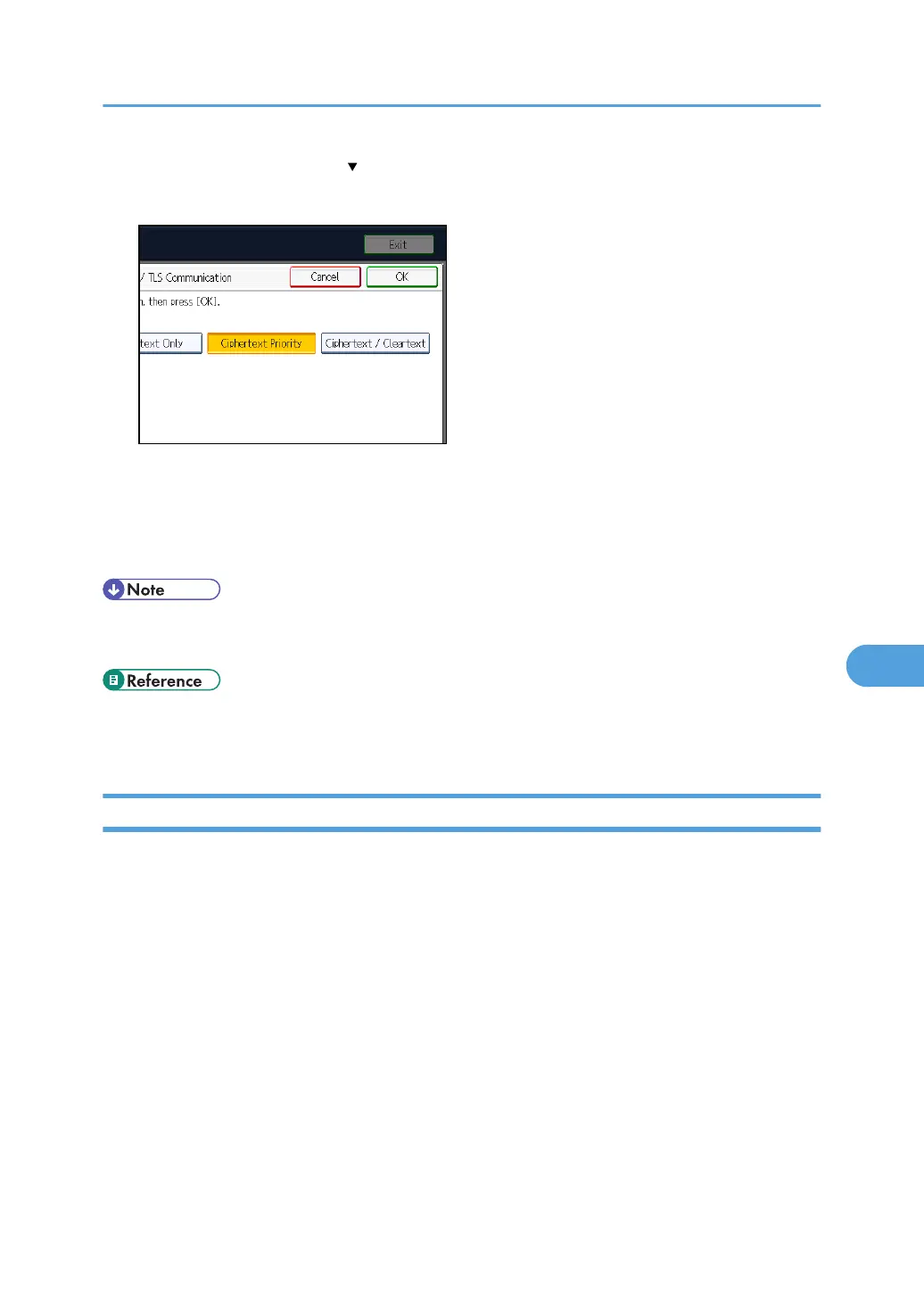
If this item is not visible, press [ Next] to display more settings.
5. Select the encrypted communication mode.
Select [Ciphertext Only], [Ciphertext Priority], or [Ciphertext / Cleartext] as the encrypted
communication mode.
6. Press [OK].
7. Press the [User Tools/Counter] key.
• The SSL/TLS encrypted communication mode can also be specified using Web Image Monitor. For
details, see Web Image Monitor Help.
• p.35 "Logging in Using Administrator Authentication"
•
p.36 "Logging out Using Administrator Authentication"
Enabling SSL for SMTP Connections
This can be specified by the network administrator.
Use the following procedure to enable SSL encryption for SMTP connections.
For details about logging in and logging out with administrator authentication, see "Logging in Using
Administrator Authentication" and "Logging out Using Administrator Authentication".
1. Press the [User Tools/Counter] key.
2. Press [System Settings].
3. Press [File Transfer].
4. Press [SMTP Server].
5. In "Use Secure Connection (SSL)", press [On].
If you are not using SSL for SMTP connections, press [Off].
Protection Using Encryption
227



 To Next Page