Adjusting Image Density
This section explains how to adjust image density.
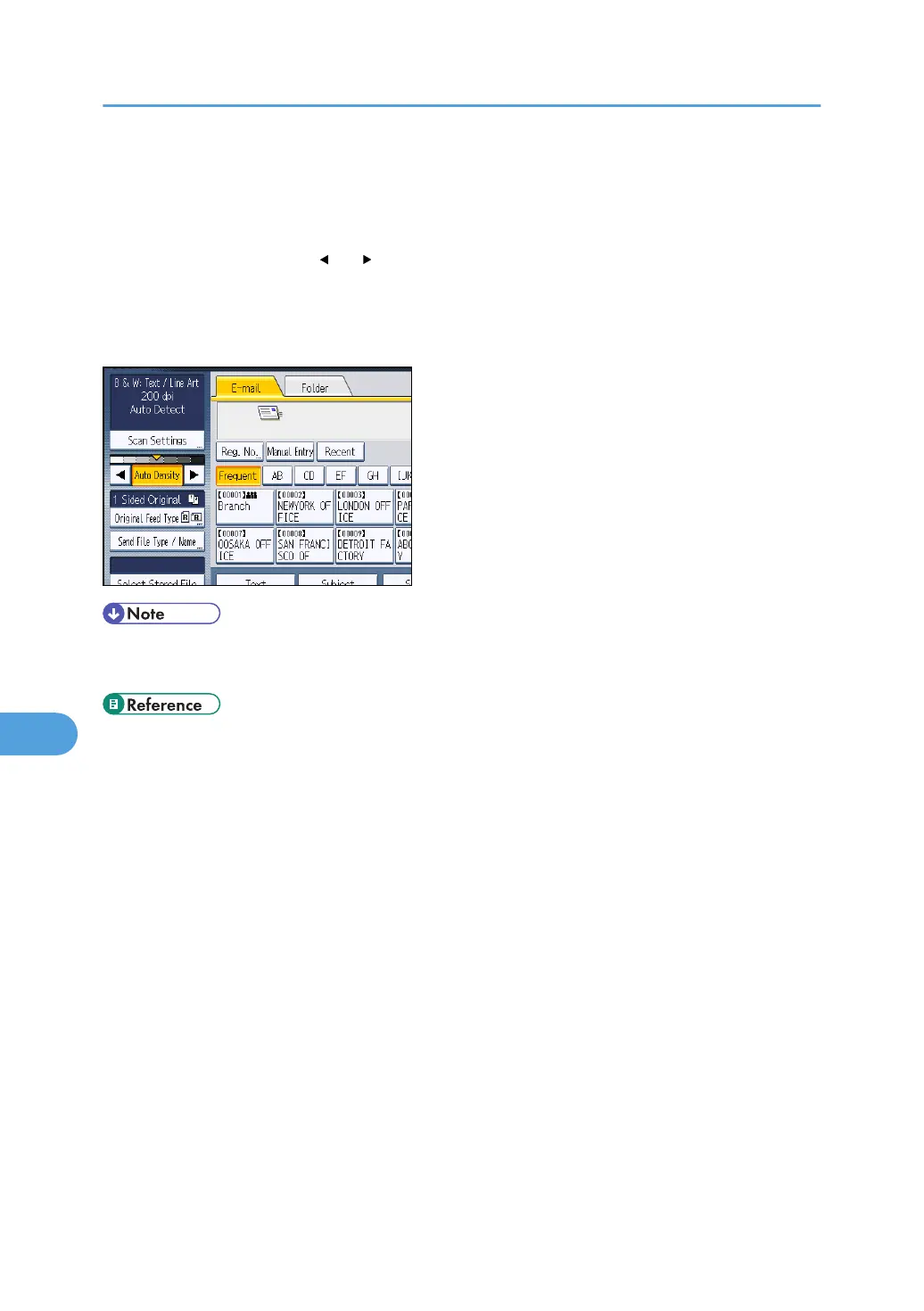
To adjust image density, press [ ] or [ ], at the left and right of [Auto Density]. These keys increase or
decrease the image density in single increments up to 7.
Selecting [Auto Density] corrects scanning density to improve resolution of paper types such as non-
white paper like newspaper or transparent originals.
• When scanning originals in full color, you can specify the [Auto Density] level in [Background
Density of ADS (Full Colour)] under [Scanner Features]. For details, see "Scan Settings".
• p.203 "Scan Settings"
8. Various Scan Settings
172



 To Next Page