Specifying the Sender
This section explains how to specify the e-mail sender when sending a file by e-mail via the delivery
server.
You can specify the sender by any of the following methods:
•
Select the sender from the sender list
• Select the sender by entering the registration number
• Select the sender by searching the delivery server's Destination List
Selecting a Sender from the Sender List
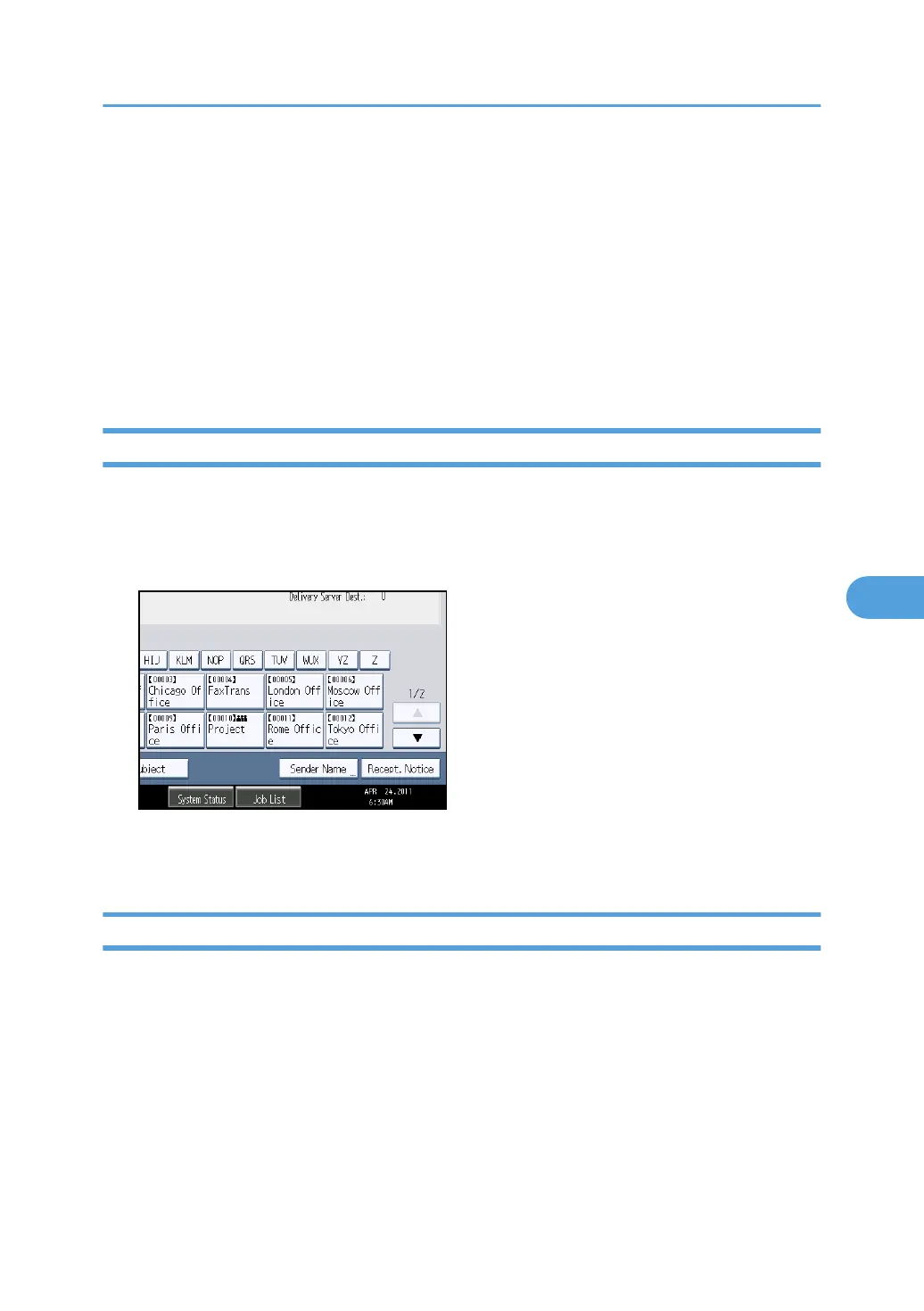
This section explains how to select a sender from the sender list.
The sender list displays destinations that are registered on the delivery server.
1. Press [Sender Name].
2. Select the sender.
3. Press [OK].
Selecting the Sender by Entering the Registration Number
Select a sender by entering its Short ID number (registered using the ScanRouter delivery software).
For details about how to set Short IDs, see the manuals supplied with the ScanRouter delivery software.
Specifying the Sender
147



 To Next Page