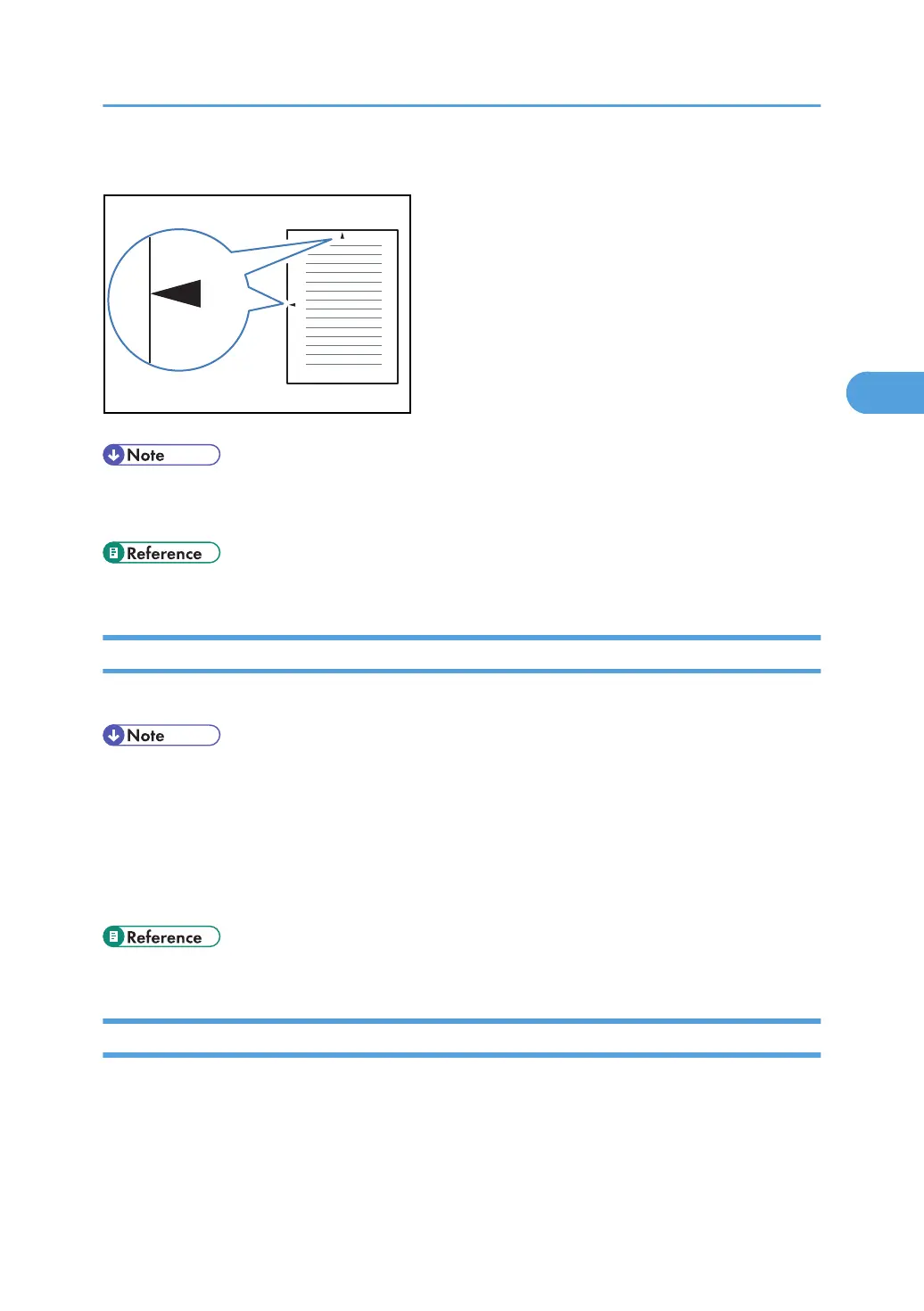
This makes it easy for you to position a hole puncher correctly when you file received documents.
• The Centre Mark may deviate a little from the exact center of the edge. See “Reception Settings”.
•
You can enable or disable this function using Centre Mark in the Reception Settings.
• p.356 "Reception Settings"
Reception Time
You can have the date, time, and file number printed at the bottom of the document when it is received.
• You can turn this function on or off using Print Reception Time in the Facsimile Features menu. See
“Reception Settings”.
•
When a received document is split and printed on two or more sheets, the reception time is printed
on the last sheet.
• The time when the document was printed can also be recorded on the document. If you need this
function, contact your service representative.
• p.356 "Reception Settings"
Two-Sided Printing
You can have a received document printed on both sides of a sheet.
Printing Options
225



 To Next Page