Printing the Configuration Page
This section describes how to print the configuration page.
1. Press the [User Tools/Counter] key.
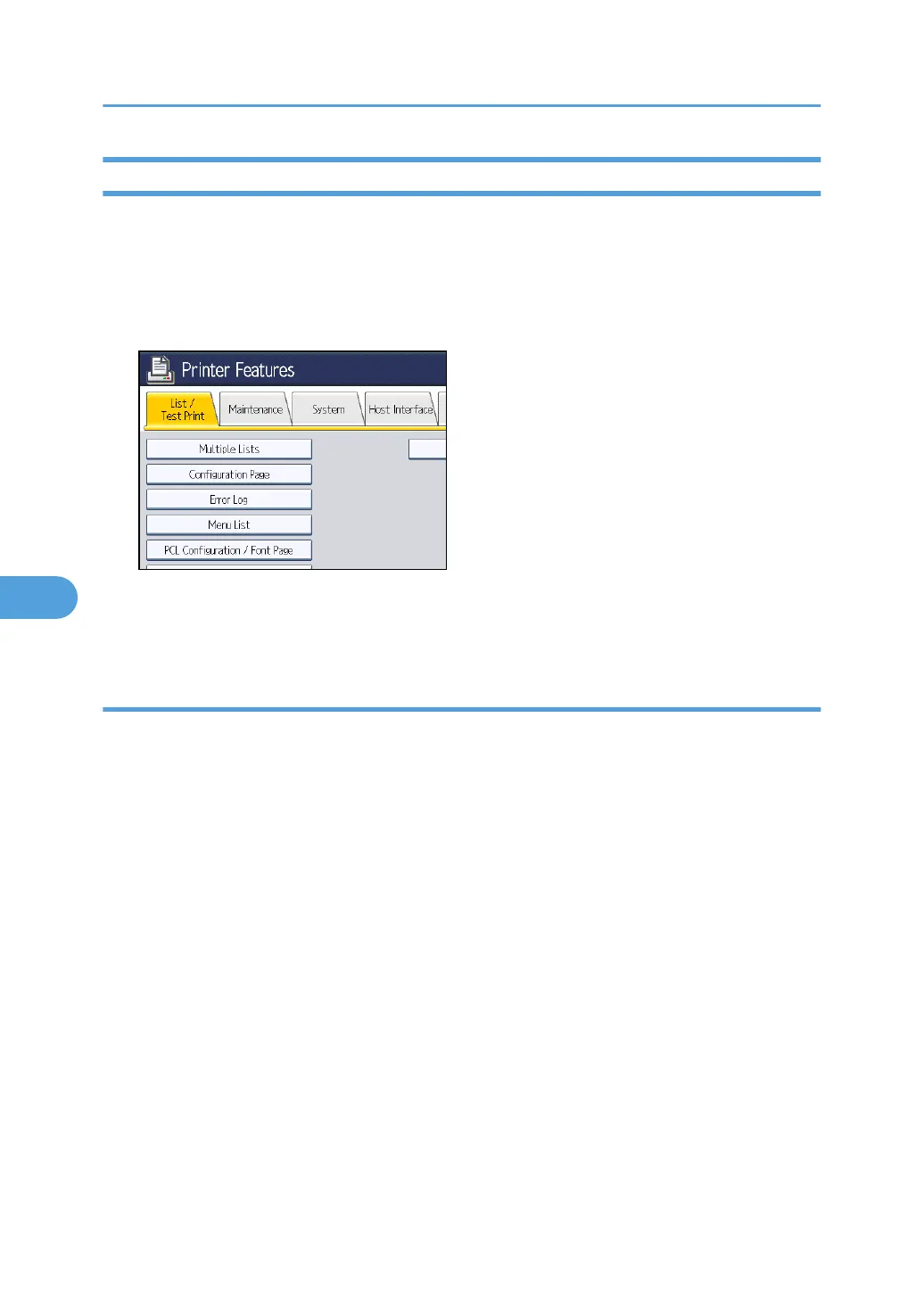
2. Press [Printer Features].
3. Press [Configuration Page] on the [List / Test Print].
The configuration page is printed.
4. Press the [User Tools/Counter] key.
Interpreting the configuration page
This section describes the configuration page.
System Reference
•
Machine ID
Displays the serial number assigned to the board by its manufacturer.
• Total Memory
Displays the total amount of memory (SDRAM) installed on the machine.
• Total Counter
Displays the total number of pages printed by the machine to date.
• Firmware Version
• Printer
Displays the version number of the machine firmware.
• System
Displays the version number of the system firmware.
• Engine
Displays the version number of the machine engine.
6. Printer Features
150



 To Next Page