• If a security-related service such as a firewall is enabled on your computer, you may be unable to
send scan files to folders. If this happens, exempt NetBIOS or the machine's IP address from
firewall protection. For details about specifying the setting, see Windows help or contact the
vendor of the software, such as the firewall.
• p.227 "Registering Names"
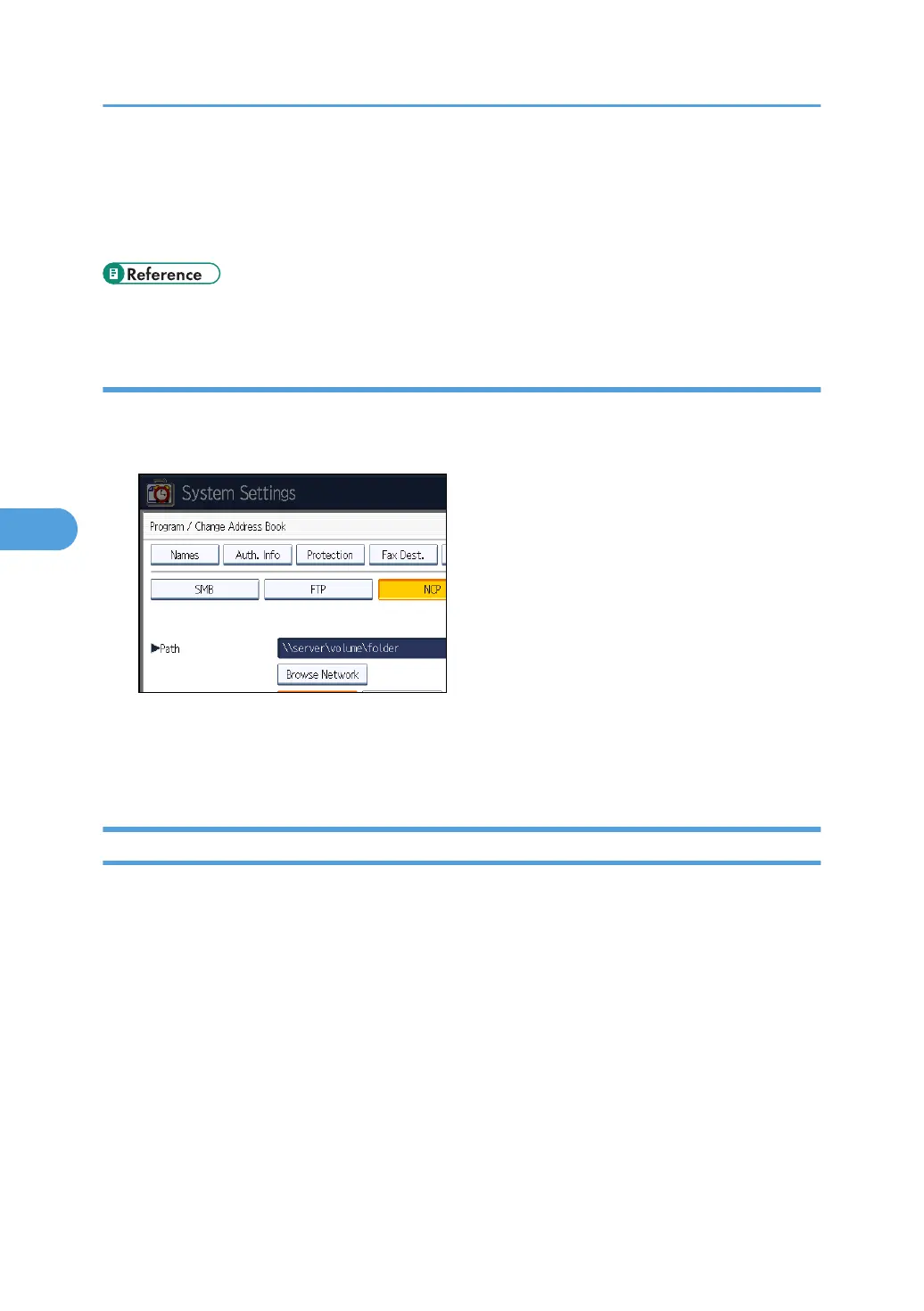
Changing the protocol
This section describes how to change the protocol.
1. Press [SMB] or [FTP].
2. A confirmation message appears. Press [Yes].
Changing the protocol will clear all settings made under the previous protocol.
3. Enter each item again.
Deleting an NCP Folder
This section describes how to delete the registered NCP folder.
1. Press the [User Tools/Counter] key.
5. Registering Addresses and Users for Facsimile/Scanner Functions
276



 To Next Page