Problem Causes Solutions
When putting a signature on
an e-mail using S/MIME,
an e-mail address for
"Sender" is not set for
"From".
When S/MIME is applied,
the administrator appears in
the "From" field, and the
sender appears in the
"Reply-to" field.
Contact your administrator.
• Using S/MIME makes e-mail larger than when not using S/MIME.
When You Cannot Send Scan Files Using WSD
This section describes likely causes of and possible solutions for sending scan files using WSD.
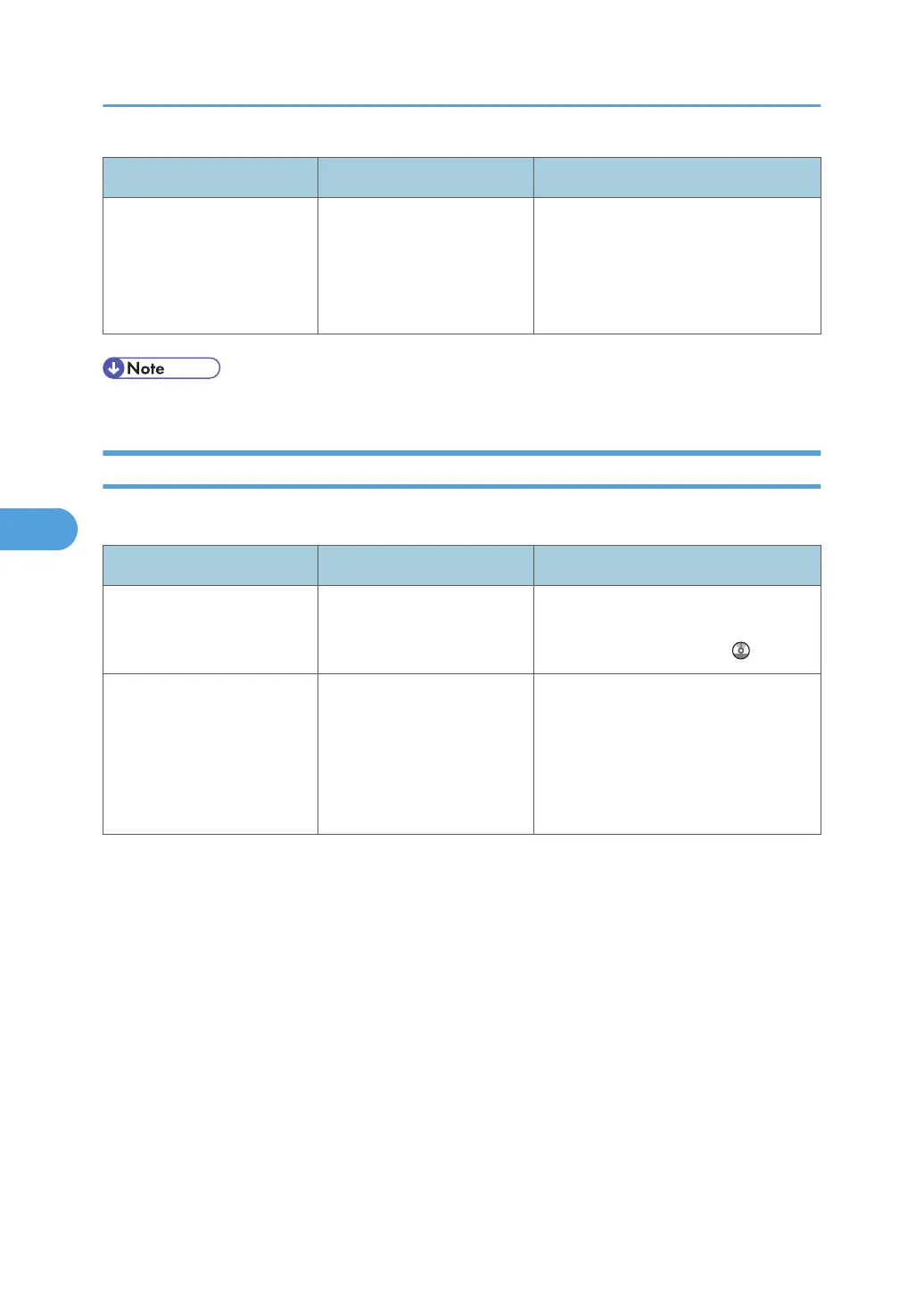
Problem Causes Solutions
The WSD scanner function
cannot be used.
Scan Profile is not set on the
client computer.
Set Scan Profile. For details about how
to do this, see "Changing a Scan
Profile", Scanner Reference
.
The WSD scanner function
cannot be used.
The [Take no action] setting
has been selected on the
client computer, forcing the
client computer to remain
inactive when it receives
scan data.
Open scanner Properties, click the
[Events] tab, and then select [Start this
program] as the computer's response
on receipt of scan data. For details, see
your operating system's Help.
5. Troubleshooting When Using the Scanner Function
118



 To Next Page