1. This Machine
Scans an original after receiving a scan instruction from a client computer, and then sends the scan file over
the network to the client computer.
2.
Client Computer
Specifies the scanner settings and controls the scanner using an application, such as DeskTopBinder Lite, that
supports the network TWAIN scanner. Receives the files scanned by the machine and displays them using an
application that supports the network TWAIN scanner.
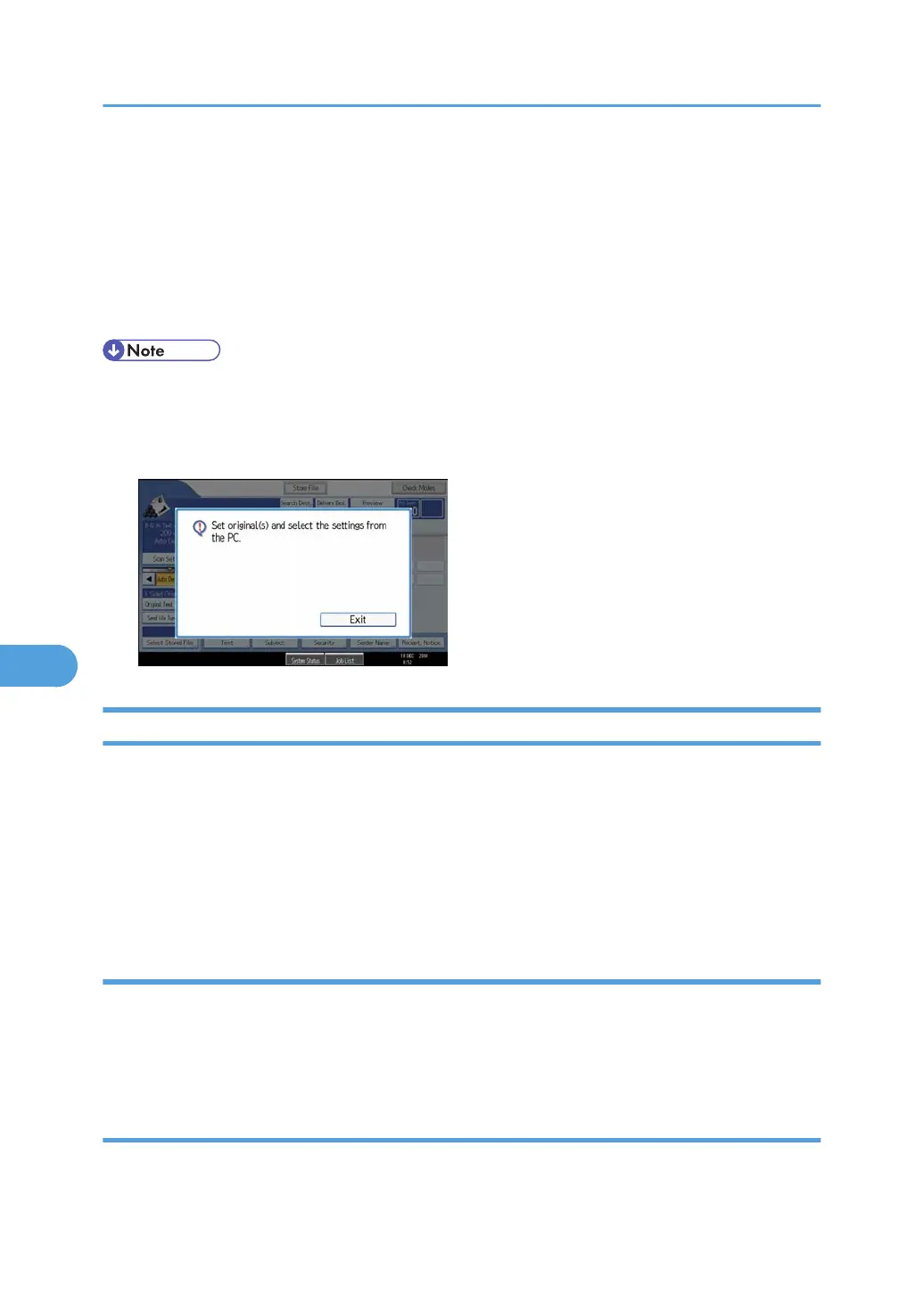
• When using the machine as a network TWAIN scanner, you do not need to press the [Scanner]
key on the machine's control panel. The screen switches automatically when you scan an original
from a client computer using the TWAIN driver. To use functions other than the network TWAIN
scanner, press [Exit].
Preparing to Use the Network TWAIN Scanner
To use this machine as a network TWAIN scanner, you must first perform the following:
• Check the machine is properly connected to the network
• Configure the network settings in [System Settings]
• Install the TWAIN driver on a client computer
• Install a TWAIN-compliant application on the same client computer
Checking the machine is properly connected to the network
Check that this machine is properly connected to the network.
For details about how to connect this machine to a network, see "Connecting to the Interface", Network
and System Settings Reference.
Configuring the network settings in [System Settings]
Configure the network settings in [System Settings] according to your environment and how you will be
using the machine.
7. Scanning Originals with the Network TWAIN Scanner
154



 To Next Page