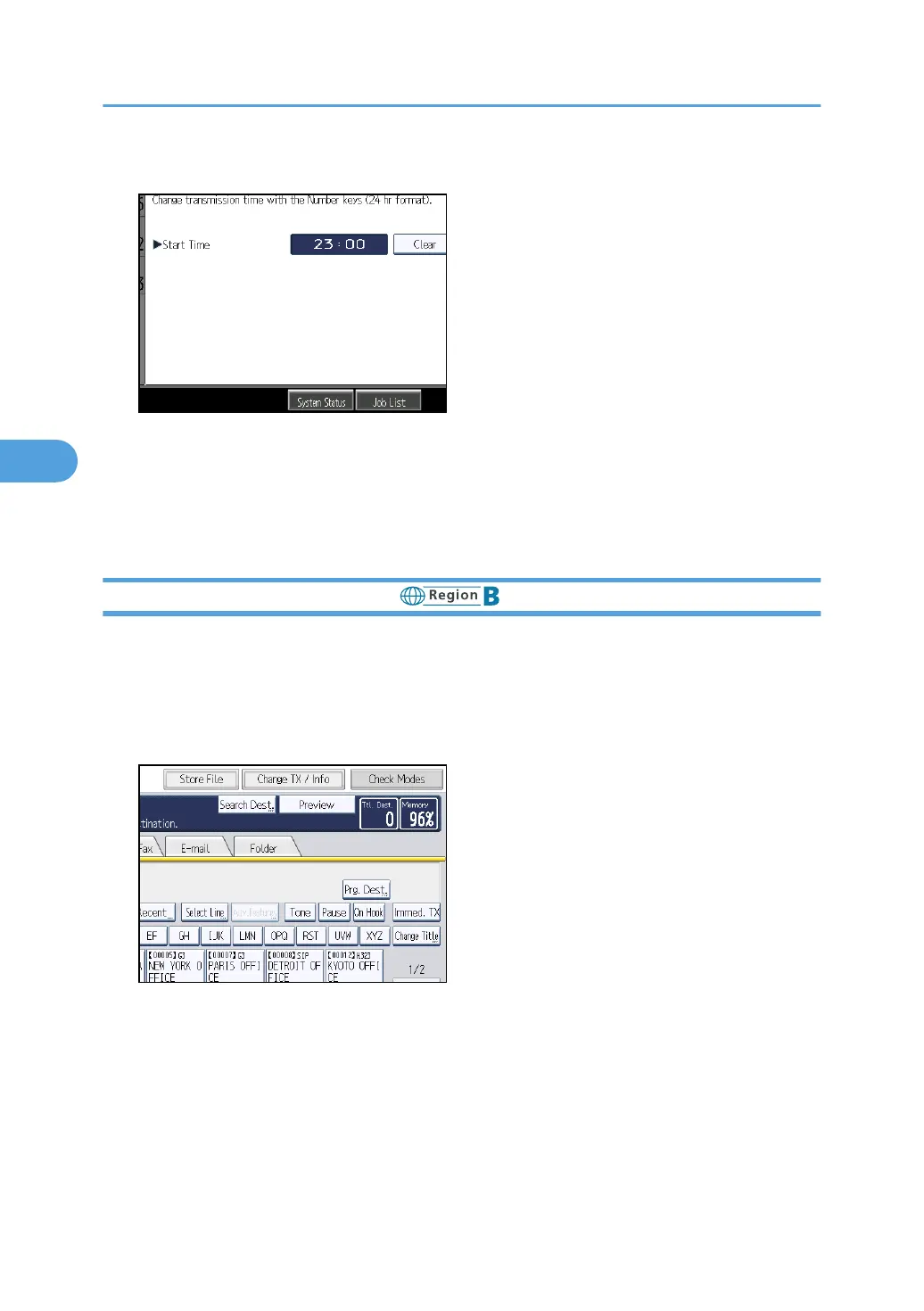
6. Press [Clear], re-enter the transmission time using the number keys, and then press [OK].
7. Press [Exit].
Repeat from step 3, if you want to change another transmission time.
8. Press [Exit] twice.
The standby display appears.
Changing the Transmission Time (mainly North America)
You can change the transmission time specified with Send Later.
You can also delete the transmission time. If the transmission time is deleted, the file is transmitted
immediately.
1. Press [Change TX / Info].
4. Changing/Confirming Communication Information
246



 To Next Page