8. Click [Logout].
Specifying Network Security Level
This can be specified by the network administrator.
This setting lets you change the security level to limit unauthorized access. You can make network
security level settings on the control panel, as well as Web Image Monitor. However, the protocols that
can be specified differ.
Set the security level to [Level 0], [Level 1], or [Level 2].
Select [Level 2] for maximum security to protect confidential information. Make this setting when it is
necessary to protect confidential information from outside threats.
Select [Level 1] for moderate security to protect important information. Use this setting if the machine is
connected to the office local area network (LAN).
Select [Level 0] for easy use of all the features. Use this setting when you have no information that needs
to be protected from outside threats.
For details about logging in and logging out with administrator authentication, see "Logging in Using
Administrator Authentication" and "Logging out Using Administrator Authentication".
• p.35 "Logging in Using Administrator Authentication"
•
p.36 "Logging out Using Administrator Authentication"
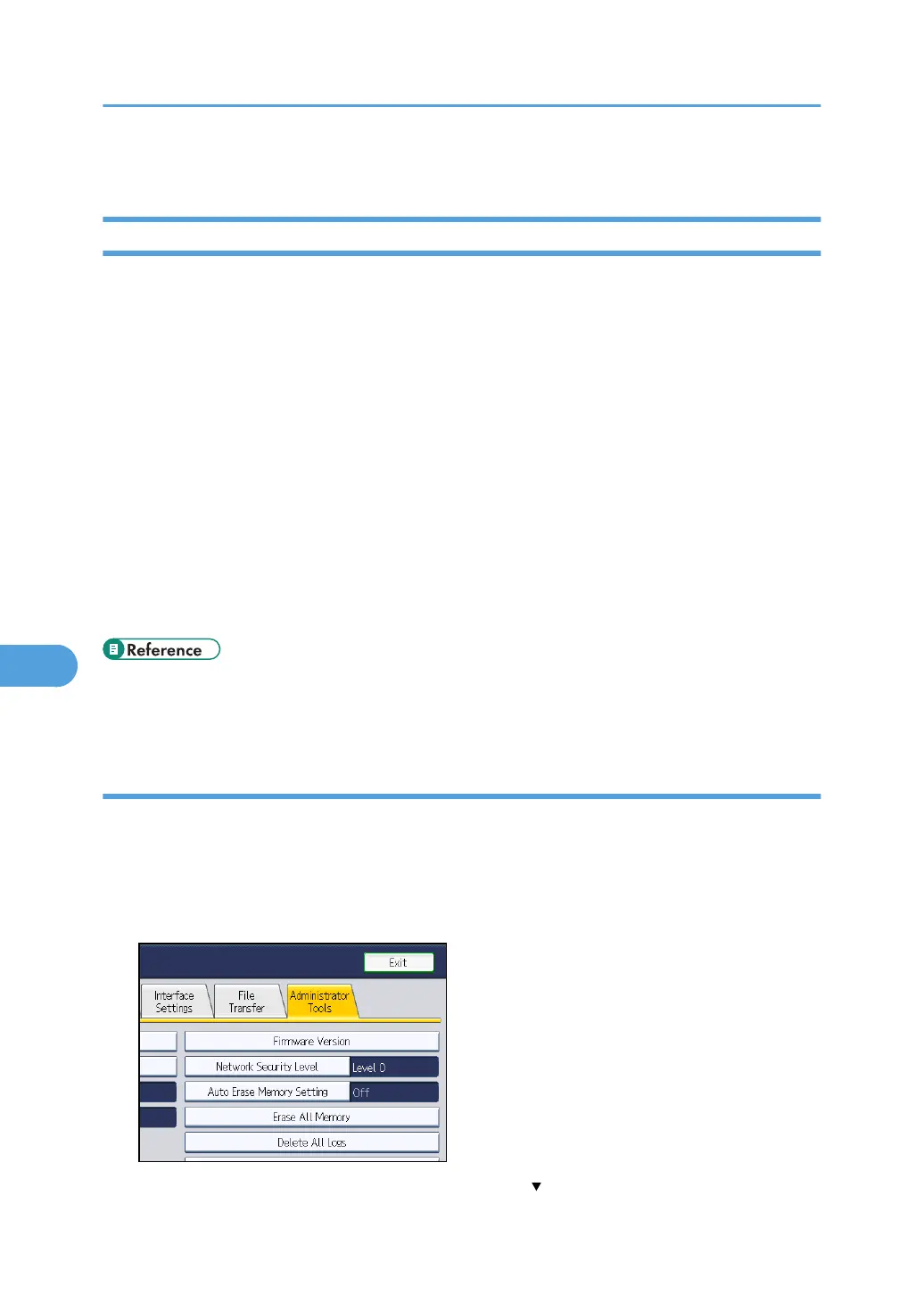
Specifying Network Security Level Using the Control Panel
1. Press the [User Tools/Counter] key.
2. Press [System Settings].
3. Press [Administrator Tools].
4. Press [Network Security Level].
If the setting you want to specify does not appear, press [ Next] to scroll down to other settings.
7. Enhanced Network Security
212



 To Next Page