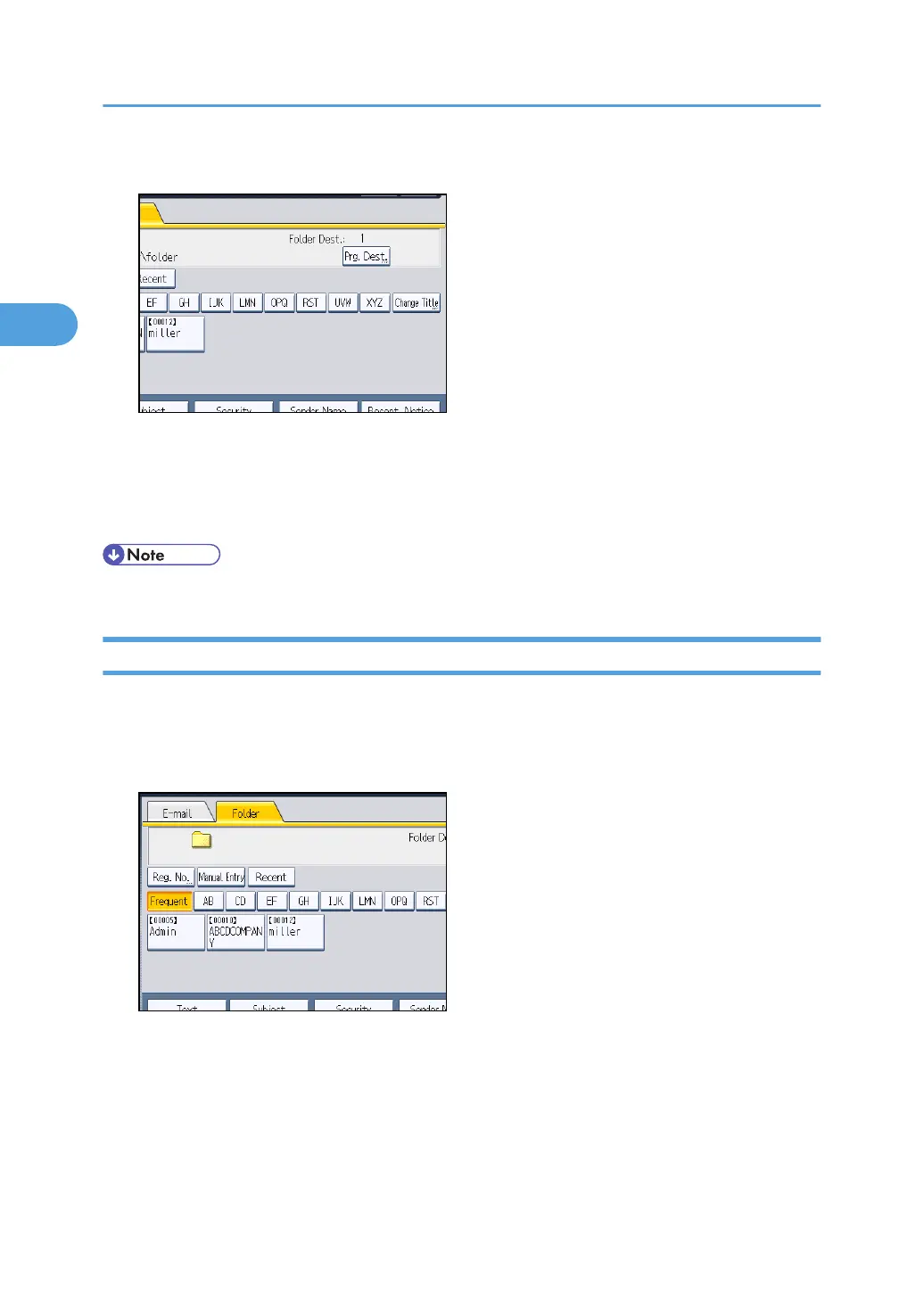
2. Press [Prg. Dest.].
3. Press [Names], and then specify the name and other information to be registered.
For details about specifying the information to be registered, see "Registering Addresses and Users
for Facsimile/Scanner Functions", Network and System Settings Reference.
4. Press [OK].
• Depending on the security setting, [Prg. Dest.] may not appear.
Registering the Path to a Recent Destination in the Address Book
This section explains how to register the folder paths of recent destinations to the machine's address
book.
1. Press [Recent].
The most recent, directly entered destinations appear.
2. Sending Scan Files to Folders
84



 To Next Page