Slip Sheet
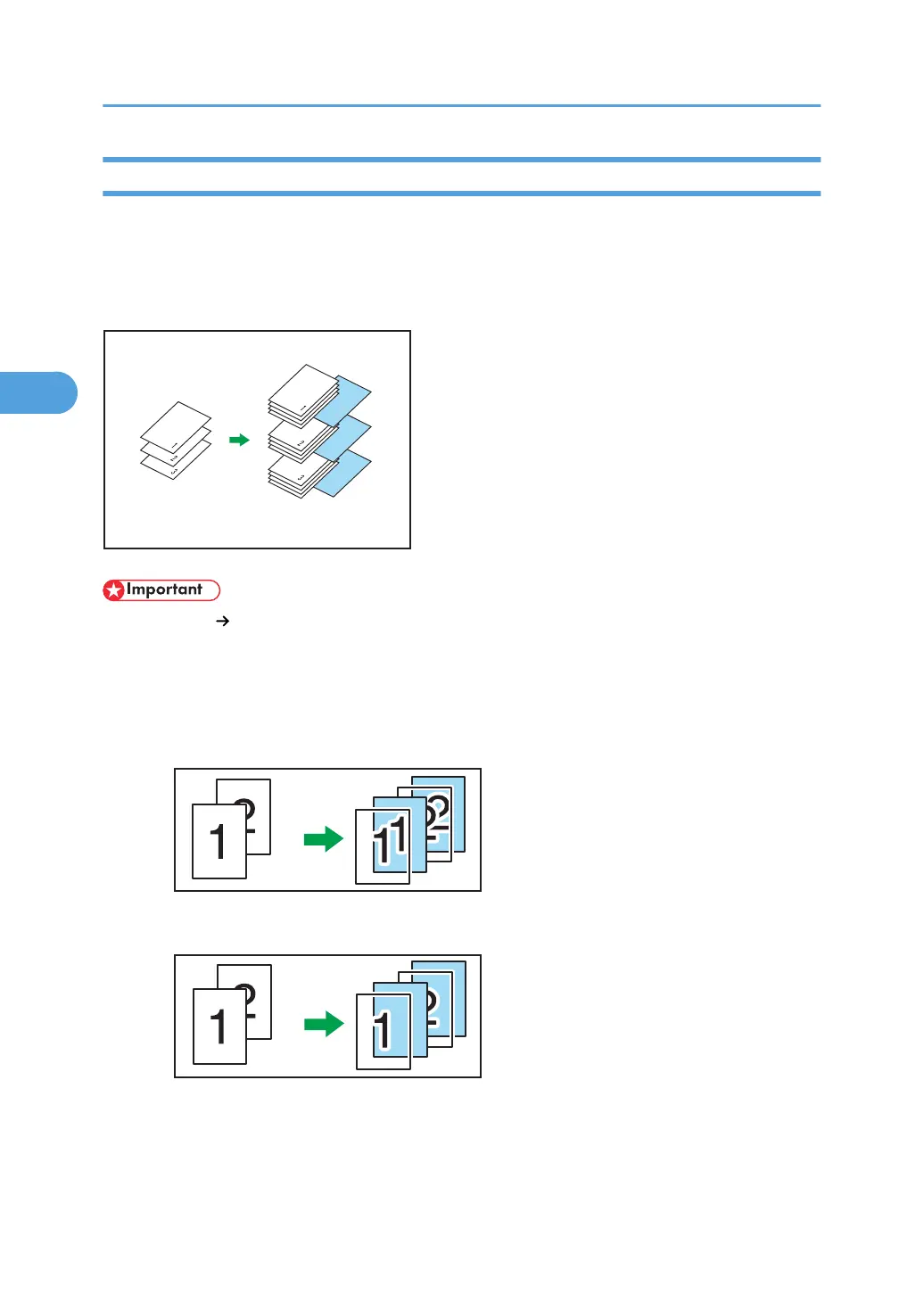
Every time an original page changes, a slip sheet is inserted. You can also print on the inserted slip
sheet.
Since a slip sheet is inserted for every page, you can protect printed surfaces. This function is useful in
copying onto OHP transparencies.
• If [1 Sided 2 Sided] is set, cancel the setting.
•
Before using this function, select the tray for slip sheets under Slip Sheet Tray in Tray Paper Settings.
For details, see “System Settings”, Network and System Settings Reference.
When copying onto OHP transparencies
• Copy
• Blank
3. Advanced Copying
170



 To Next Page