Closed Network
Transmission will only take place if the destination's Closed Network Code is the same as yours.
This function can stop you accidentally sending information to the wrong place.
• You must program a Closed Network Code beforehand, using Program Closed Network Code
under Facsimile Features. For details about the programming method, see “Initial Settings”.
•
This function is not available with Internet Fax, e-mail transmission, and folder transmission.
1. Place the original, and then select the scan settings you require.
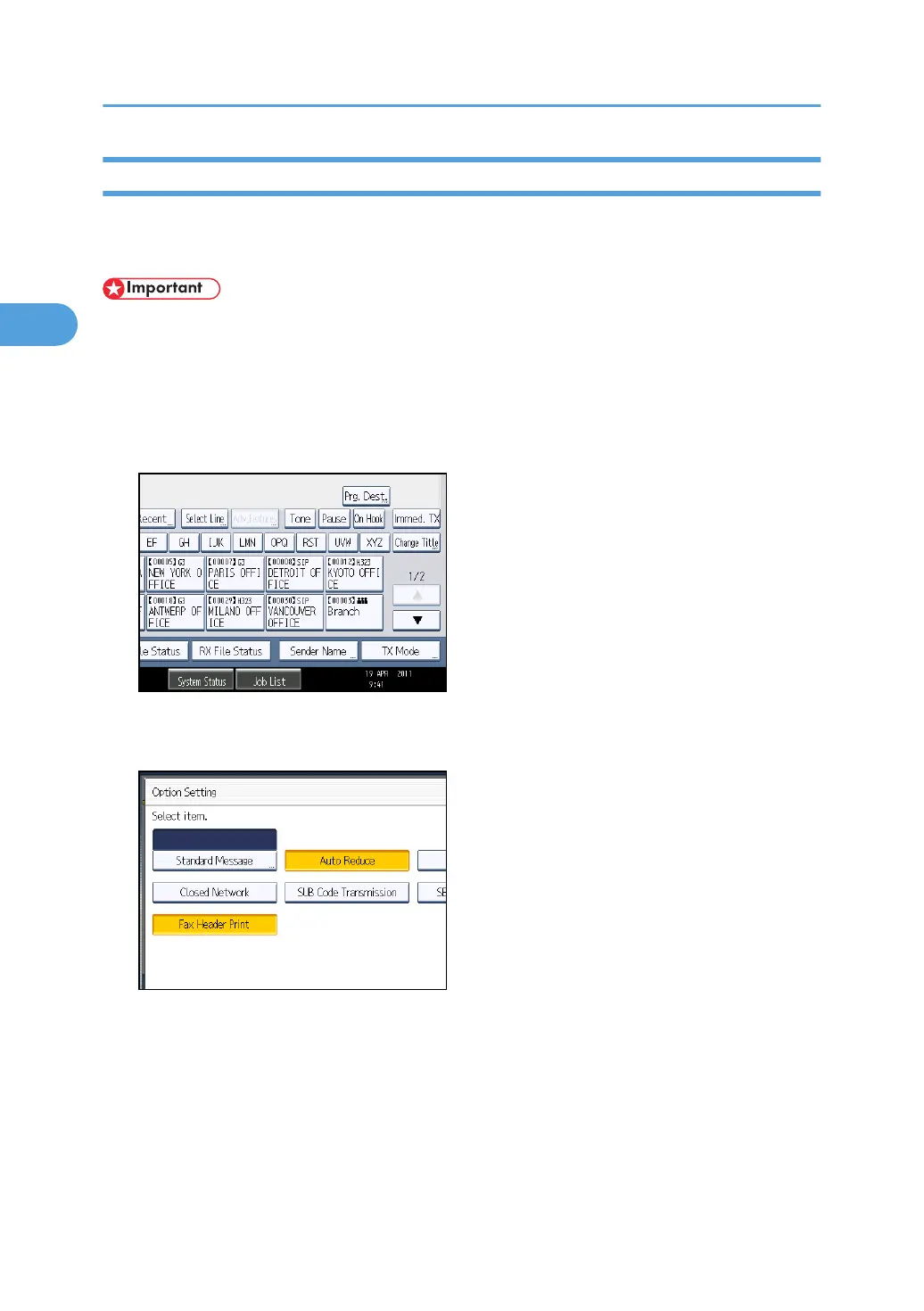
2. Press [TX Mode].
3. Select [Option Setting].
4. Press [Closed Network] to highlight it.
To cancel a Closed Network Transmission, press [Closed Network] again.
5. Press [OK] twice.
6. Specify the destination, and then press the [Start] key.
2. Other Transmission Features
194



 To Next Page