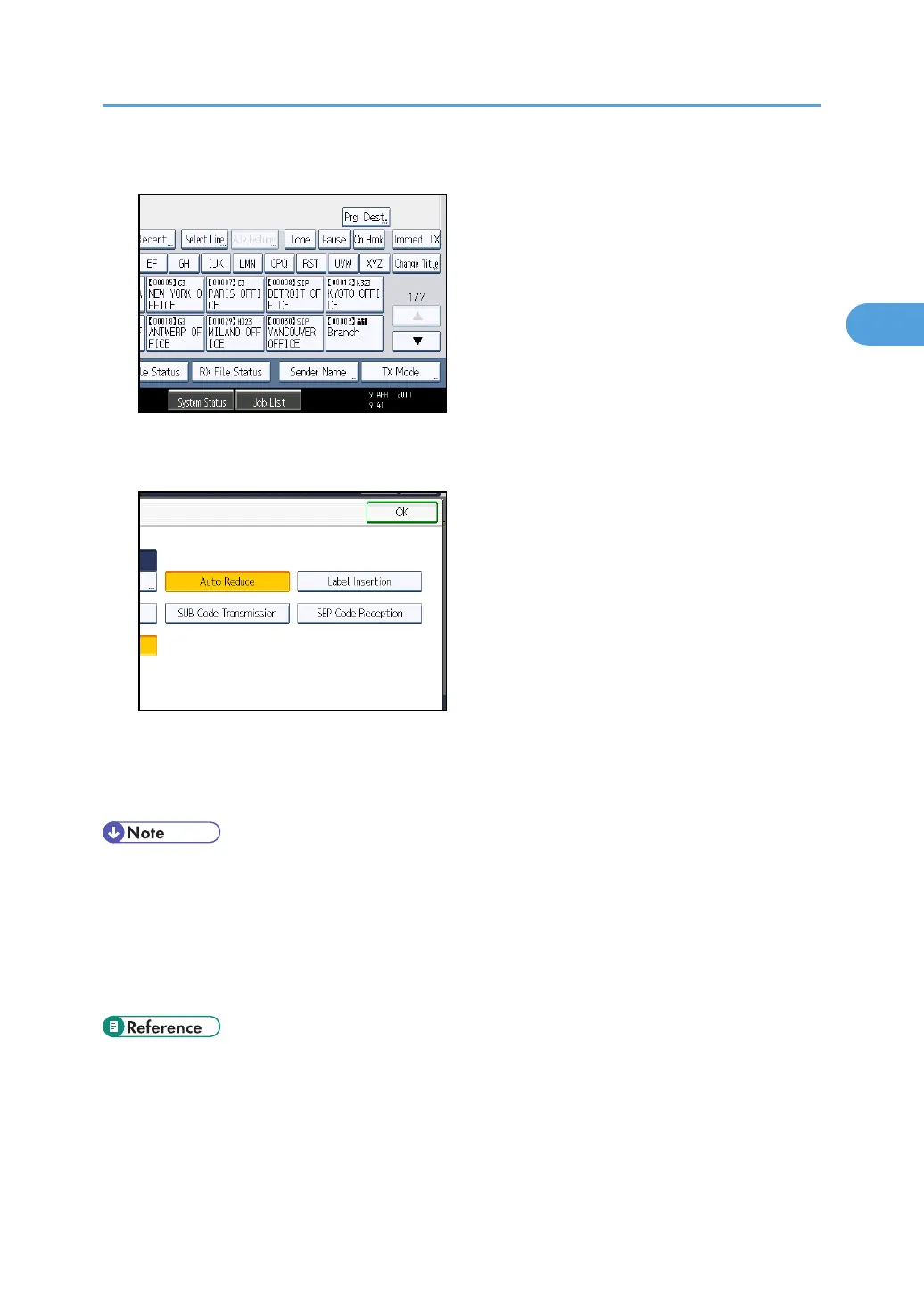
2. Press [TX Mode].
3. Select [Option Setting].
4. Press [Label Insertion] to highlight it.
To cancel Label Insertion, press [Label Insertion] again.
5. Press [OK] twice.
6. Specify the destination, and then press the [Start] key.
• To print a standard message that is not programmed as a default, program it in advance in
“Program / Change / Delete Standard Message” in the Facsimile Features menu. For details
about the programming method, see “Send Settings”.
•
You can program one of the Quick Operation keys with operations for this function. Using the
Quick Operation Key allows you to omit steps 2, 3, and 5. For details about Quick Operation Key,
see “General Settings”.
• p.349 "General Settings"
•
p.353 "Send Settings"
Transmission Options
193



 To Next Page