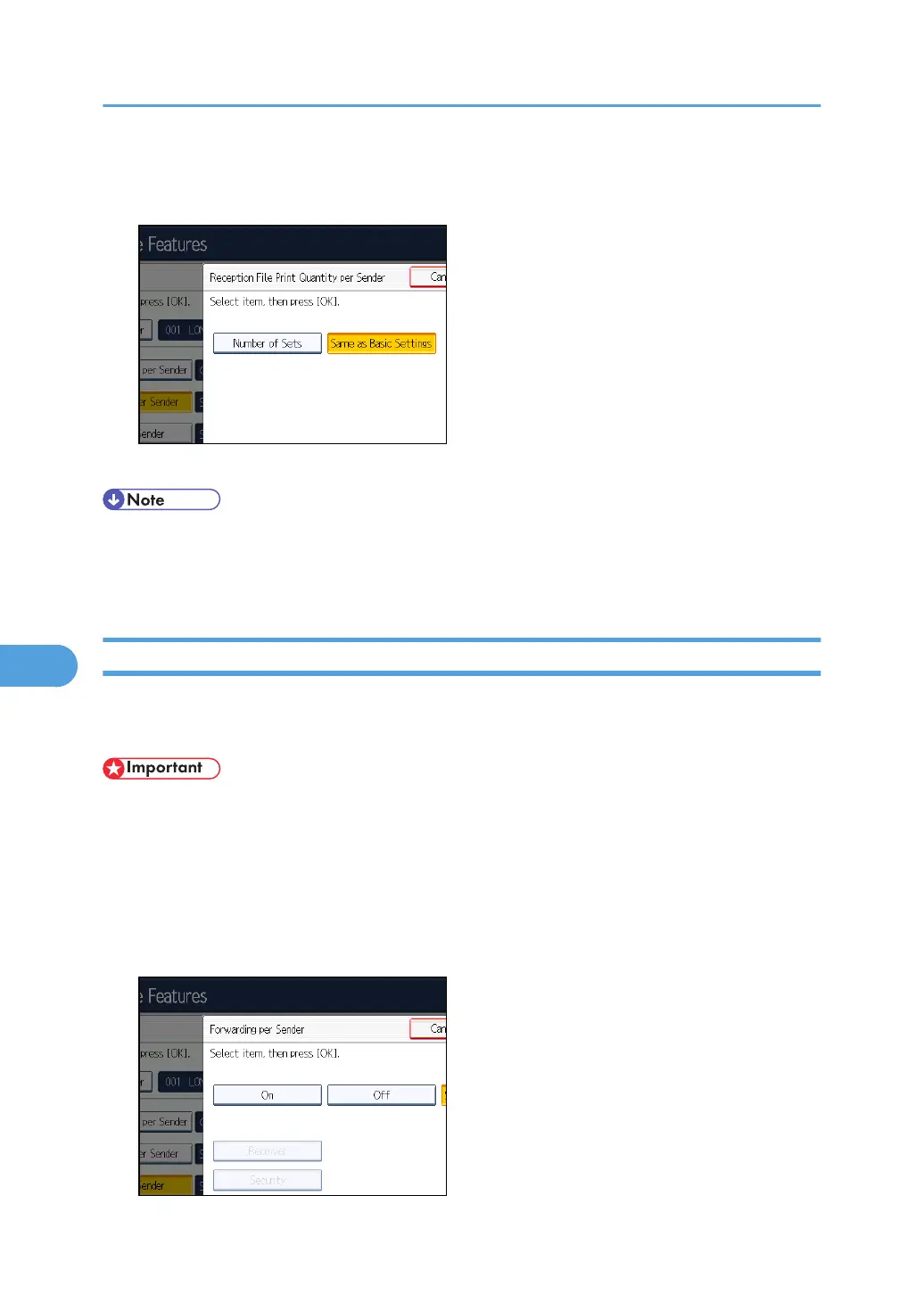
1. Press [RX File Print Qty per Sender].
2. Press [Number of Sets].
3. Enter the print quantity using the number keys, and then press [OK].
• Selecting [Same as Basic Settings] will result in the same setting made for “Reception File Print
Quantity” of “Reception Settings”.
•
If you make a mistake, press [Clear] before pressing [OK], and then try again.
Forwarding per Sender
This section describes how to specify Forwarding.
Specify when programming a Special Sender.
• One forward destination can be registered for each Special Sender. To register two or more
forward destinations, use group destinations. However a maximum of 498 destinations can be
specified in a group.
1. Press [Forwarding per Sender].
2. Select [On] or [Off].
If you select [Off], proceed to step 7.
7. Facsimile Features
406



 To Next Page