Limiting Available Functions
To prevent unauthorized operation, you can specify who is allowed to access each of the machine's
functions.
Available Functions
Specify the available functions from the copier, Document Server, fax, scanner, and printer
functions.
Specifying Which Functions are Available
This can be specified by the user administrator.
Specify the functions available to registered users. By making this setting, you can limit the functions
available to users.
For details about logging in and logging out with administrator authentication, see "Logging in Using
Administrator Authentication" and "Logging out Using Administrator Authentication".
1. Press the [User Tools/Counter] key.
2. Press [System Settings].
3. Press [Administrator Tools].
4. Press [Address Book Management].
5. Select the user.
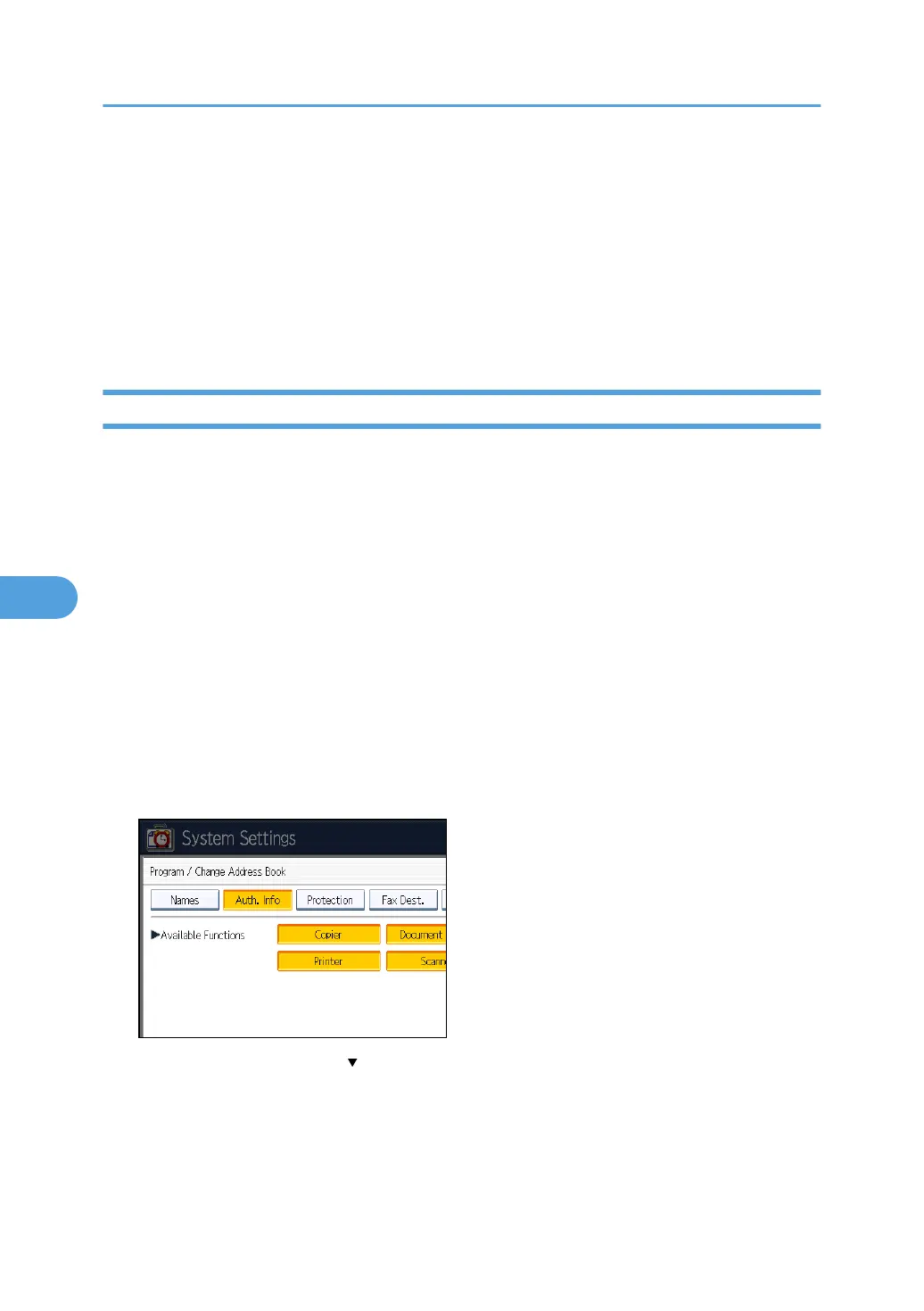
6. Press [Auth. Info].
7. In "Available Functions", select the functions you want to specify.
If this item is not visible, press [ Next] to display more settings.
8. Press [OK].
9. Press [Exit].
10. Press the [User Tools/Counter] key.
6. Managing Access to the Machine
158



 To Next Page