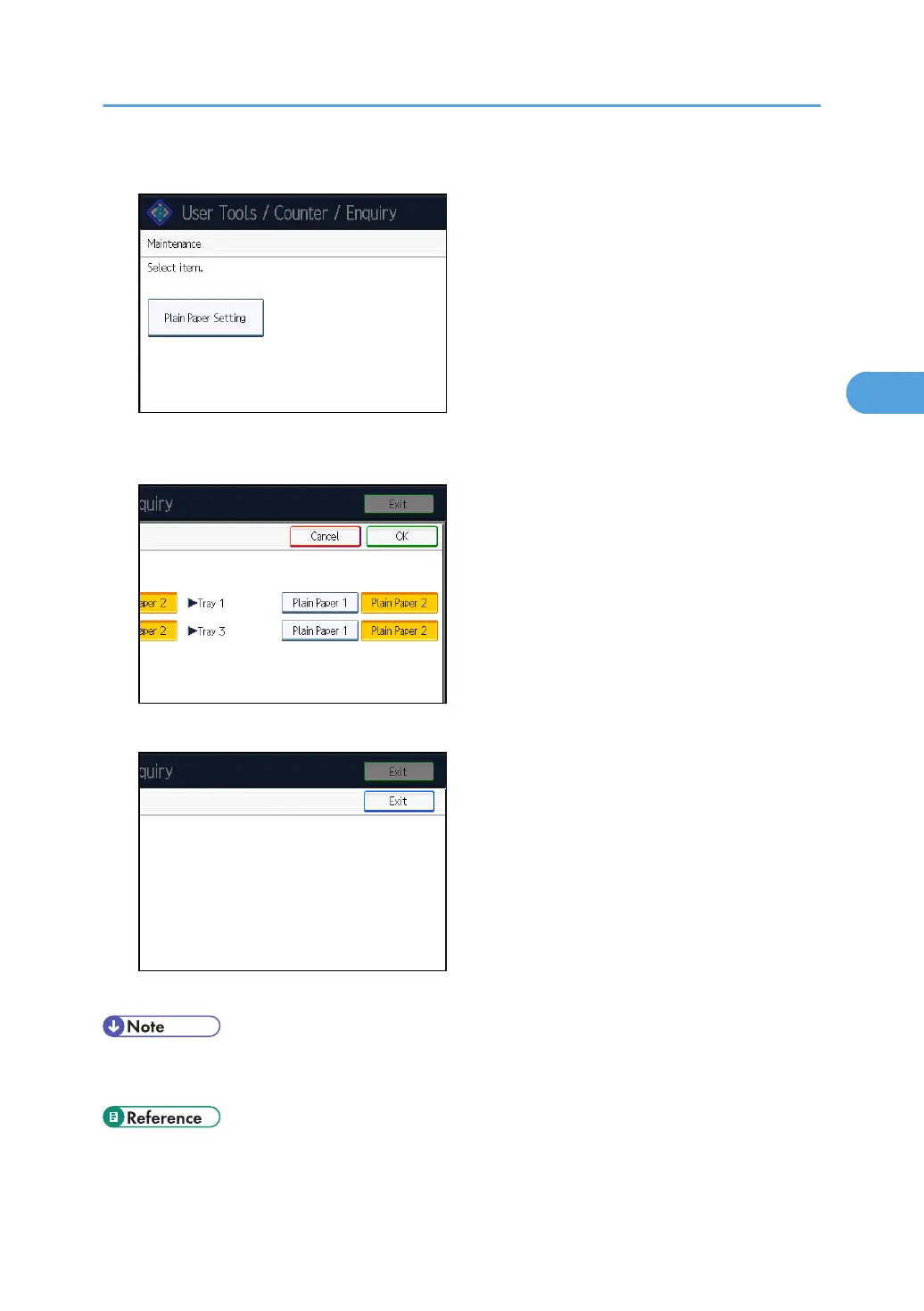
3. Press [Plain Paper Setting].
4. Select the plain paper type for each tray depending on the paper to be set and press
[OK].
5. Press [Exit].
6. Press [Exit].
• In System Settings, [Tray Paper Settings], for each tray's [Paper Type] you can specify “Paper
Thickness”. For details about paper thickness, see “Recommended Paper Sizes and Types”.
• p.70 "Recommended Paper Sizes and Types"
Changing Paper Thickness Settings
69



 To Next Page