4. Enter the number you want to tone dial using the number keys.
5. Press the [Start] key.
Transmission starts.
If you want to cancel a transmission, press the [Clear/Stop] key, and then remove the originals.
After transmission, the standby display appears.
• Certain services may be unavailable even when using Tone function.
•
A tone is shown as a “T” on the display and the next numbers are dialed using tonal signals.
Sending by IP-Fax (IP-Fax Destinations)
This section explains how to specify a destination using IP-Fax transmission.
When using IP-Fax transmission, specify the IP-Fax destination (IP address, host name, or alias
telephone number) in place of the fax number.
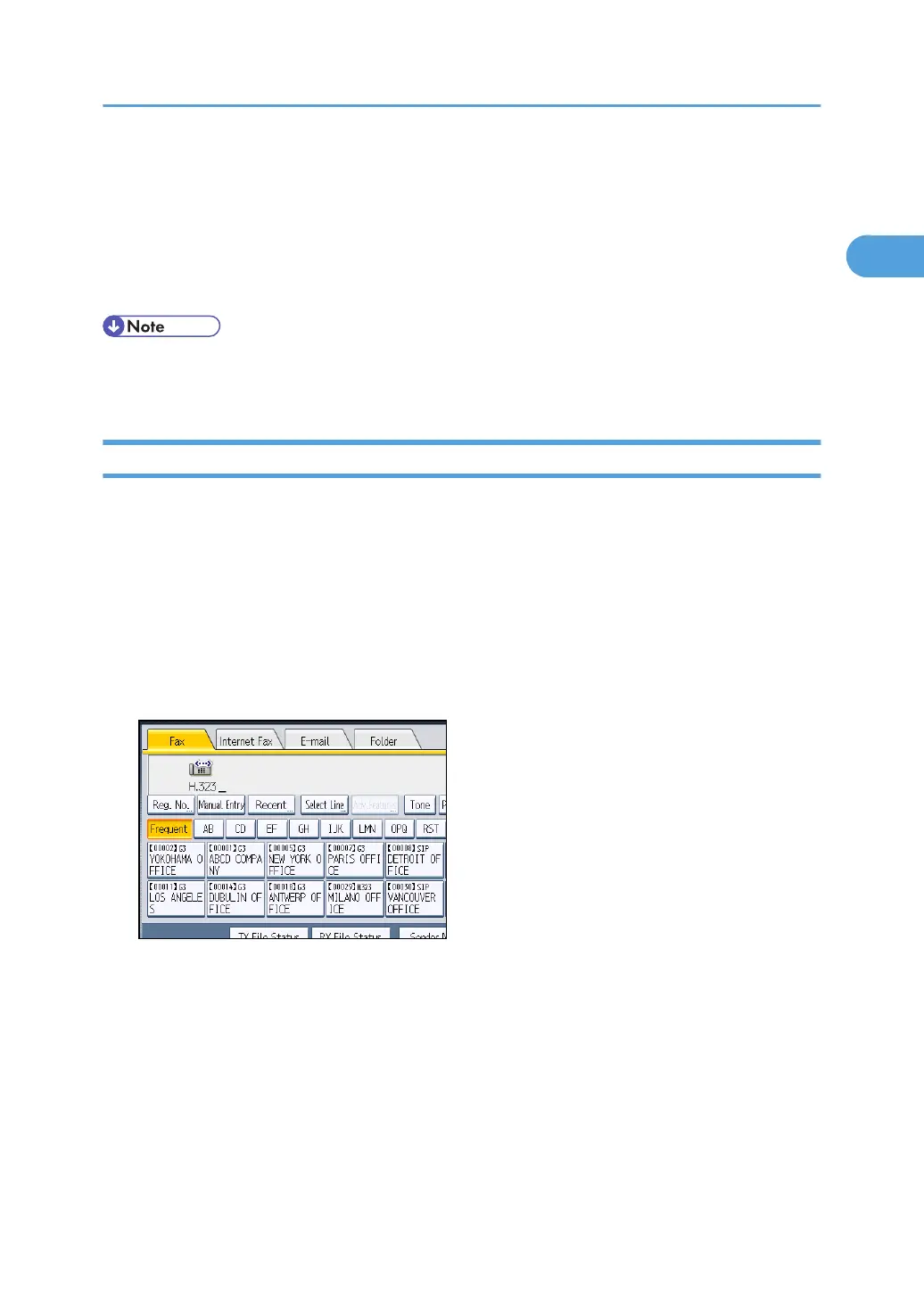
1. Make sure that [Fax] is selected.
2. Specify the protocol.
For details, see “Changing the Line Port”.
3. Press [Manual Entry].
Specifying a Destination
91



 To Next Page