Checking the Transmission Result (Transmission
File Status)
You can confirm transmission by the display, report, or e-mail.
Confirming on Display
Use this function to display the transmission results.
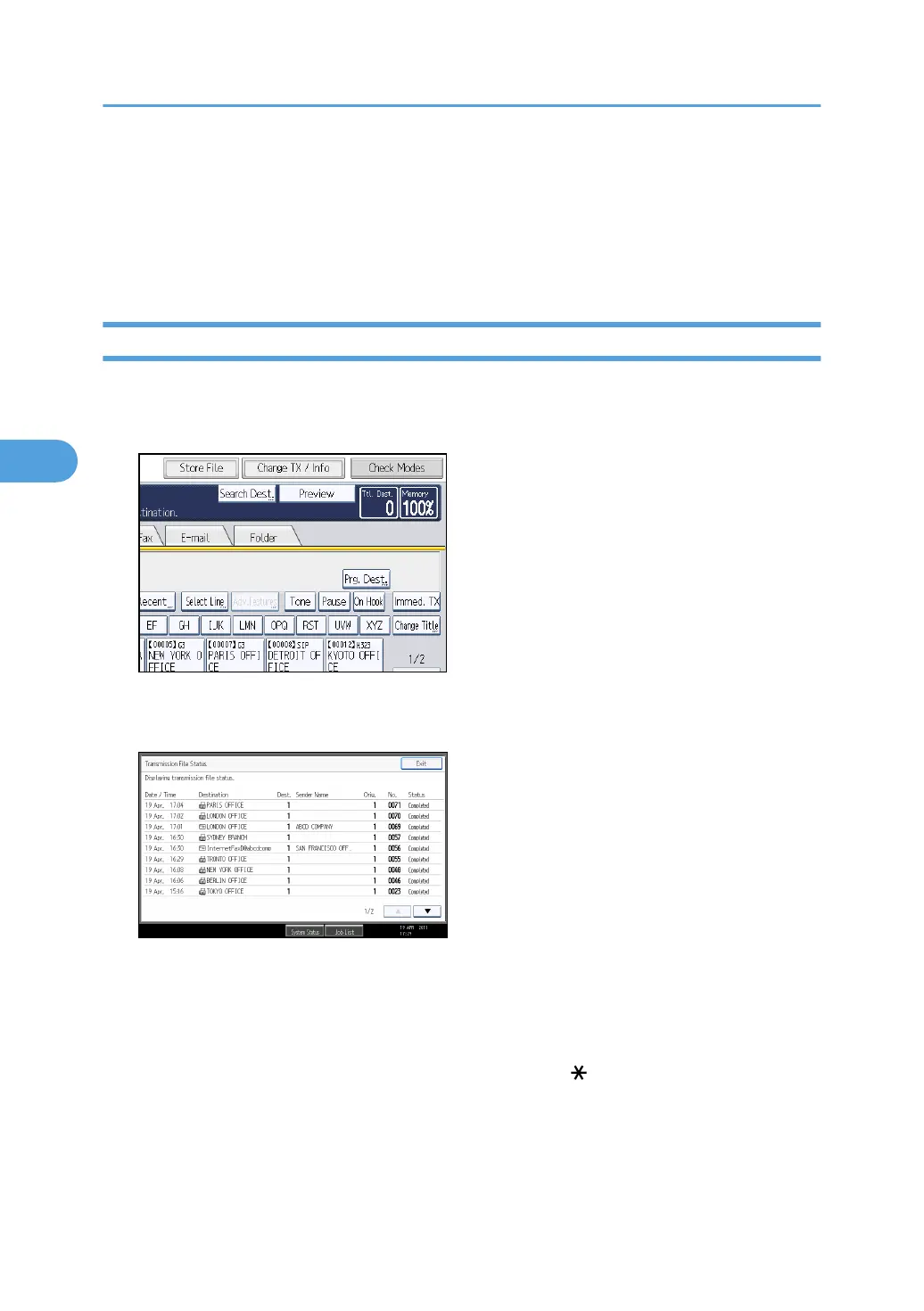
1. Press [Change TX / Info].
2. Select [Transmission File Status].
3. Check the transmission results.
Transmission results are displayed, from the latest result down, in groups of nine.
When a fax is sent, “Destination” shows the Own Fax Number or Own Name information of the
receiver. When an Internet Fax or e-mail is sent, the e-mail address or name programmed in the
destination list appears. For a transmission from a computer, “-- LAN-Fax -->” is shown.
Depending on security settings, the destination may appear as .
4. Press [Exit] twice.
The standby display appears.
4. Changing/Confirming Communication Information
258



 To Next Page