Security Settings to E-mails
This section explains the procedure for applying security (encryption and a signature) to e-mail.
Applying security (encryption and a signature) to e-mail helps prevent spoofing and information
leakage.
• The S/MIME is used to set security. For details about security settings, consult your network
administrator.
•
Applying security to e-mail can reduce transmission speed.
Sending Encrypted E-mail
Use the following procedure to specify a destination for which encryption is configured, and encrypt
and send an e-mail.
Destinations for which encryption can be configured for each transmission are indicated by this symbol
.
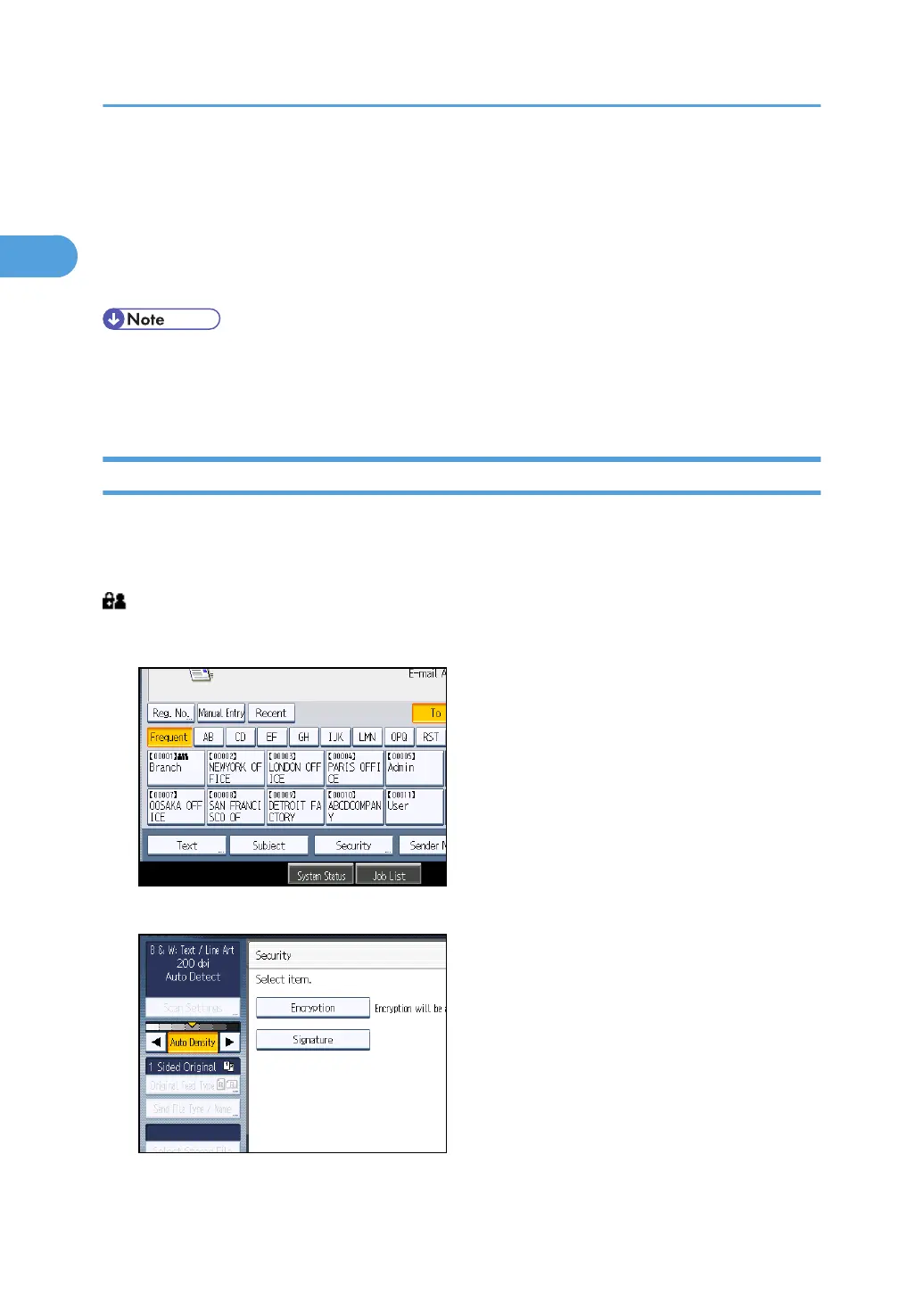
1. Press [Security].
2. Select [Encryption].
3. Press [OK].
1. Sending Scan Files by E-mail
50



 To Next Page