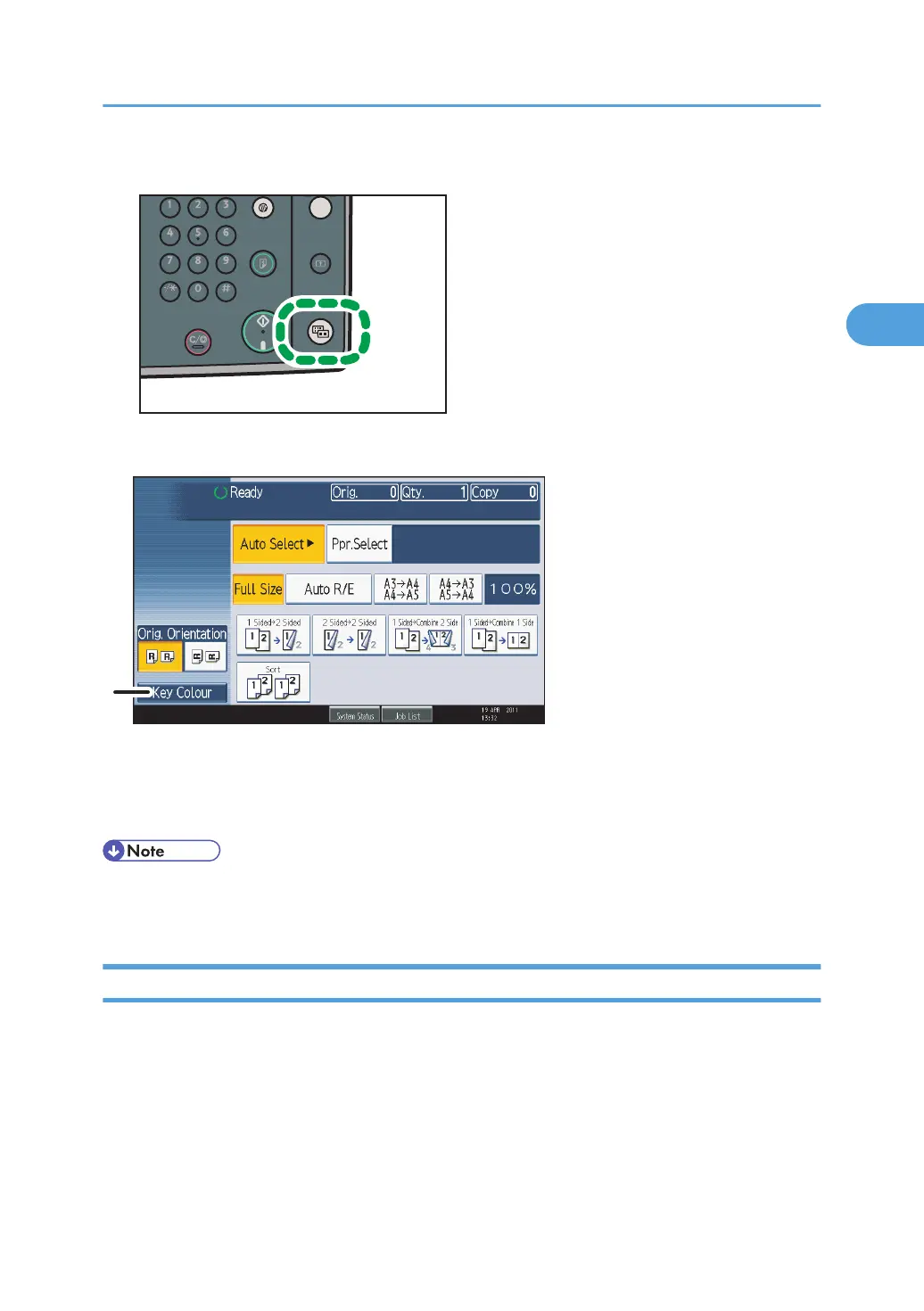
1. Press the [Simplified Display] key.
This illustration shows the copier function's simplified display.
1. [Key Colour]
Press to increase screen contrast by changing the color of the keys.
This is available only for the simplified display.
• To return to the initial display, press the [Simplified Display] key again.
•
Certain keys do not appear on the simplified display.
Changing the Display Language
You can change the language used on the display. English is set as default.
Display Panel
41



 To Next Page