4. Changing/Confirming
Communication Information
This section explains the features of [Change TX / Info], which you can use to confirm communication
results on the screen or printed reports.
Changing the Settings of Files in Memory
After you have pressed the [Start] key (after scanning originals), you can check and edit the destination
or settings of Memory Transmission. You can also cancel a transmission, change the settings of a
transmission, print a stored file, print a list of stored files, and resend a file which the machine failed to
transmit.
• If the "No transmission files found." message appears on the screen after you press [Check / Stop
Transmission File], no files are being stored or sent by Memory Transmission.
• You cannot view or edit files that are in the process of being sent, files sent by LAN-Fax, or files
saved for printing as reports.
• There are cases when a destination may not be selected as the destination appears as “ ”,
depending on the security settings.
Deleting a Destination from a Broadcast
You can delete selected broadcasting destinations.
• If you delete a destination that is the only destination for a transmission, the transmission is
canceled.
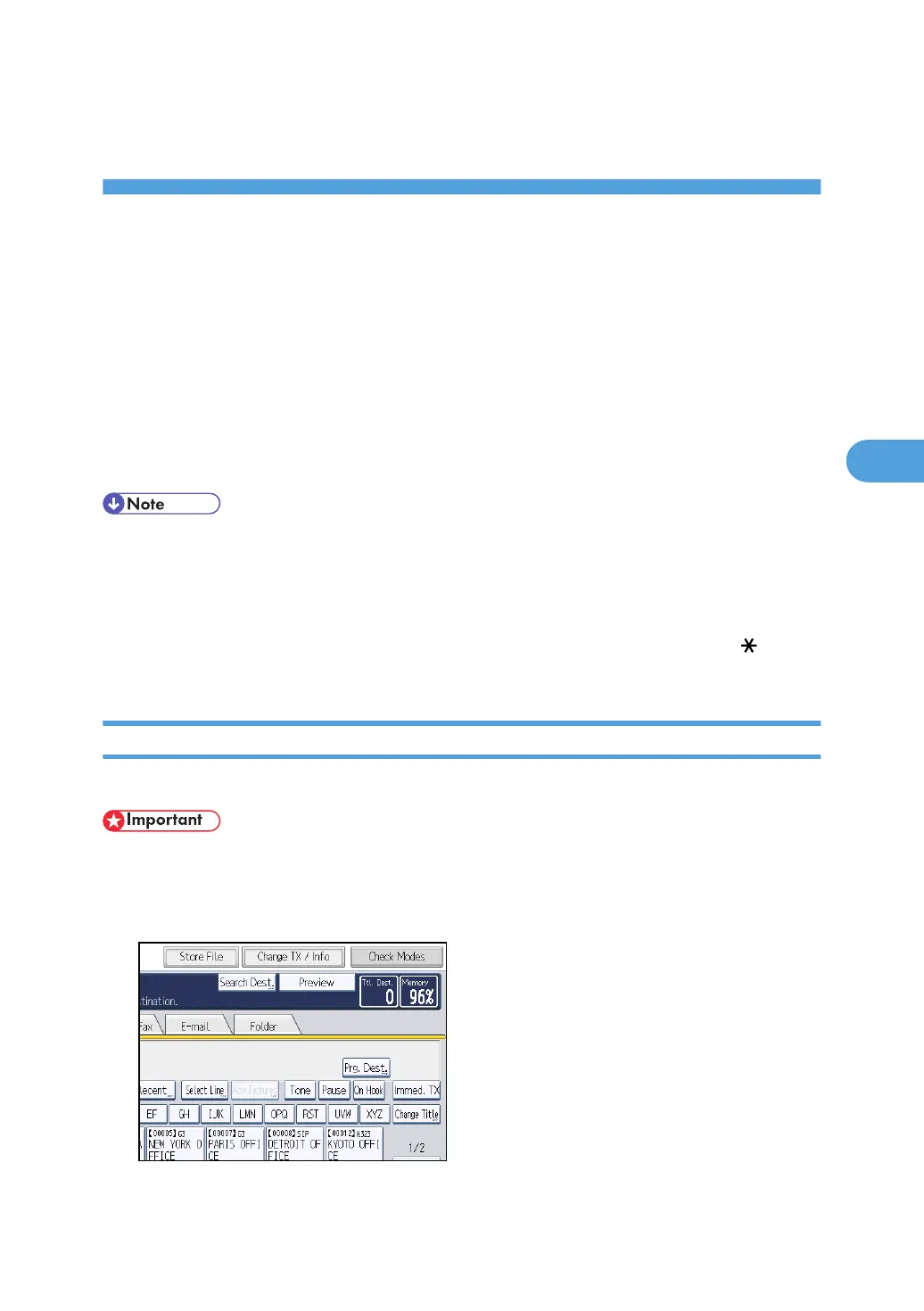
1. Press [Change TX / Info].
239



 To Next Page