5. Storing a Document
This section explains storing and managing documents in the Document Server.
Sending a Stored File
This section describes how to store and manage fax documents in the Document Server.
The Document Server can store documents from various applications.
The documents that are stored using the facsimile function are available to transmit by facsimile.
Storing in the Document Server enables the following:
• Once stored, a document can be sent out as many times as you want, just by selecting it.
• Storing a document does not use facsimile memory.
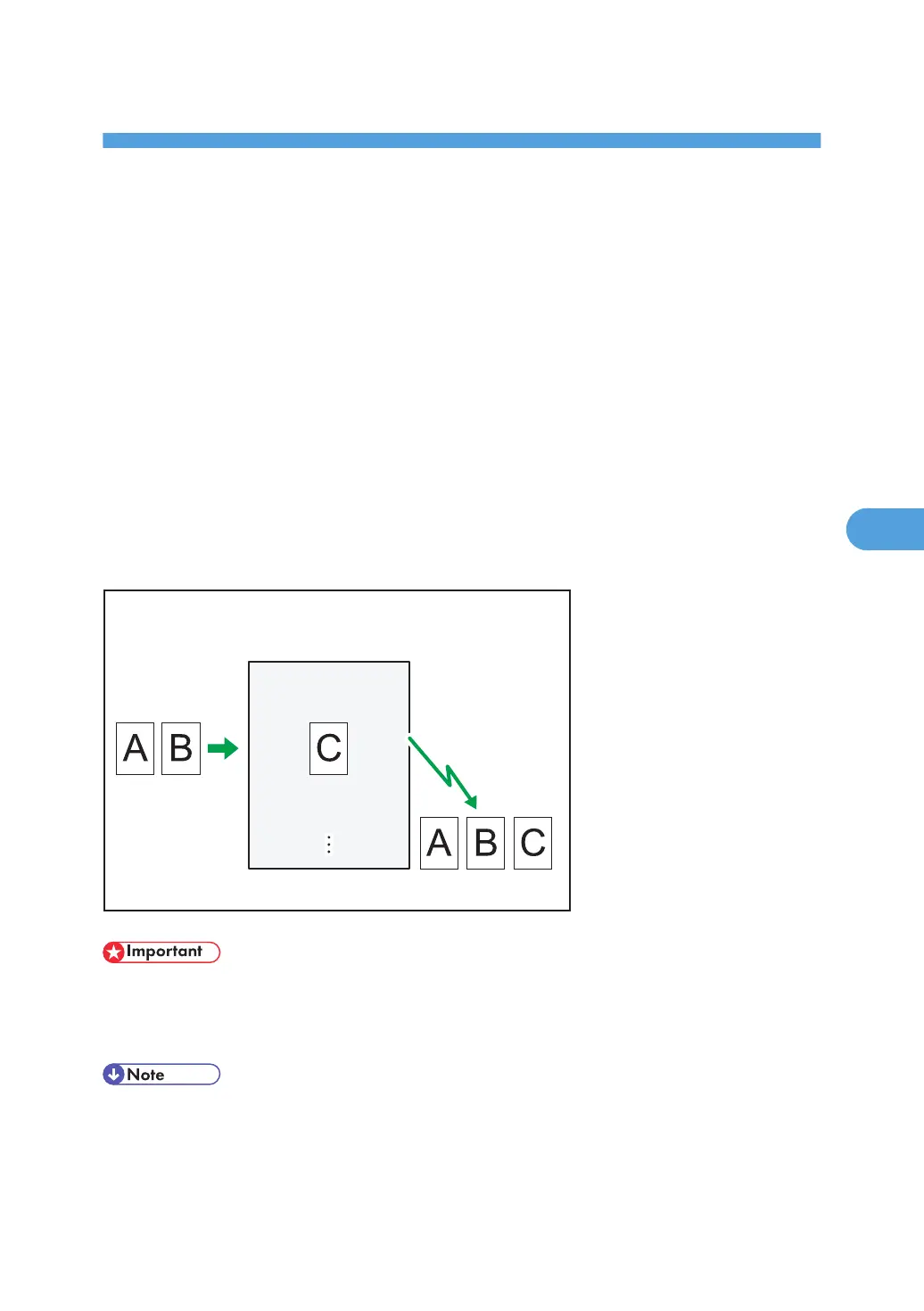
You can send and print multiple stored documents as a single document, and also send them with
scanned originals at the same time. Follow the instructions under [Select Stored File] when sending or
printing stored documents.
This machine
Document ServerDocument Server
(Original + stored file)
BZR048
• To use this function, the optional HDD unit is required.
• Data stored in the machine can be lost if there is an error on the machine's hard disk. The
manufacturer is not responsible for any damage that might result from the loss of data.
• Stored documents are not deleted even if there is a power failure, or the main power switch is
turned off.
• You can specify whether or not the machine automatically deletes documents from the Document
Server after a certain number of days. You can change this setting using “Auto Delete File in
297



 To Next Page