Programs
You can register frequently used settings in the machine memory and recall them for future use.
• You can register up to 10 programs for the scanner mode.
•
Programs are not deleted by turning the power off or by pressing the [Clear Modes] key unless the
content is deleted or newly registered.
• The following settings can be registered to programs: Scan Settings, 1 Sided/2 Sided Original,
Mix 1 & 2 Sided, Top to Top/Top to Bottom, 1 Side/2 Sides for the Last Page, Divide, Original
Orientation, File Type, Stamp, Batch/SADF, Store File, Preview, Reception Notice, and Security
(E-mail Encryption and Signature).
• Setting made on the simplified display cannot be registered to a program.
Registering Frequently Used Settings
To register frequently used settings in a program:
1. On the initial scanner screen, make the settings you want to register in a program.
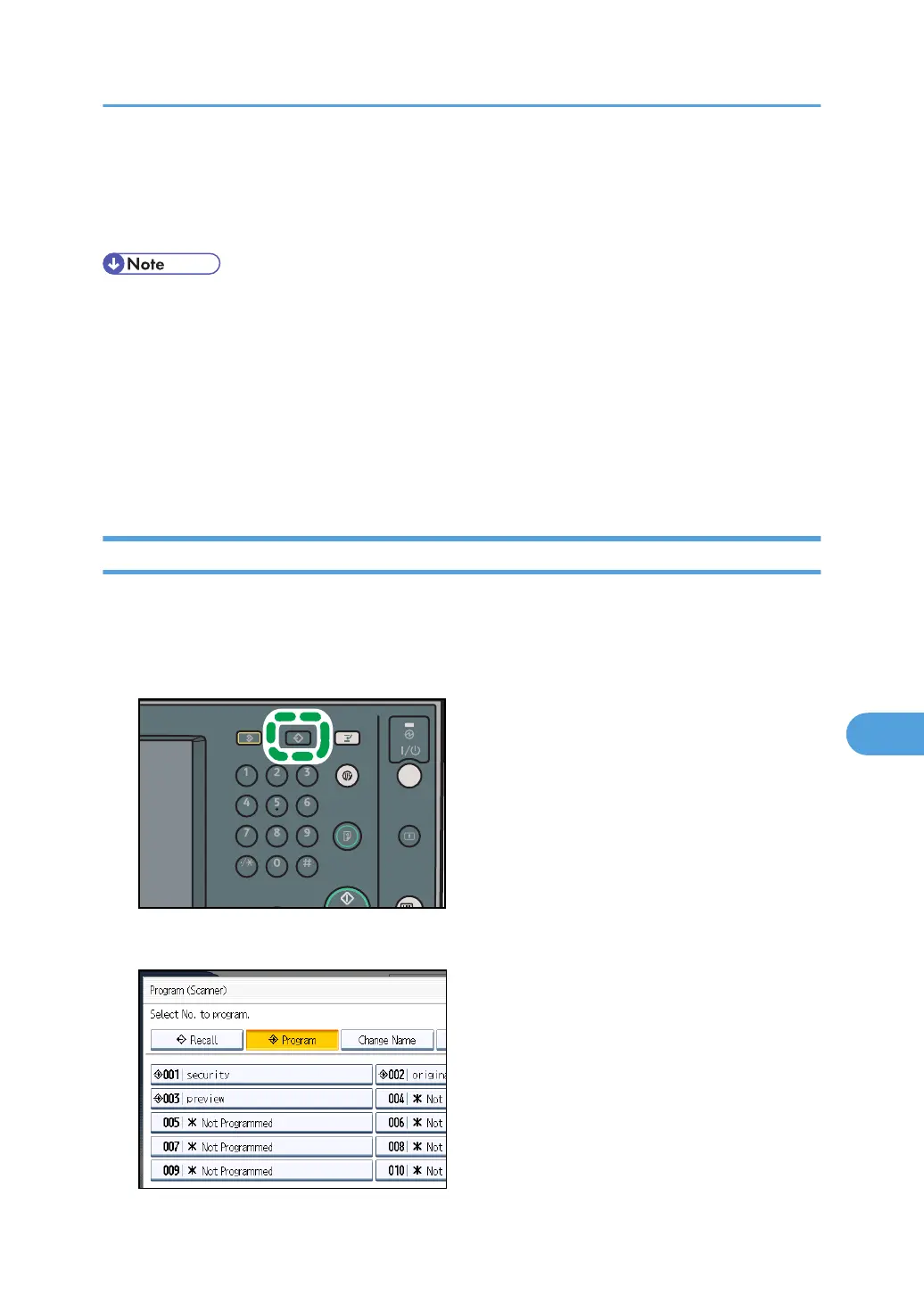
2. Press the [Program] key.
3. Press [Program].
Programs
193



 To Next Page