Printing from the Jobs Per User ID Screen
This describes how to print the files saved in the machine from the user ID screen.
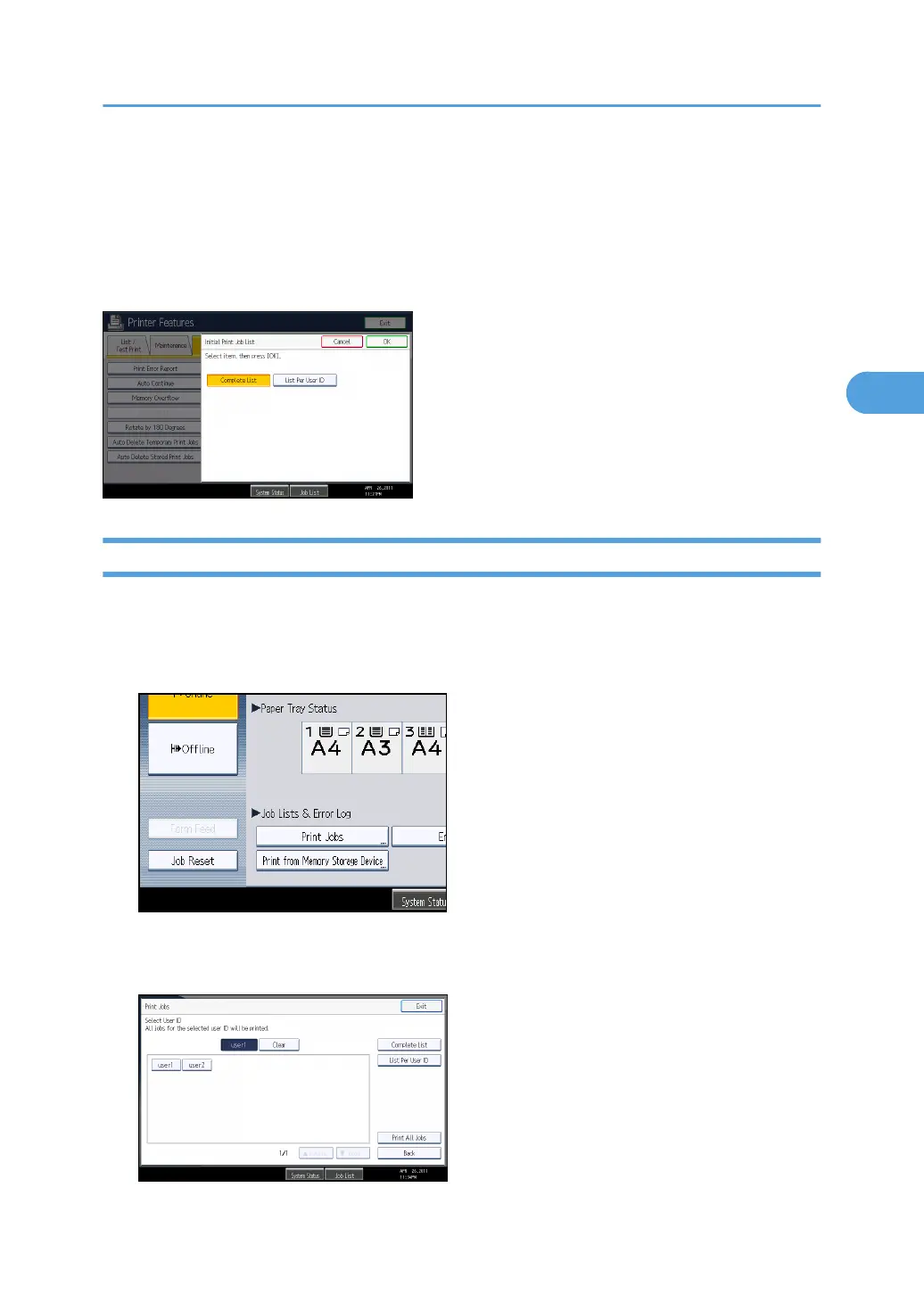
In the [Initial Print Job List] settings on the [System] tab under [Printer Features], the [Complete List] or the
[List Per User ID] screen appears depending on which list type you selected.
Printing the Selected Print Job
1. Press the [Printer] key.
The printer screen appears.
2. On the printer screen, press [Print Jobs].
A list of user IDs whose files are stored in the machine appears.
3. Press the user ID whose file you want to print.
Printing from the Jobs Per User ID Screen
125



 To Next Page