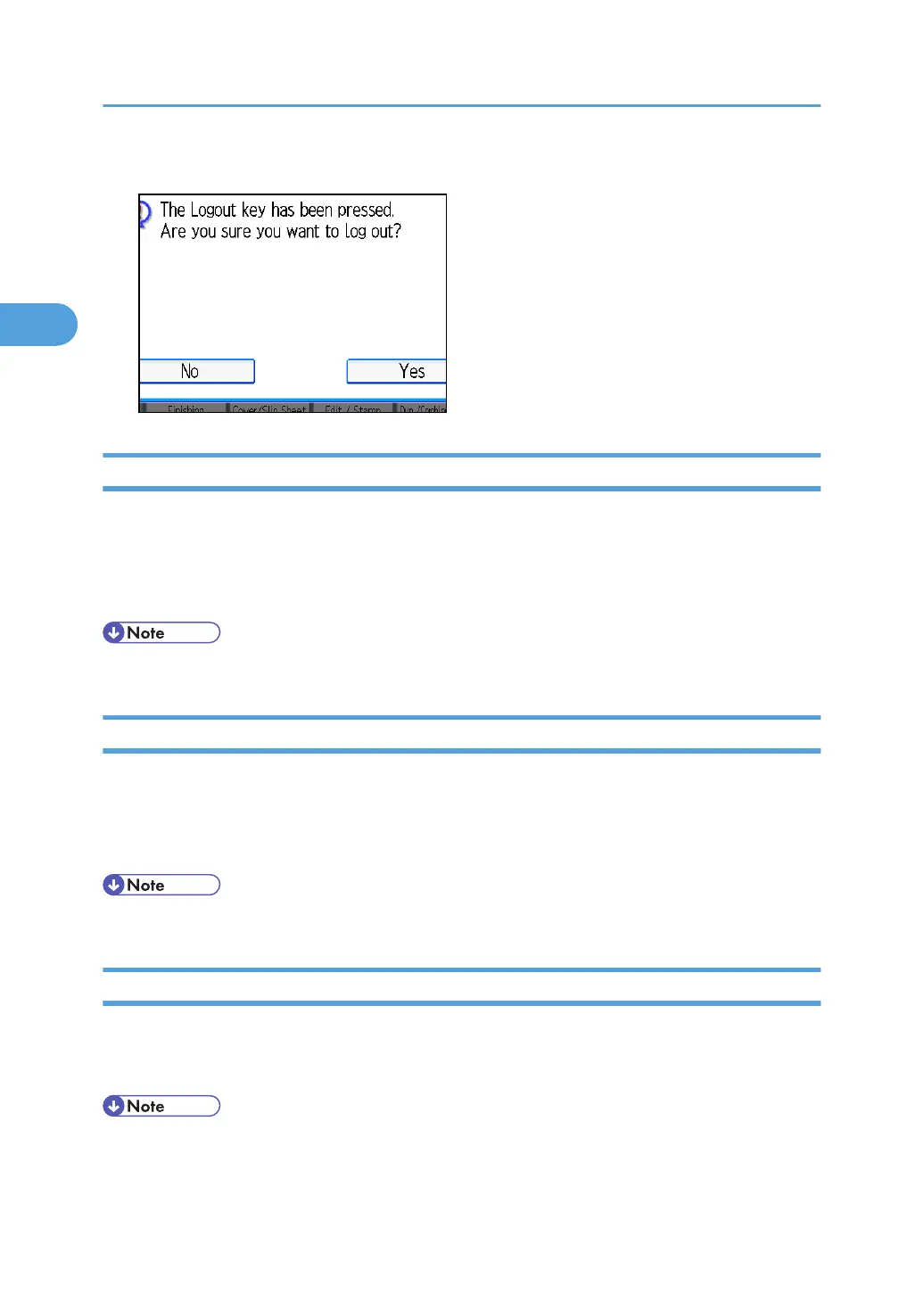
2. Press [Yes].
Login (Using a Printer Driver)
This section explains the procedure for logging in to the machine using a printer driver.
If Basic Authentication, Windows Authentication, LDAP Authentication, or Integration Server
Authentication is active, make encryption settings in the printer properties of the printer driver, and then
specify a Login User Name and Login Password. For details, see the printer driver Help.
• When logged in using a printer driver, you do not have to log out.
Login (Using Web Image Monitor)
This section explains the procedure for logging in to the machine via Web Image Monitor.
1. Click [Login].
2. Enter a Login User Name and Login Password, and then click [Login].
• For User Code Authentication, enter a User Code in [Login User Name], and then click [Login].
Logout (Using Web Image Monitor)
This section explains the procedure for logging out the machine via Web Image Monitor.
1. Click [Logout] to log out.
• Delete the cache memory of a Web browser after logging out.
2. Getting Started
46



 To Next Page