Printing Options
This section explains useful functions for printing received documents.
Print Completion Beep
When this function is turned on, the machine beeps to let you know when a received document is
printed.
• You can alter the volume of the beep or turn it off completely using “Adjust Sound Volume” in the
General Settings (set the volume to the minimum level). See “Adjusting the Volume”,
Troubleshooting.
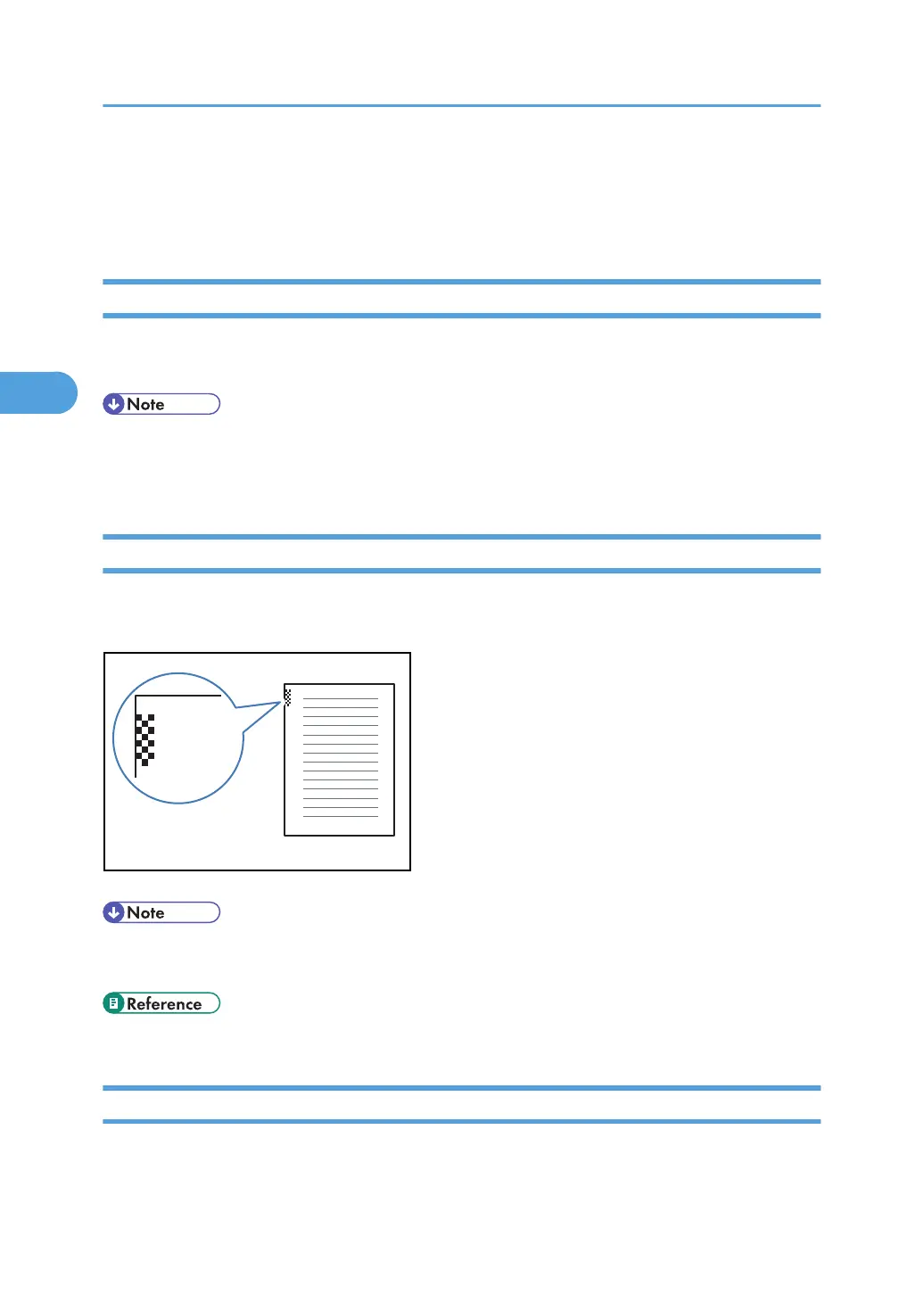
Checkered Mark
When this function is turned on, a Checkered Mark is printed on the first page of fax documents to help
you separate them.
• You can turn this function on or off using Checkered Mark in the Facsimile Features menu. See
“Reception Settings”.
• p.356 "Reception Settings"
Centre Mark
When this function is enabled, marks are printed halfway down the left side and at the top center of
each page received.
3. Reception
224



 To Next Page