• p.294 "Deleting Information Box Documents"
Printing Information Box Documents
This section explains how to print a document stored in an Information Box.
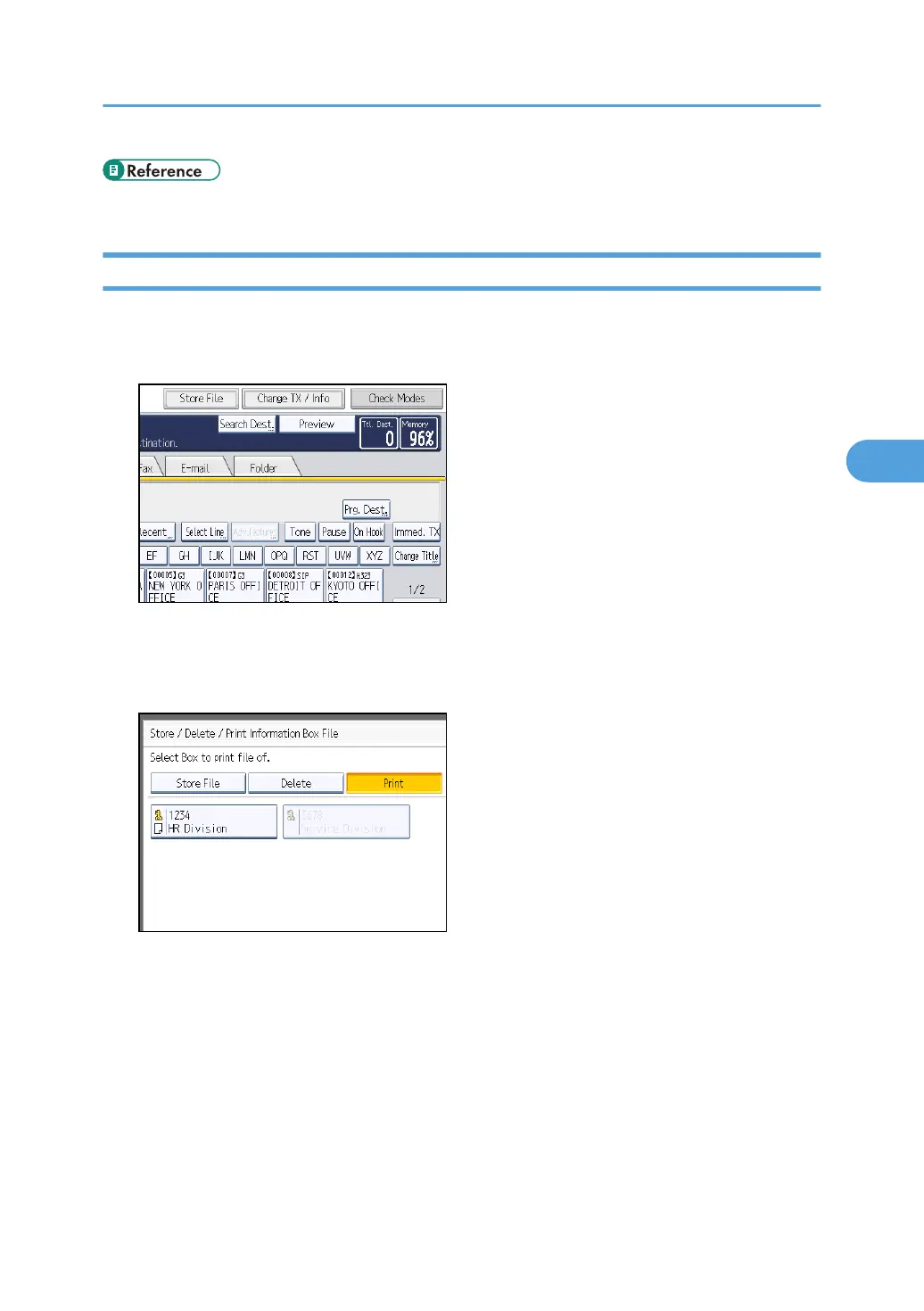
1. Press [Change TX / Info].
2. Press [Store / Delete / Print Information Box File].
3. Press [Print].
4. Select the box that contains the stored file you want to print.
You cannot select a box that has no stored file.
Information Boxes
293



 To Next Page