It can be entered between 0 and 3600 seconds.
Setting login mode for file server
msh> netware login server
Setting login mode for NDS tree
msh> netware login tree
Setting login mode for NDS tree name
msh> netware tree "NDS tree name"
File transfer protocol
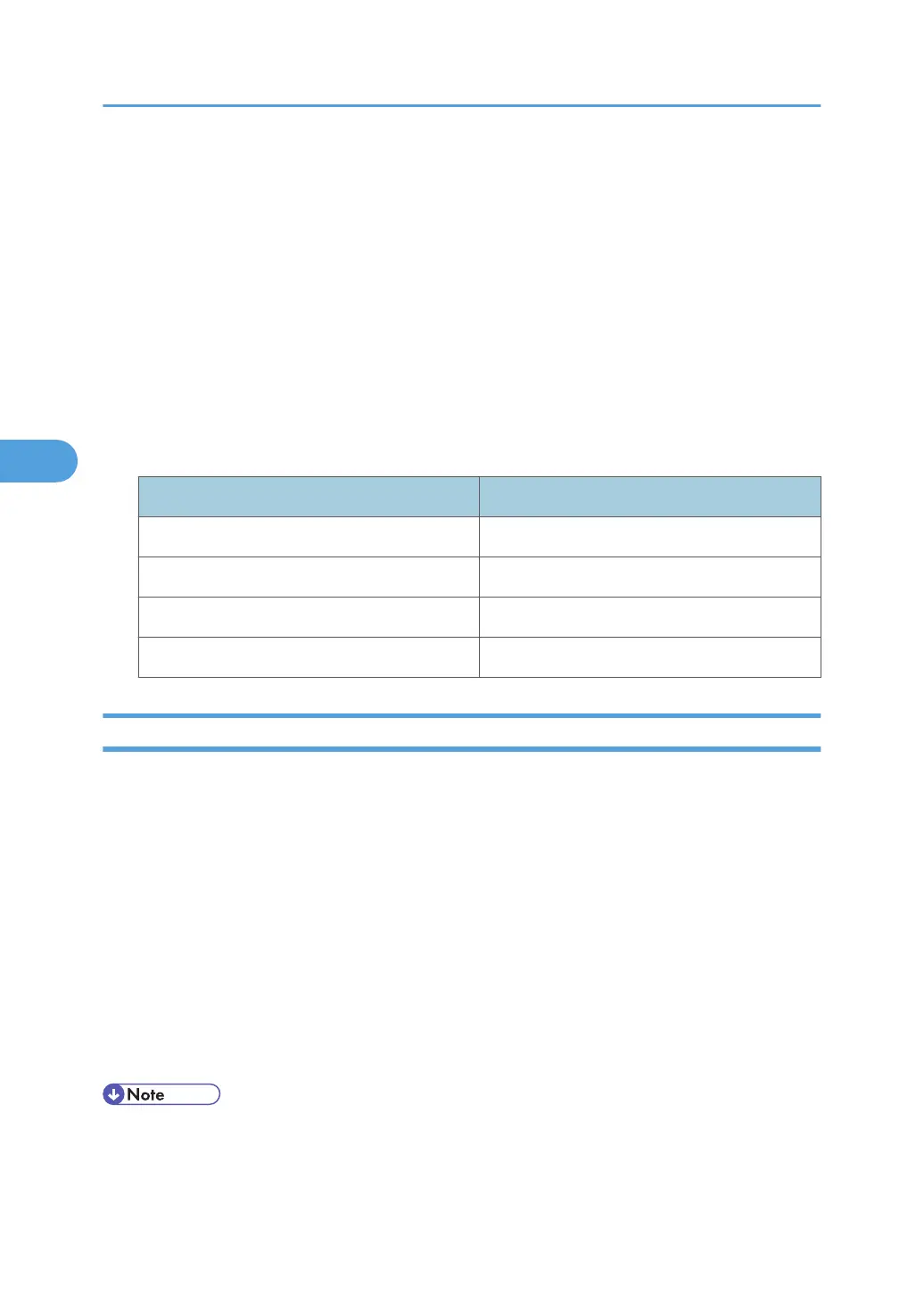
msh> netware trans {ipv4pri|ipxpri|ipv4|ipx}
• If you do not specify the protocol, the current setting is displayed.
Protocol Set Protocol
ipv4pri IPv4+IPX(IPv4)
ipxpri IPv4+IPX(IPX)
ipv4 IPv4
ipx IPX
passwd
Use the "passwd" command to change the remote maintenance password.
Changing the password
msh> passwd
• Enter the current password.
• Enter the new password.
• Renter the new password to confirm it.
Changing the password of the administrators using the Supervisor
msh> passwd {Administrator ID}
• Enter the new password.
• Renter the new password to confirm it.
• Be sure not to forget or lose the password.
•
The password can be entered using up to 32 alphanumeric characters. Passwords are case-
sensitive. For example, "R" is not the same as "r".
4. Monitoring and Configuring the Machine
170



 To Next Page