Messages Cause Solutions
"Administrator Authentication
for User Management must be
set to on before this selection
can be made."
User administrator privileges
have not been enabled in
Administrator Authentication
Management.
To specify Basic Authentication,
Windows Authentication, LDAP
Authentication, or Integration
Server Authentication, you must
first enable user administrator
privileges in Administrator
Authentication Management.
For details about authentication
settings, see "Configuring User
Authentication".
"The selected file(s) contained
file(s) without access privileges.
Only file(s) with access
privileges will be deleted."
You have tried to delete files
without the authority to do so.
Files can be deleted by the file
creator (owner) or file
administrator. To delete a file
which you are not authorized to
delete, contact the file creator
(owner).
• p.39 "Configuring User Authentication"
If an Error Code is Displayed
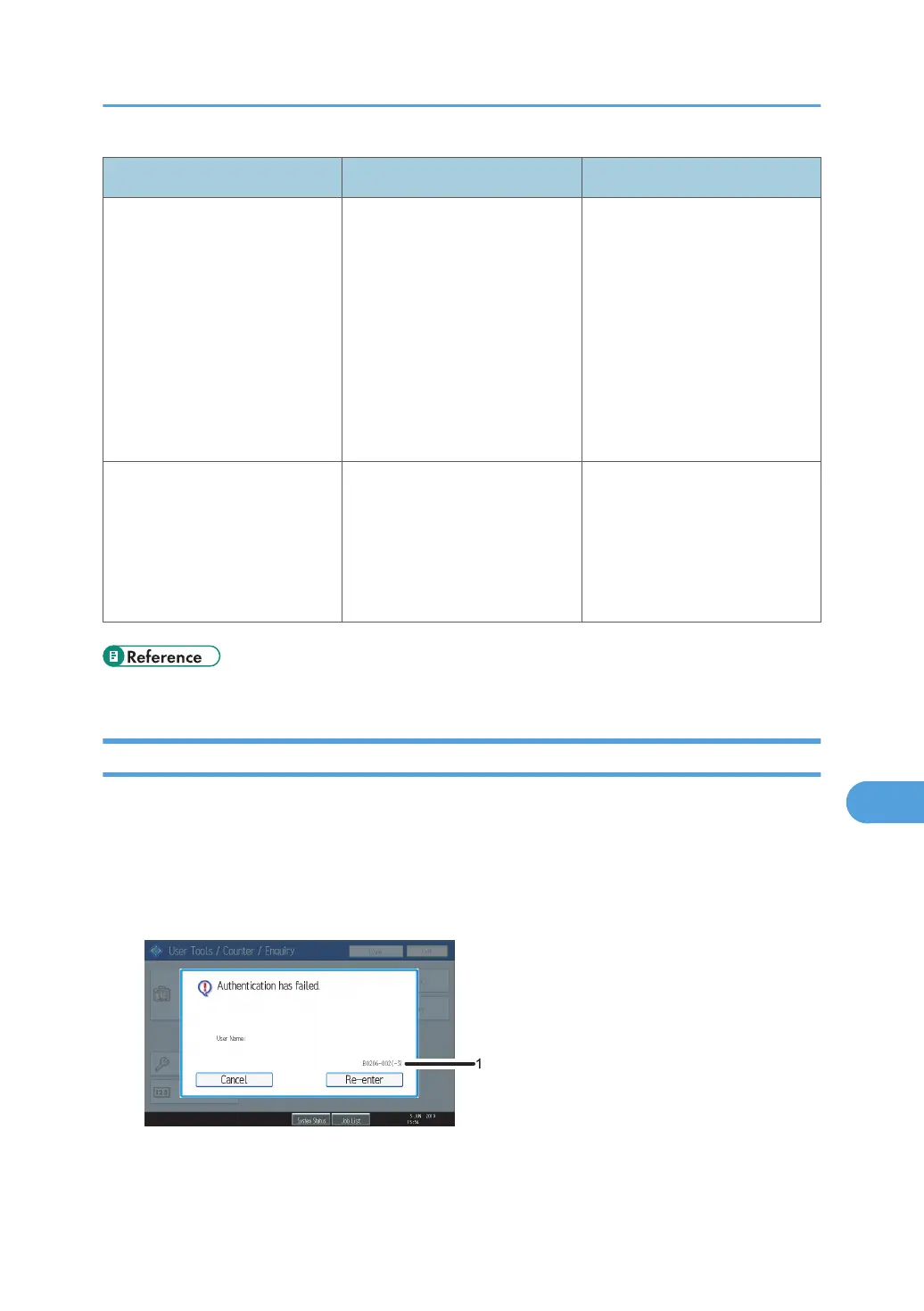
When authentication fails, the message "Authentication has failed." appears with an error code. The
following tables list the error codes, likely causes of the problems they indicate, and what you can do to
resolve those problems. If the error code that appears is not on this table, take a note and contact your
service representative.
Error Code Display Position
If Authentication Fails
279



 To Next Page