• p.156 "Setting SEP Codes for Reception"
•
p.349 "General Settings"
• p.430 "Registering and Changing Keystroke Programs"
Fax Header Print
(mainly Europe and Asia)
When the Fax Header is set to on, the stored name is printed on the receiver's paper.
In some cases, you may want the other party to receive an unmarked copy of your original. To do this,
switch Fax Header off.
You can store two Fax Headers; “First Name” and “Second Name”.
For example, if you store your department name in one and your organization name in the other, you
could use the first when sending internal faxes and the second for external faxes.
1. Place the original, and then select the scan settings you require.
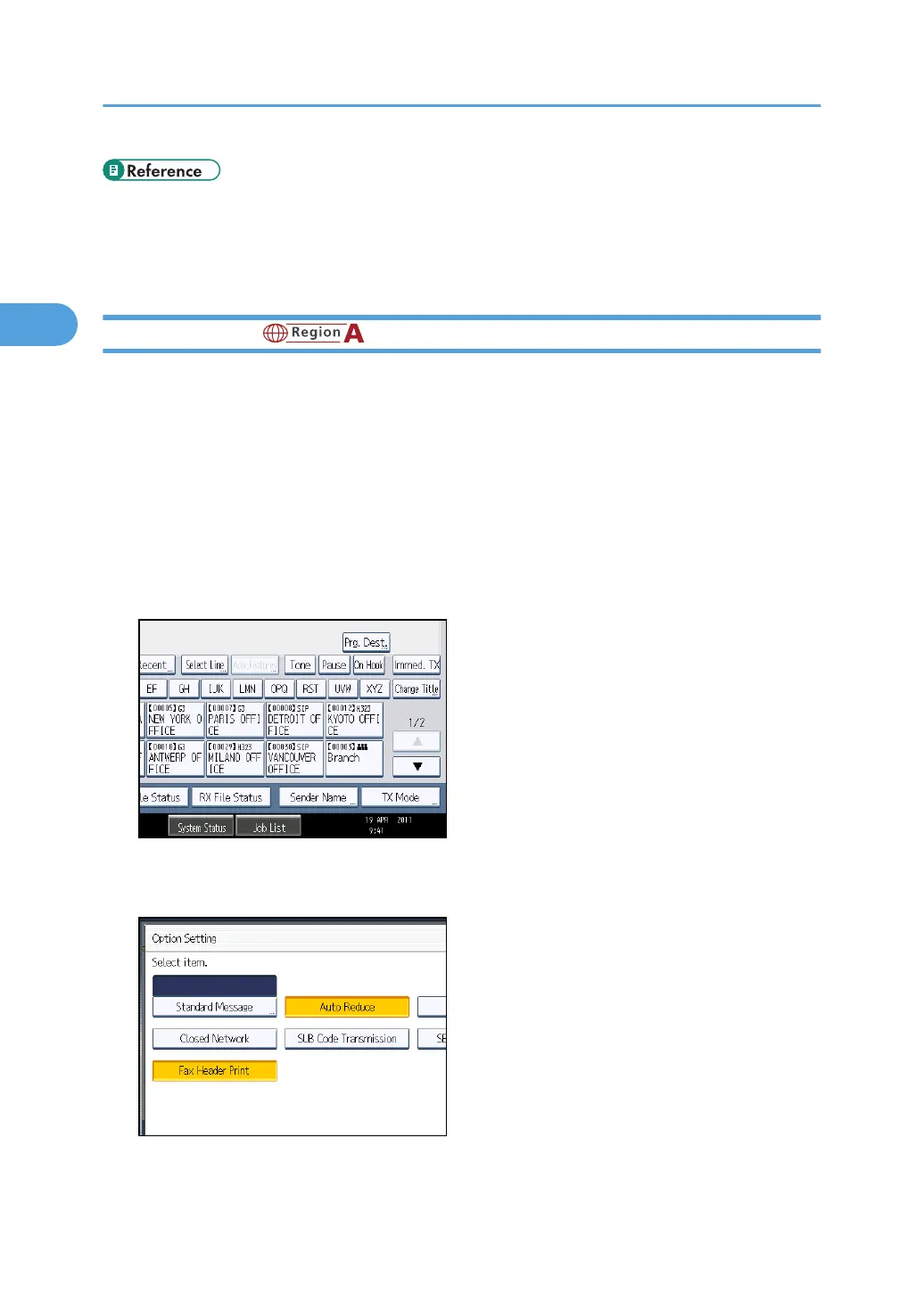
2. Press [TX Mode].
3. Select [Option Setting].
4. Make sure that [Fax Header Print] is highlighted.
To cancel Fax Header Print, press [Fax Header Print] to turn the highlight off.
2. Other Transmission Features
198



 To Next Page